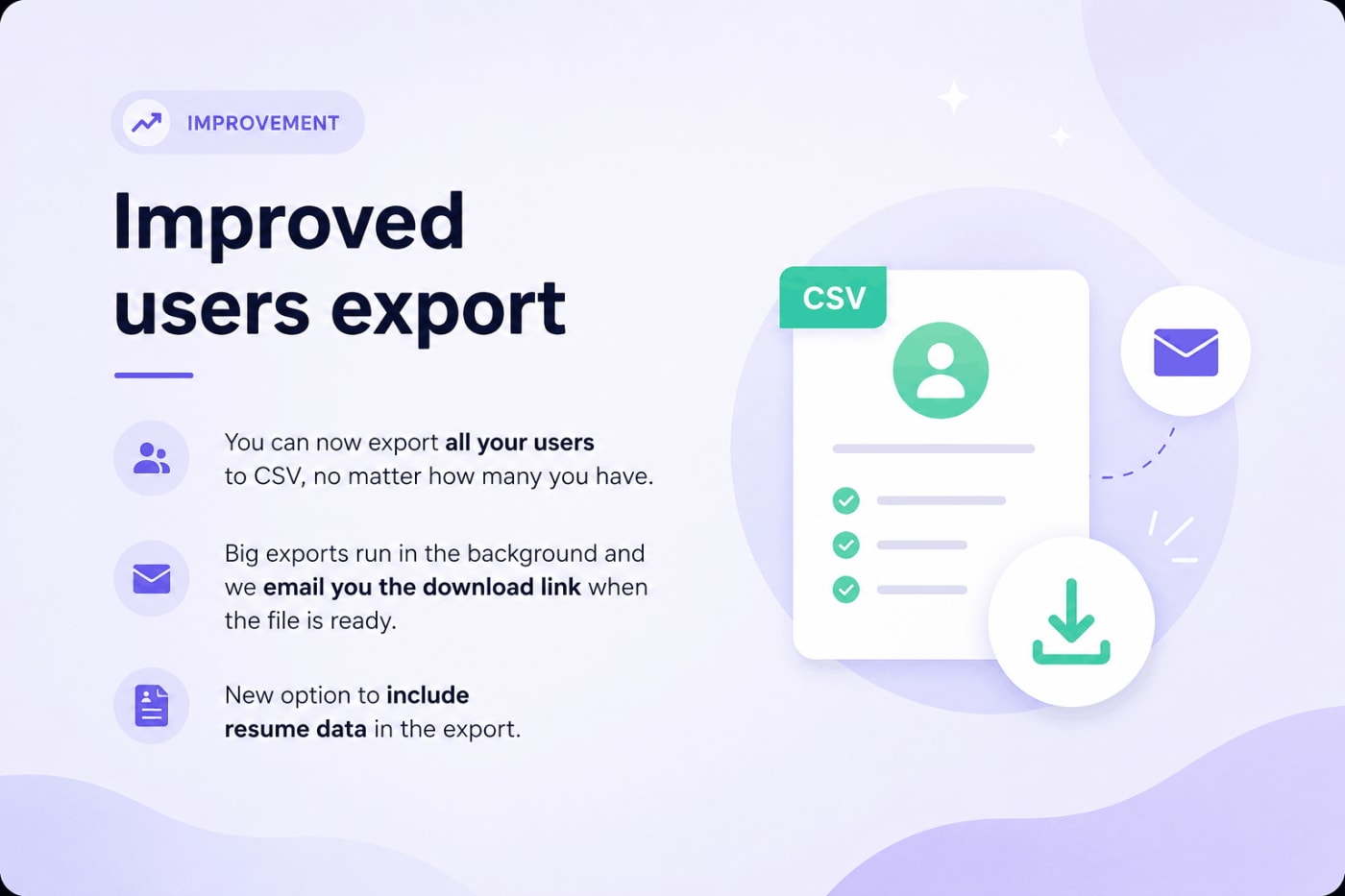
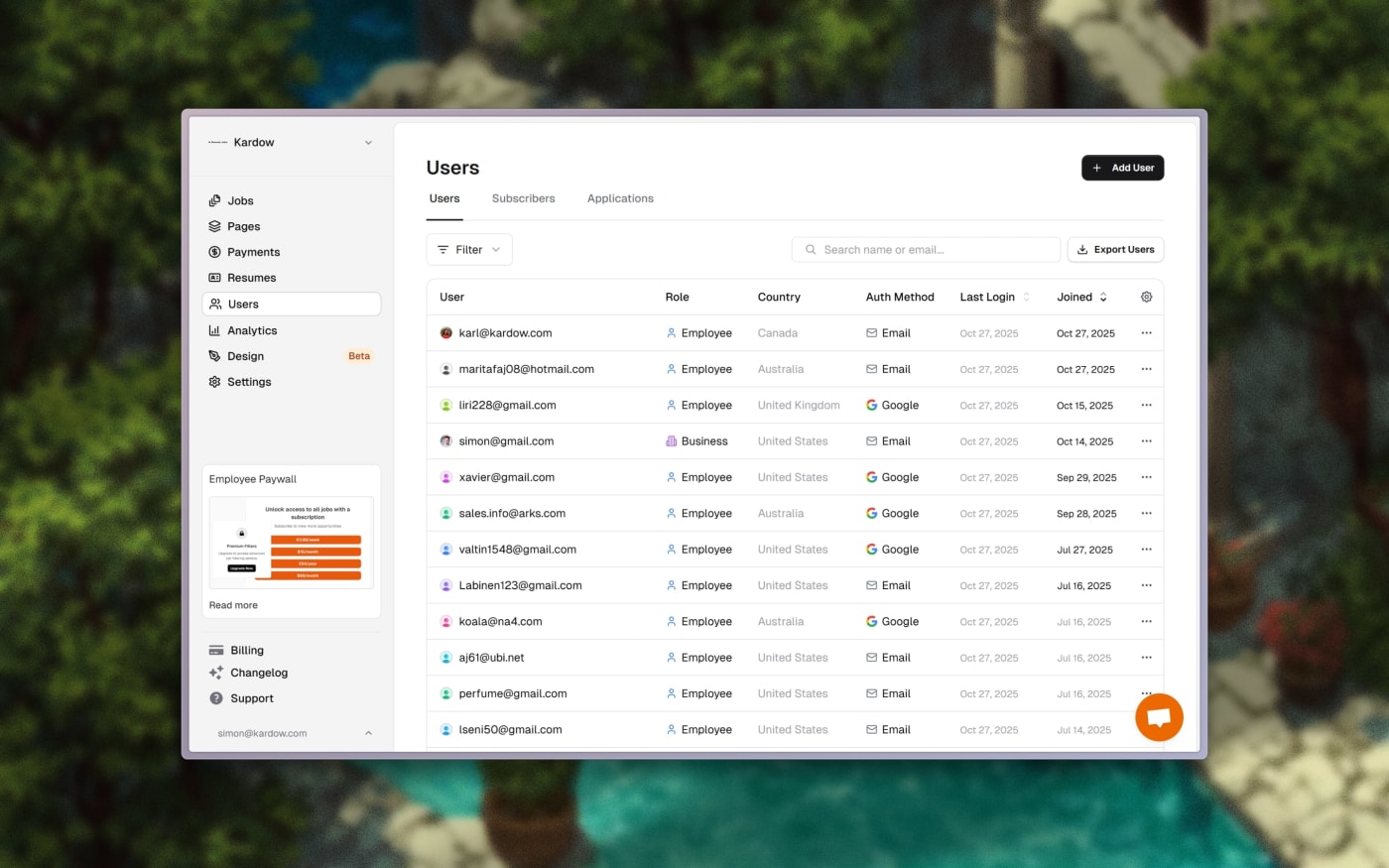
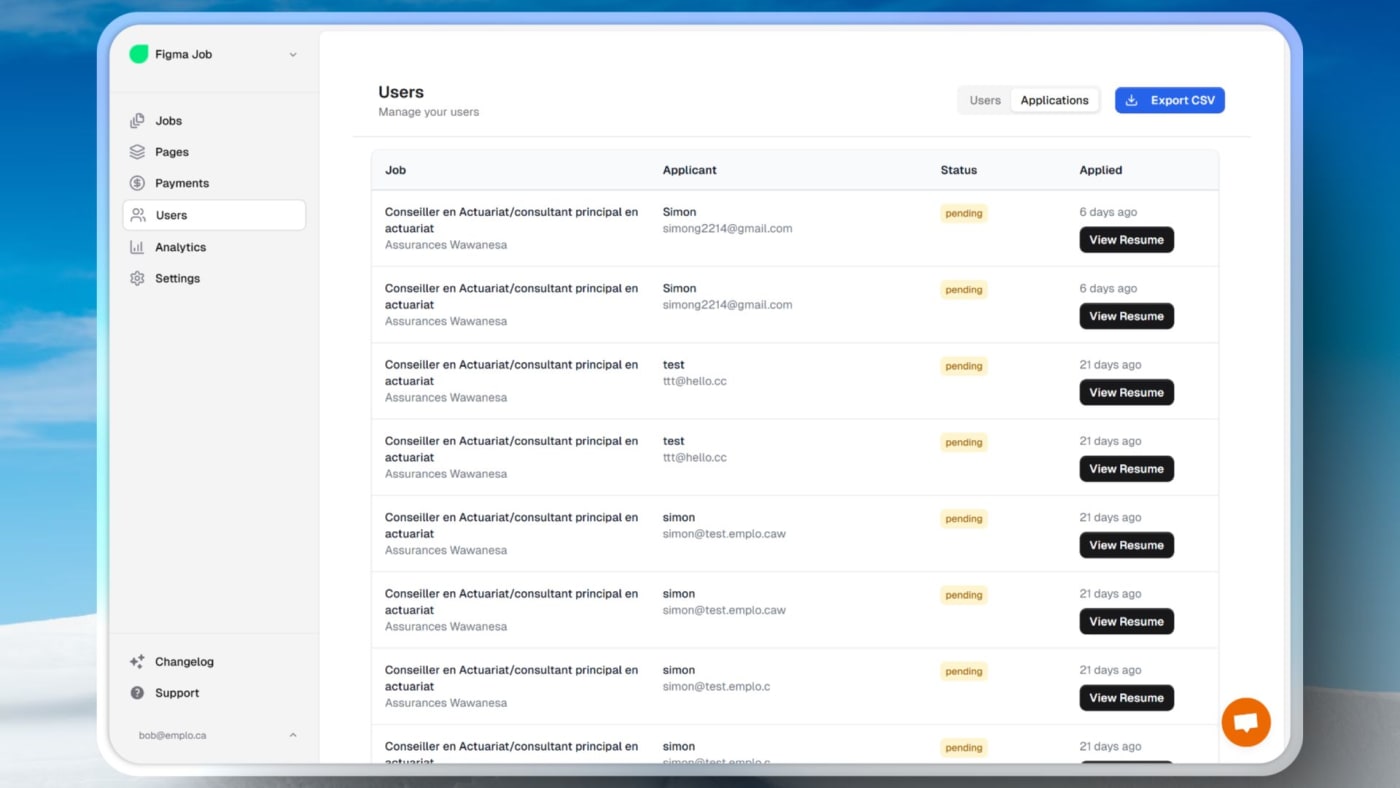
Every users export now runs in the background and the download link is emailed to you when it is ready. The export window shows 'Preparing export' and how many rows have been processed, so you can see it is moving. If something goes wrong it says so instead of hanging.
Pick any city, state or metro in the email audience builder, not just a short fixed list. Choose several places at once and members from any of them are included.
'Greater Boston' is one click. Pick the area within 25 miles, or the wider region within 50 miles, and the surrounding towns come with it.
Search your applicants by more than a name. The applicants search now also matches phone, applicant city and region, job title and company, and names like 'Smith, John' no longer break the table.
Every listing gets a Resources section, taken from the business's own website. Up to three items per listing: a customer story, a report or white paper, and the latest post. They are labelled 'found on their website' and refreshed over time.
Businesses stay in control. In their portal they see what we found and can remove anything they do not want. Listings with nothing yet invite the business to claim them.
A weekly digest for your subscribers. Tick one box in your Directory settings and the newest resources go out to your newsletter subscribers every Monday morning. Nothing new means nothing sent, and the usual unsubscribe rules apply.
A searchable resource library. Visitors can search by topic, title or company.
A paid listing term now starts when the listing goes live, not when it was submitted. A listing that waited in review no longer loses days it paid for. The same goes for the Featured period. It does not apply when the poster picked their own closing date, and imported listings are untouched.
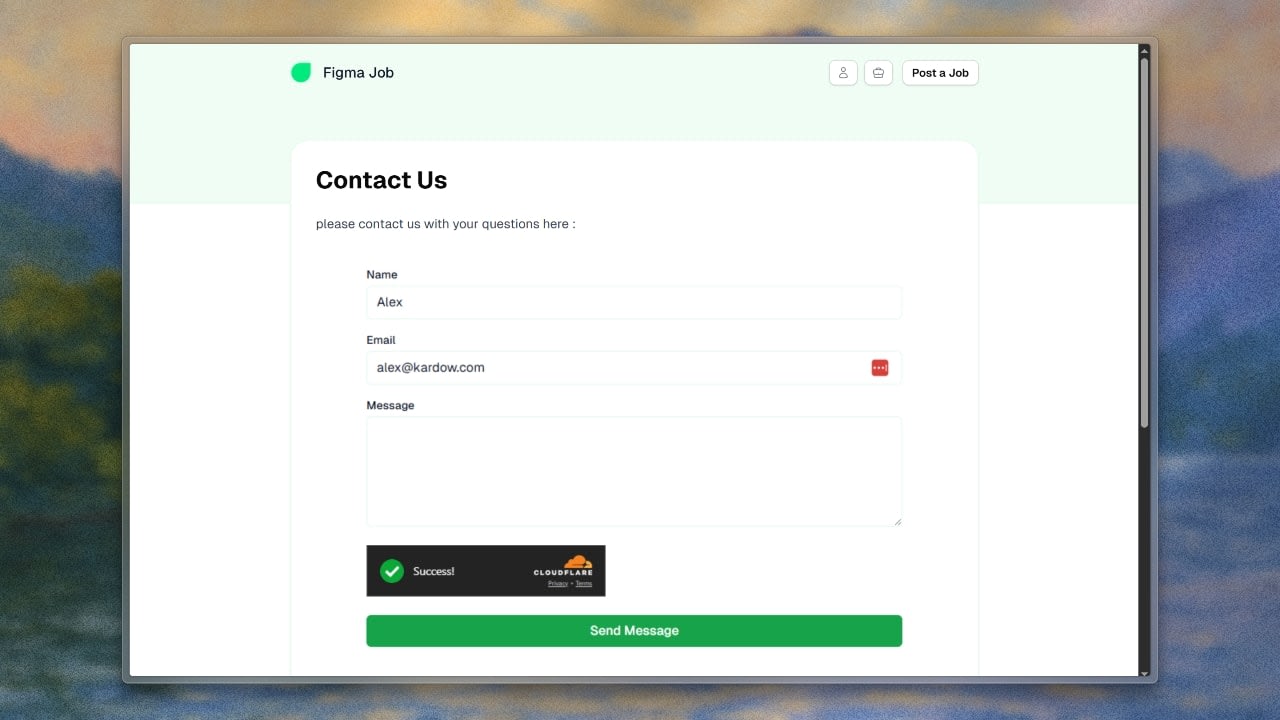
The hosted contact form is easier to fill in. Required fields are marked, mistakes show next to the field, and a summary at the top lists what needs fixing. Email addresses are checked for format.
Switch your header or footer style in one click. Headers come as Classic, Compact or Minimal, and footers as Full, Categories or Slim. Your words and links stay, and switching is a single step you can undo. Footer columns for categories and locations can be turned on or off.
'What you can do here' tips greet you in the side panel, each with a button that starts the action. Hide them once and they stay hidden for that board.
The Add panel is sorted the way you think about a board: Hero and search, Jobs, Companies, Job seekers and alerts, Employers and calls to action, Content, Trust and social, Data and salaries, Media and embeds, Contact, Banners and ads. A section you add arrives already styled.
Text you could not click before is now editable. Headlines that change depending on the page, such as a hero that reads differently in different cases, can be edited directly, not just with the AI.
Publishing is much faster. It used to take around four minutes. Now the editor quietly prepares your next version in the background a little after your last edit, so Publish just checks and switches. With a prepared version your site is live about 30 seconds later, and about two minutes when it has to build from scratch.
You are told the moment you are live, not a minute later, and you can keep editing straight away.
The preview shows the real thing. Once the background version is ready, the editor shows exactly what visitors will get, including new sections, new pages and AI changes, not an approximation. A small label tells you whether you are looking at the live site, a build in progress or the real preview.
Nothing goes live until you press Publish. The background version never touches your live site.
A new Network page under Job Board in your dashboard, marked Beta. It is a searchable catalog of partner jobs you can show on your board.
See what each job earns you. Your earnings per click or per completed application are shown on every job. Filter by state or province, company, a minimum amount you earn, and sort by newest or best paying.
See what is already on your board and which jobs Kardow suggests for it. The suggestions load instantly and refresh in the background.
Network earnings has its own entry under Payments, with an estimate of what clicks on partner jobs have earned until the partner statement arrives.
Cleaner partner jobs. Duplicates are removed, town matching is exact, descriptions are laid out with headings and lists, and company logos come along.
Search your board from ChatGPT. A ChatGPT plugin panel lets people search your board's jobs from the assistant.
Visitors can ask for what they need in plain words and get a shortlist of listings that fit, instead of browsing every category.
A Directory section in your dashboard with a 'Waiting on you' list: businesses claiming their listing and content waiting for your review. You also see how many leads and questions came in over the last 30 days.
Teach the search with your own expertise. See what buyers asked, add your own recommendations or 'steer away' notes, and watch an accuracy score.
Set your own rules. Choose how much a free listing can publish, whether leads are visible, and what paid plans unlock, such as sponsored placement. Anything internal or members only stays hidden from anonymous visitors.
Make the search box yours with your own title and description, or turn smart search off.
Visitors keep their shortlist when they open a profile and come back, and they see progress while it works. There is a daily limit on smart searches per board, and visitors are told to try again tomorrow if it is reached.
Imported descriptions are easy to read. Long walls of text are laid out with headings, lists and label and value rows. No words are changed.
Listings expire on their own deadline. An imported listing that states a closing date, such as a tender's submission deadline, now expires then instead of after the default 30 days. A stated date never extends a listing, and listings posted by employers are untouched.
Jobs get a more precise workplace, from the posting's own address when there is one, and the pin lands on the site.
A trial card in your dashboard shows which day of your trial you are on, with a progress bar and an Upgrade button.
A Current plan card on Settings, Subscription shows your plan and takes you to the billing portal to change plan, update your card, see invoices or cancel.
A Billing shortcut in the sidebar opens the same portal.
The review request waits until your board is at least 14 days old, so it asks once you have something to review.
Team only fields. Custom fields have a new 'Ask employers on the public form' checkbox. Untick it and the field is only for your team, for example to note where an imported listing came from.
One board, several kinds of listing. Add Jobs, Tenders, Consultancies or anything your market needs. Each type has its own name, web address, wording for applying and deadlines, and its own fields.
Set it up in Settings, Forms. The sidebar gets a link per type and visitors see tabs for them. Boards that do nothing stay exactly as they are, with jobs as the default.
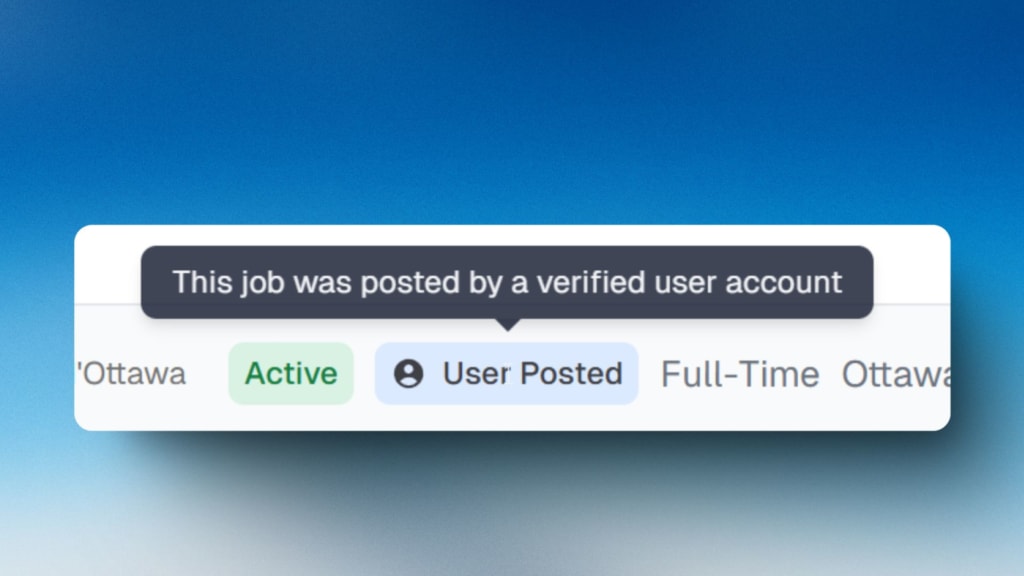
Show who put a listing there. Mark listings as official employer listings or sourced by you, and let visitors filter by it.
Filter on your own fields. Custom fields can be used as filters on the public jobs page.
Documents on listings. Add a file upload field to the form and the files show on the listing page, with a button to download them all.
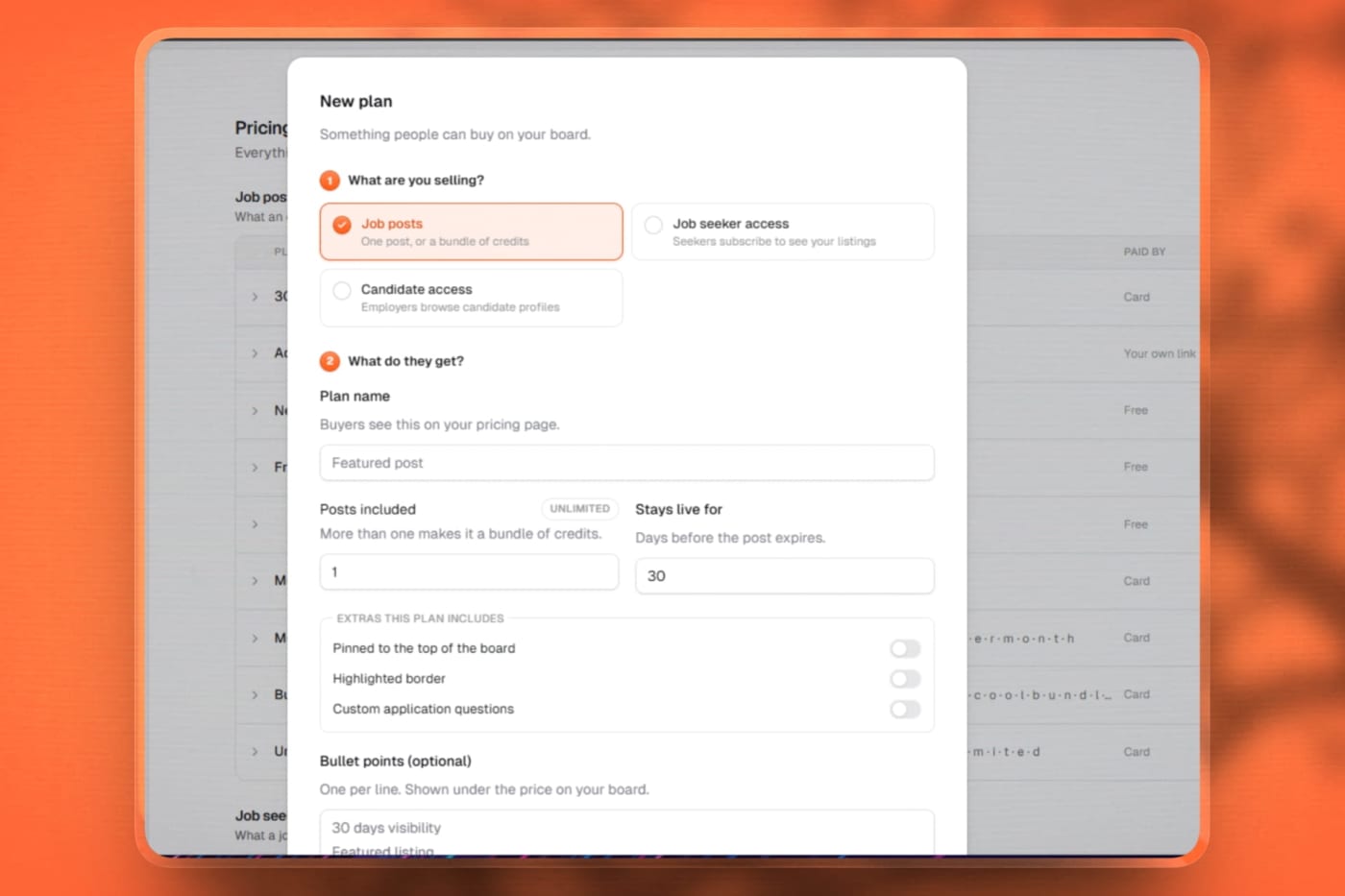
Sell packages before posting. Turn on one switch and a buyer can purchase a pack of job posts without posting a job first. They pay, land on a confirmation page and the posts are credited to their account.
Invoices and payment links work too. An order can wait for you to click Mark paid, or Add the posts now. Refunds and failed payments take unused posts back.
Share links with readable names, such as your board's address followed by /buy/5-job-posts, to paste into a campaign email.
A Buy more section on the employer billing page lists the plans they can buy in one click.
Chat with an AI editor. A panel next to your preview lets you describe a change and watch it appear on the page without waiting for a build. The conversation is still there when you reload.
Version history, like in a shared document. A clock in the top bar lists every saved version, who made it and what changed. Restore any of them or undo a change. Nothing is destroyed, because a restore is itself a version.
The Add user dialog asks for the board's own sign up fields for the role you choose, including document uploads. Required fields are enforced.
Edit user shows a notice when required fields are missing.
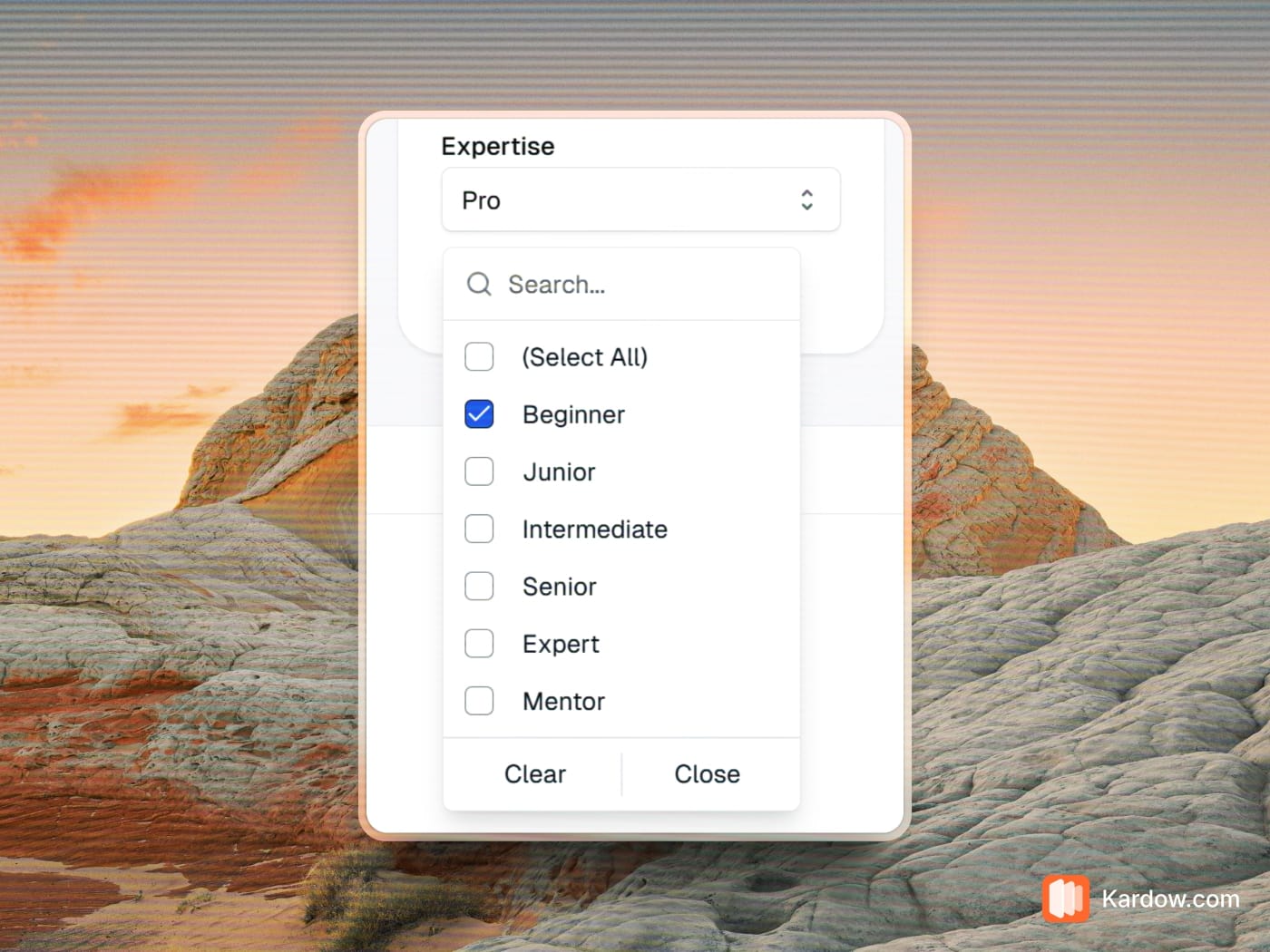
Sections have settings. Click a library section such as testimonials or video and a form appears in the side panel, with lists filled from your own categories, locations and job types.
Clicks teach the alerts. When a member clicks a job in an alert or welcome email, or taps an answer in the welcome email, their interests are filled in for them. It only fills in what is empty and never overwrites their choices.
Welcome emails go out in careful waves with the board's own digest, starting small and growing, and they pause on their own if bounces or spam reports go up.
Kardow is on the App Store and on Google Play. Free with every plan, signed in with the account you already have. Get it here, or scan the code in the sidebar of your dashboard.
The point of it is push notifications. A job board does not tell you when it needs you. Until now the only way to find out that an employer was waiting on approval, or that a post had been paid for, was to check your emails or open the dashboard. Your phone now tells you.
A job was posted. Whether an employer submitted it or your scraper pulled it in, you hear about it as it lands.
Someone is waiting on you. Employer and candidate accounts that need approving reach you straight away, rather than sitting in a queue until you next sign in. On most boards this is the alert that pays for itself, because an employer who waits two days for approval usually does not come back.
You got paid. A payment for a job post, a directory listing or a plan pings your phone as it clears.
A message came in. Chat from the people using your board, answered from wherever you are.
Each of those is its own switch. Take the payment alerts and leave the rest if that is what you want. Turn a category off and it stops, on that device, straight away.
It is not a notifications app with a dashboard bolted on. Jobs, users, payments and chat are all there: approve an account, post or edit a job, read what someone applied with, see what came in this week. Tapping a notification opens the exact thing it is about, not the home screen.
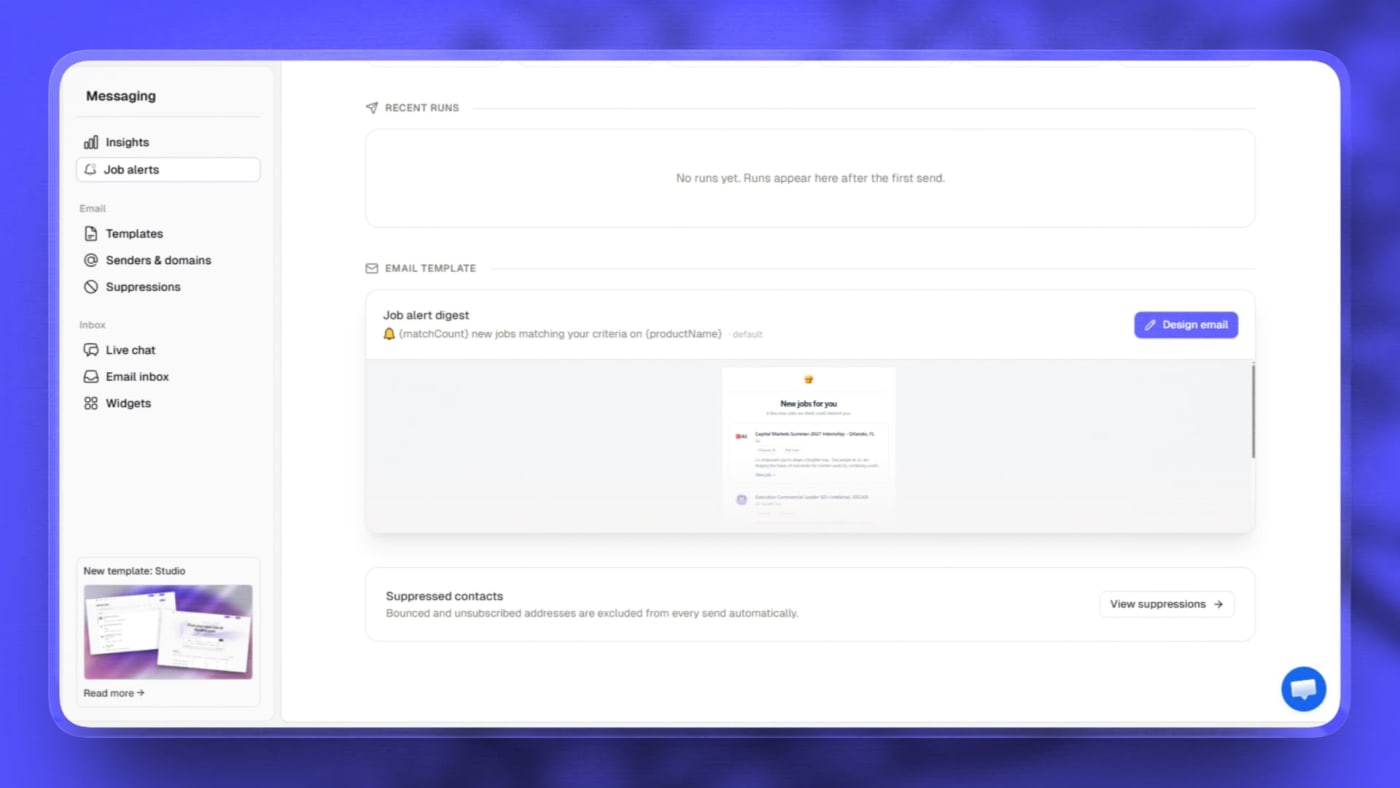
The alert email is yours to design, and the preview is the real email. Set your colors, logo, font, corner style, card layout and subject line in one place. What you see in the editor is exactly what lands in the inbox, because the preview and the real send are now the same thing. Before this you could spend an afternoon on a template the sender never used.
Alerts can follow a salary floor. A member can ask to only hear about roles paying at least a certain amount. Jobs that do not publish a salary still come through, so nobody misses a good role over a blank field.
Alerts can follow keywords. Someone chasing "night shift" or "bilingual" gets those roles instead of everything in a category.
Edit any member's alert settings yourself. Open a user in your Users list and set whether alerts are on, how often, what they cover and their salary floor, without asking them to log in and go find it.
Set a ceiling for the whole board. Choose the most often anyone should hear from you, and the page shows what that works out to per month. Members who asked for less keep their own setting.
Send yourself a test before anything goes out, and see every run that has gone: how many were sent, whether it completed, and what failed.
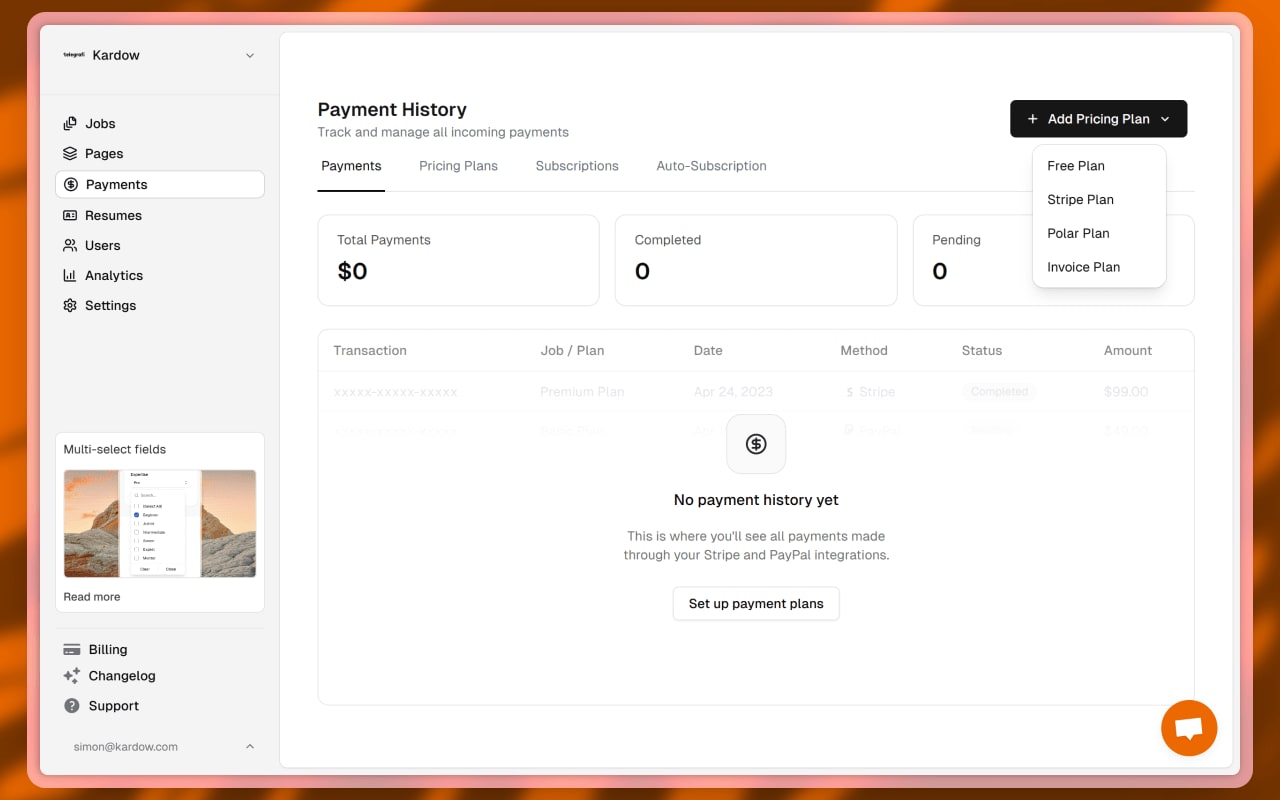
Nine tabs became four sections, named after what you are trying to find out rather than how the system is built. Money is what came in and what is owed. Catalogue is everything your board sells. Customers is who is buying and what they hold. Setup is the handful of things you configure once and forget.
A real revenue figure. The old payments tab showed zero no matter what you had earned, and its first column was a truncated payment id. You now get real totals, the buyer, the company, the job it paid for, and search.
An "awaiting payment" queue, which never existed. See who owes you, why their job is not live, and mark a payment as paid right there, on one row or on fifty at once. Invoicing a customer no longer leaves their job stuck until you go and change its status by hand.
Send a buyer back to finish paying. When someone abandons checkout their job sits unpaid forever. You can now reopen that same checkout and let them complete it.
One list of everything you sell, grouped by what it is rather than by which provider takes the money. Job posts, paywall access, directory listings and talent access all read as one catalogue, and each group shows what it has actually earned, so you can see where your money comes from before reading a single row.
Invoice billed subscriptions stop getting stuck. When the money moves outside Kardow there is no receipt coming to switch the subscription on, so those sat pending and granted nothing while the customer was already paid up. They now show as their own queue you can activate in a click.
Every way your board can earn, in one place. A Kardow board can sell four different things, and three of them lived behind tabs most owners never opened. They are now listed out, on or off, each explained in a sentence, with a switch.
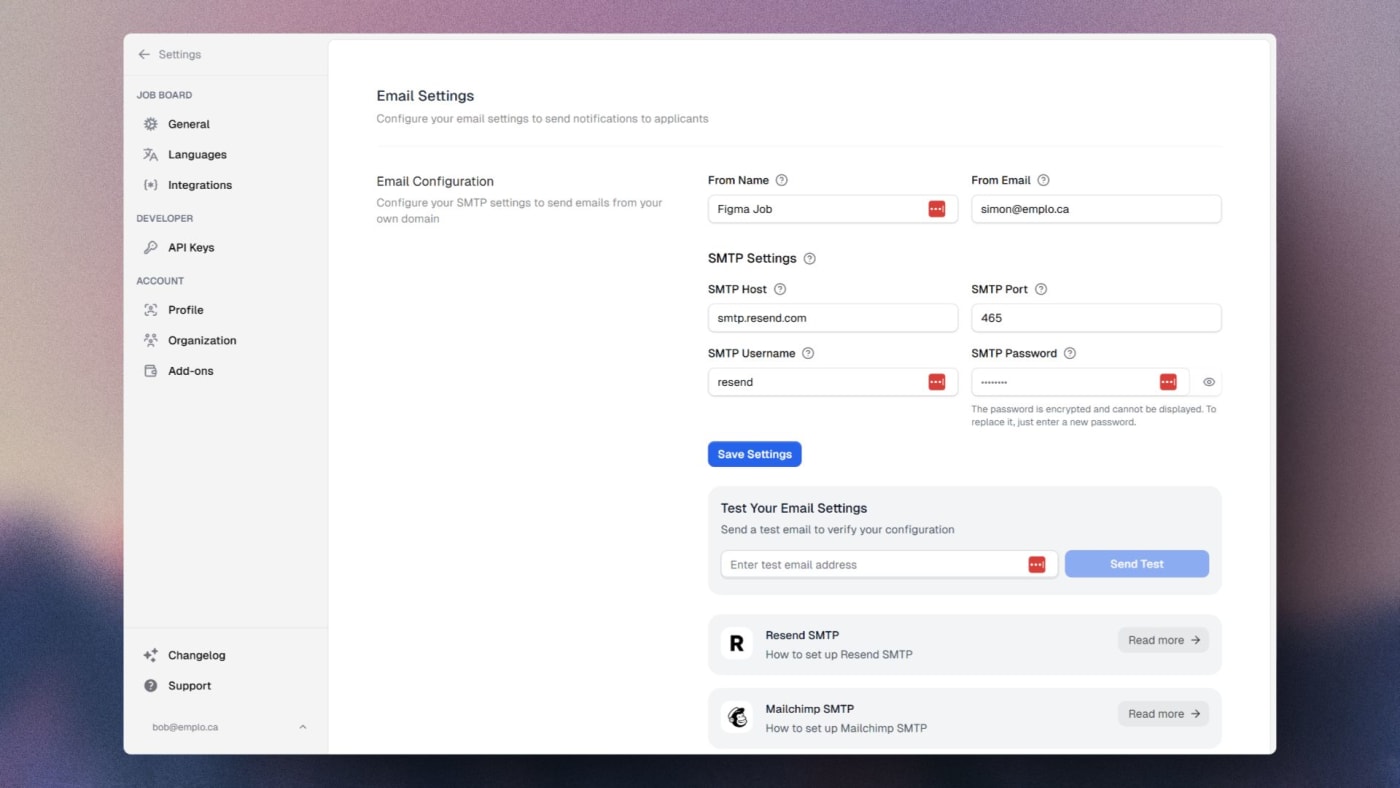
Bill somewhere else and still control access. If you take payment on your own site, on Wix, on Squarespace or in your own software, there are now copy and paste recipes for telling Kardow to grant a plan, approve an employer or record a payment.
Your old bookmarks still work. Links to the old tabs land on the section that absorbed them.
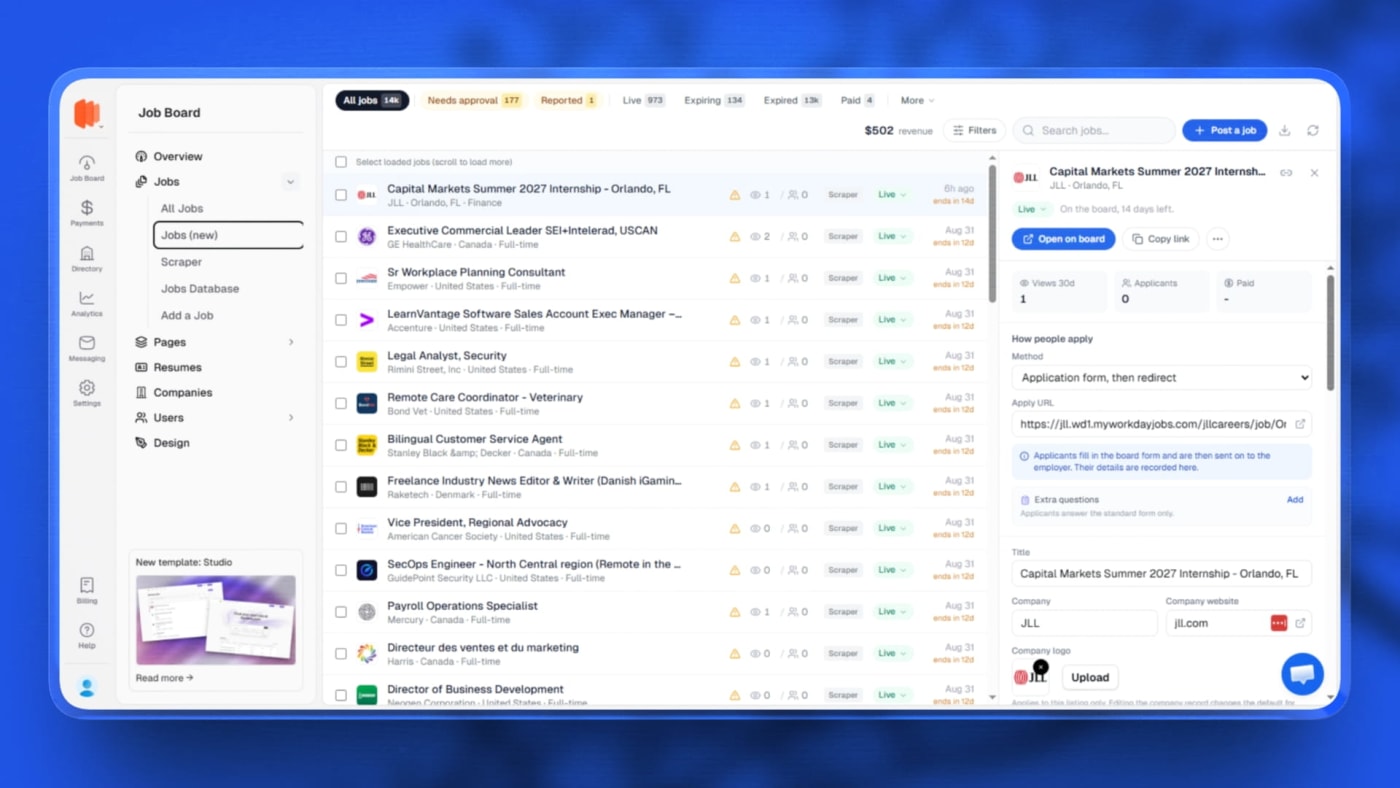
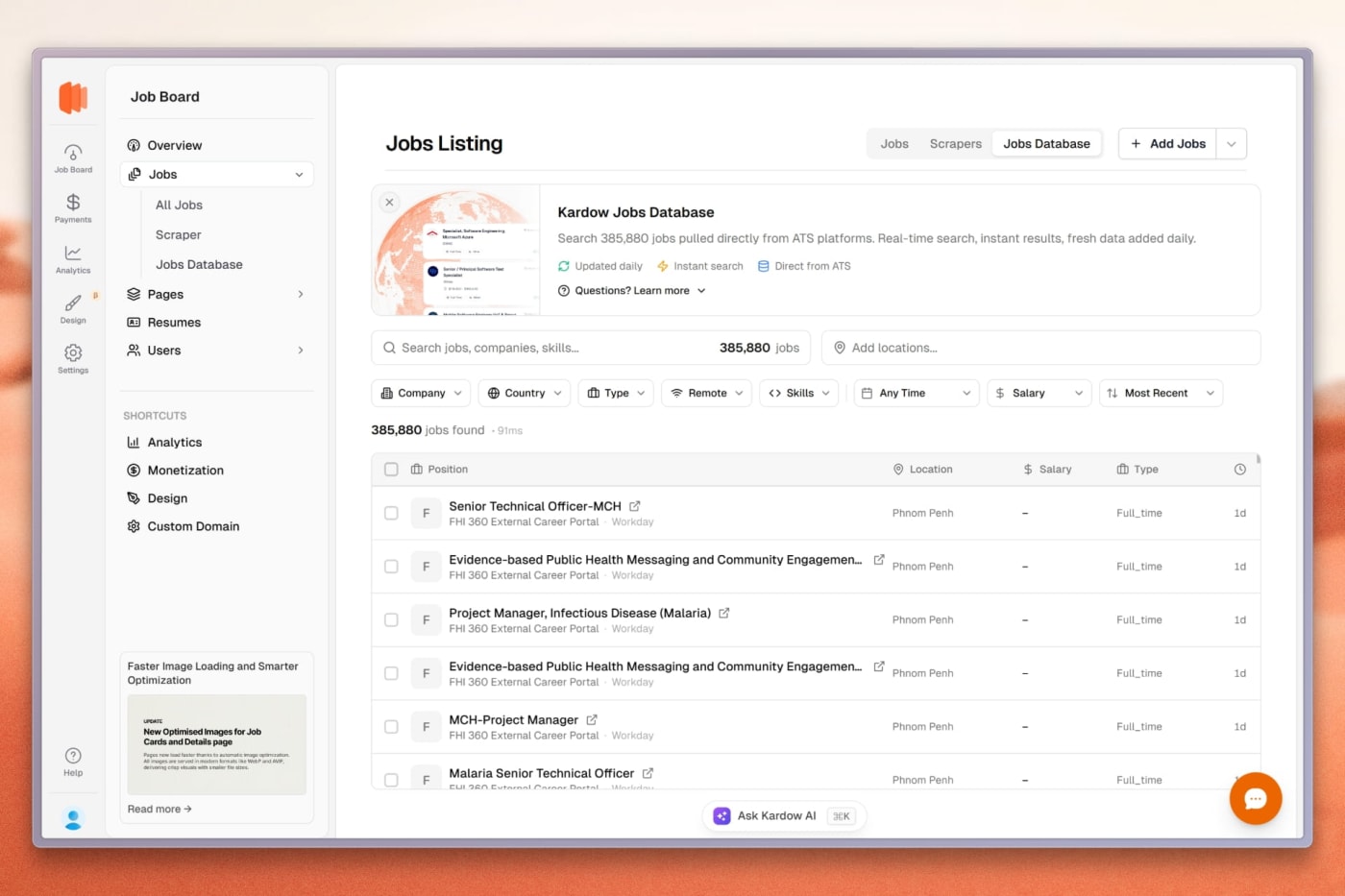
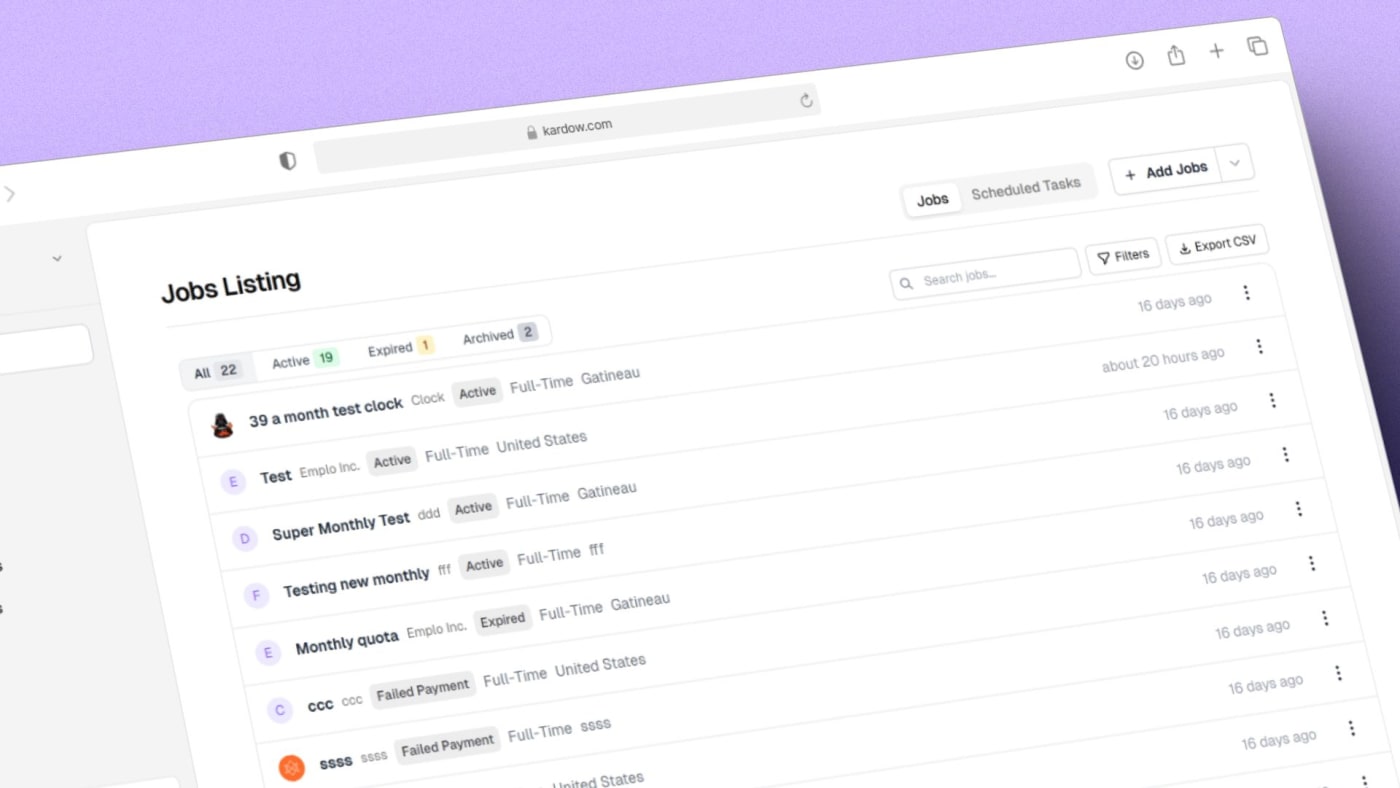
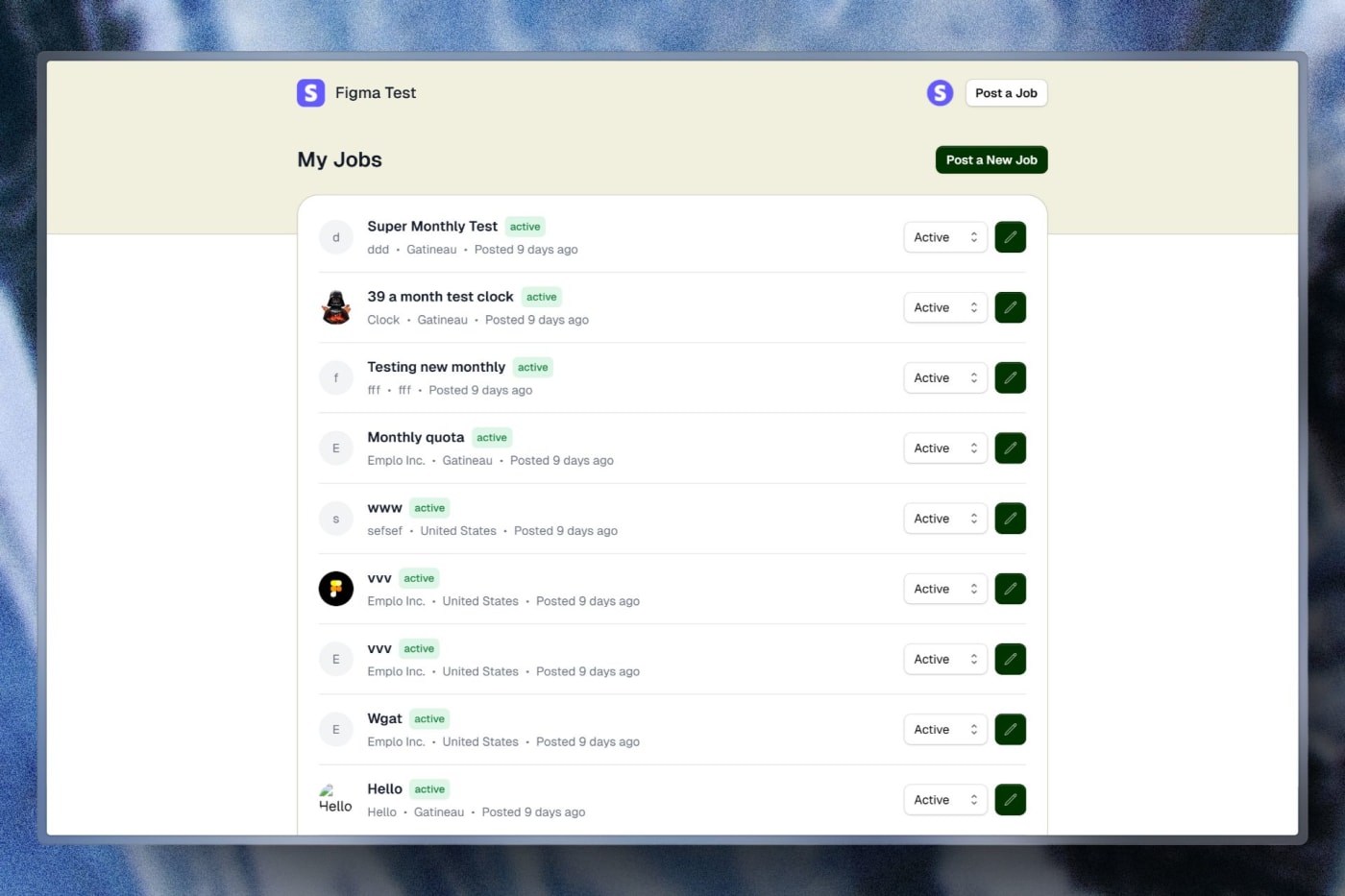
A new Jobs page sits under Jobs in your menu as "Jobs (new)". Your existing list is untouched, so you can move across when it suits you.
It opens on the work, not on a filter bar. Named queues run along the top with live counts: needs approval, expiring, reported and the rest. The counts are worked out from the same list you are looking at, so a chip can never say 12 while the table shows 9.
Every row answers "why is this job not showing?" in one word with the reason next to it, and that word is also the control that changes it. No more guessing between expired, pending, hidden and unpaid.
And "is it working?" Views, applicants and revenue sit on the row and load with it. While view data is still coming you see a dash rather than a zero that is not true.
Open a job in a side panel and fix it there. Edit the fields you touch daily, saved as you go, with the description in a proper formatted editor instead of a plain box. That job's applications, payments and reports load with it.
Deleting a job now hides it rather than destroying it. Applications, resumes and history stay intact, and the job can be brought back from the Deleted tab. A hidden job can never appear publicly, however it came to be hidden.
Duplicate a job in one click when you are posting several similar roles.
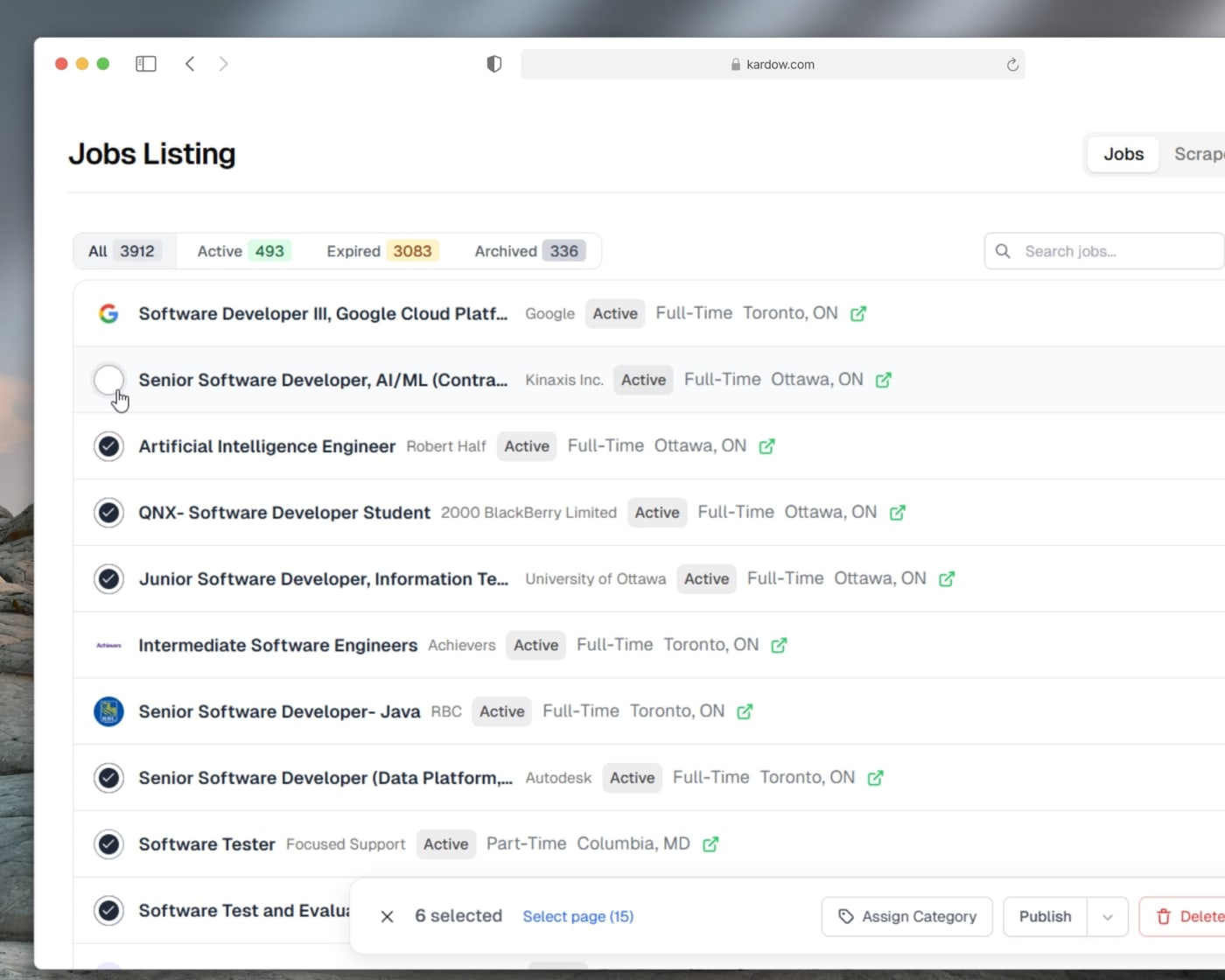
Bulk actions are genuinely bulk. Select rows and approve, renew, expire or delete the lot, because approving 178 pending jobs one panel at a time is not a workflow.
Jobs attach themselves to the right company, so a company's page and its payment history stay complete without you tidying up after every import.
You decide what a listing is. Add your own fields to companies: a yes or no badge like "accepting new patients", a multi select like "chamber member", a category, opening hours, whatever your market cares about. Everything downstream follows on its own: the public listing card, the filters, the category pages, search, and the form a business fills in to get listed.
Charge for listings. Set up tiers so a business can pay to be listed or to be featured, sold the same way as your job posts.
Import the list you already have. Upload a spreadsheet and see exactly which column became which field, how many rows came through and what we could not place, before a single row is saved. An import that quietly guesses wrong across four hundred businesses is worse than no import.
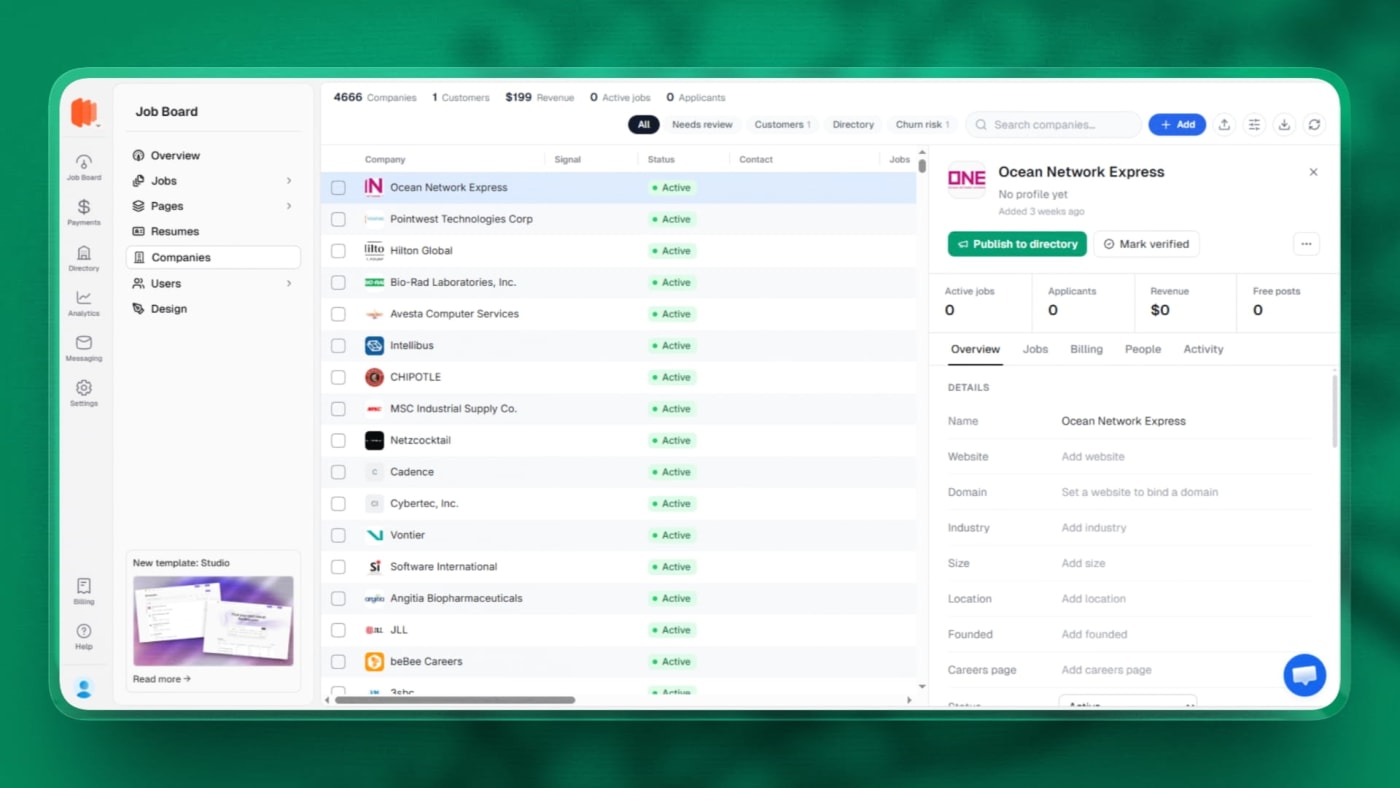
Companies is now a full workspace and it is where you work through your listings. Open one to read and edit its details, the people you know there, your notes and history with them, their jobs, and what they have paid you, all in the one panel.
Fill a company in from its website instead of typing it out, and merge duplicates so one business is one listing with all its jobs attached.
Switch it on when you want it. Boards running a directory get their own section in the sidebar. Boards that do not are unaffected.
Point at anything on your live site and change it. Open the visual editor and your board loads exactly as visitors see it. Hover and every editable thing lights up, click to select it, double click to type straight into the page. No code, no theme files, no guessing which file a headline lives in.
Change the words, the link, the picture. Edit any heading, paragraph or button label, repoint a link, swap an image by uploading a new one. Menu and footer links get their own list so you can rename, relink, reorder or remove them without hunting through the page.
Ask for the change in plain English. Select something and describe what you want ("make this bigger and center it", "rewrite this for a nursing audience"). It rewrites just that element, never the rest of the page.
Add whole sections in one click. A section library ships with hero banners, feature grids, steps, galleries, pricing, testimonials, FAQ, stats, logo strips, calls to action and contact blocks, each with a preview image so you can see what you are adding before you add it. New sections we build show up in your picker automatically.
Styling controls that speak Tailwind for you. Colors, text size, weight, alignment, corner radius, padding and spacing, with separate settings for phone, tablet and desktop, plus a hover state. The color picker no longer jumps around while you drag it.
Set your fonts for the whole site from one place, with a curated list that loads fast and looks right.
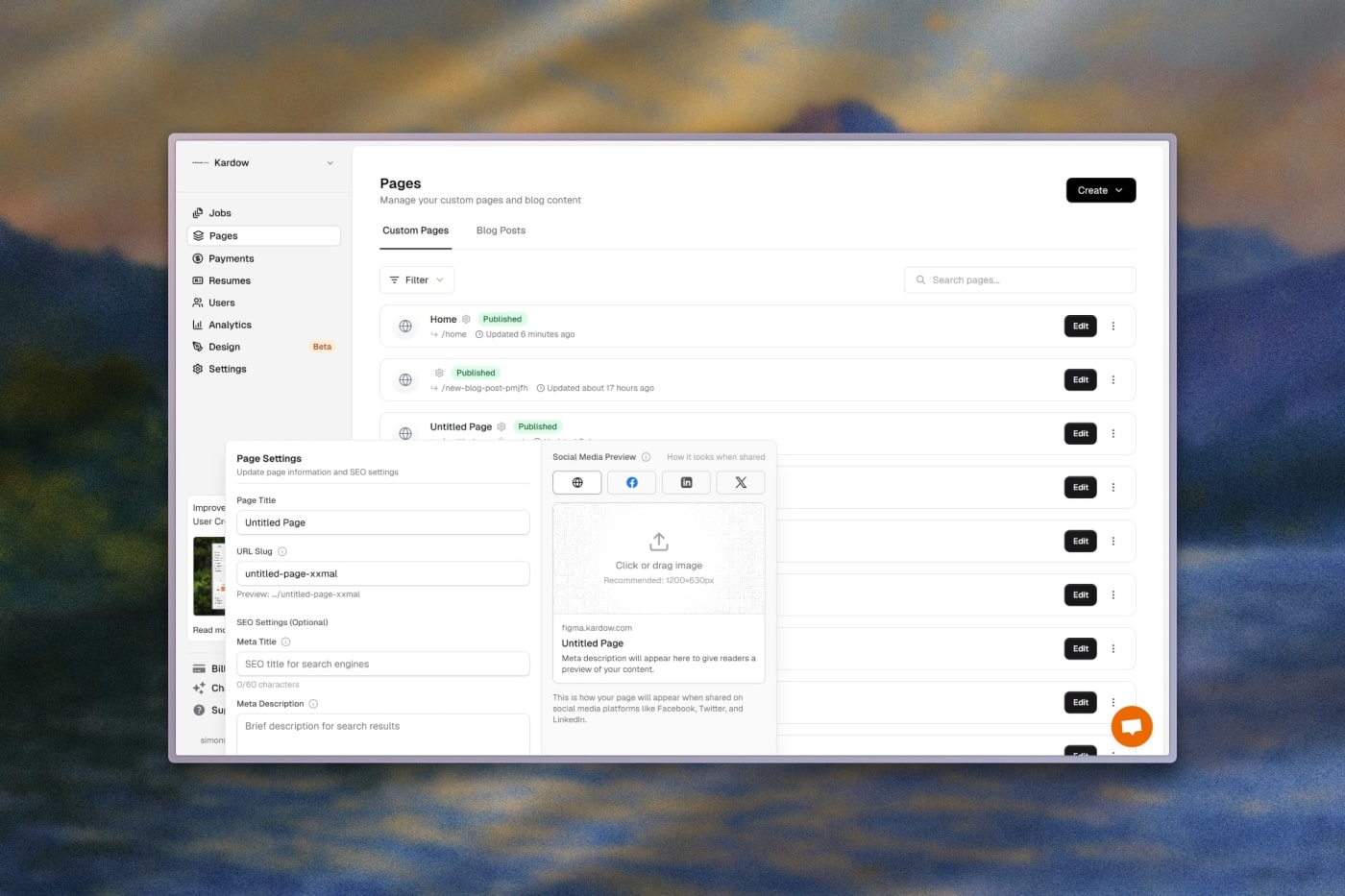
SEO and tracking without a developer. Page titles, meta descriptions and social share images have live length warnings so you know before Google truncates them, and analytics or pixel tags can be added from the same panel.
Nothing is permanent. Every change is saved as its own entry in a history list that survives closing the tab, and any of them can be undone later. Experiment freely.
Your edits go live when you say so. Keep changing things as long as you like, then press Publish once and the whole batch ships together.
Drop real board data into any page or blog post. Type "/" in the editor, pick Jobs, companies & more, and a block appears that pulls live data from your board: open jobs, companies, directory listings, blog posts, or any collection you have built.
Filter it down to exactly what belongs there. An article about nursing roles in Dallas can show only nursing roles in Dallas. Filter by search term, location, category, job type, remote, city, tag or verified status, depending on what you are showing.
See the real result while you set it up. The block previews the same rows the published page will show, so you know it works before you hit publish. The old builder made you guess.
Choose how it looks. List or grid, one to four columns, your own heading and intro text, and a call to action button that points wherever you want.
It stays current on its own. Post a new job and every page carrying a jobs block picks it up. Nothing to refresh, nothing to re-embed.
Good for search too. The listings are in the page Google receives, not loaded in afterwards, so an article about a role and the roles themselves count as one page.
If a block ever cannot load, the page still loads. It quietly shows nothing rather than taking your article down with it.
Team invites work when you already have a board. Accepting an invite while signed in to another organization used to bounce you straight back to your old board with no sign anything had happened. Now the invite opens properly, and accepting it drops you inside the board you just joined.
Invite links now explain themselves. An already used link says so instead of showing a 404. If you are signed in with a different email than the one invited, you are told which is which and offered both ways out: sign out and switch, or knowingly join with the account you already have. Old invite emails still work.
Inviting people no longer hangs. The "Inviting members" spinner used to sit there forever even after the invites had gone out. It now finishes and returns you to your members list.
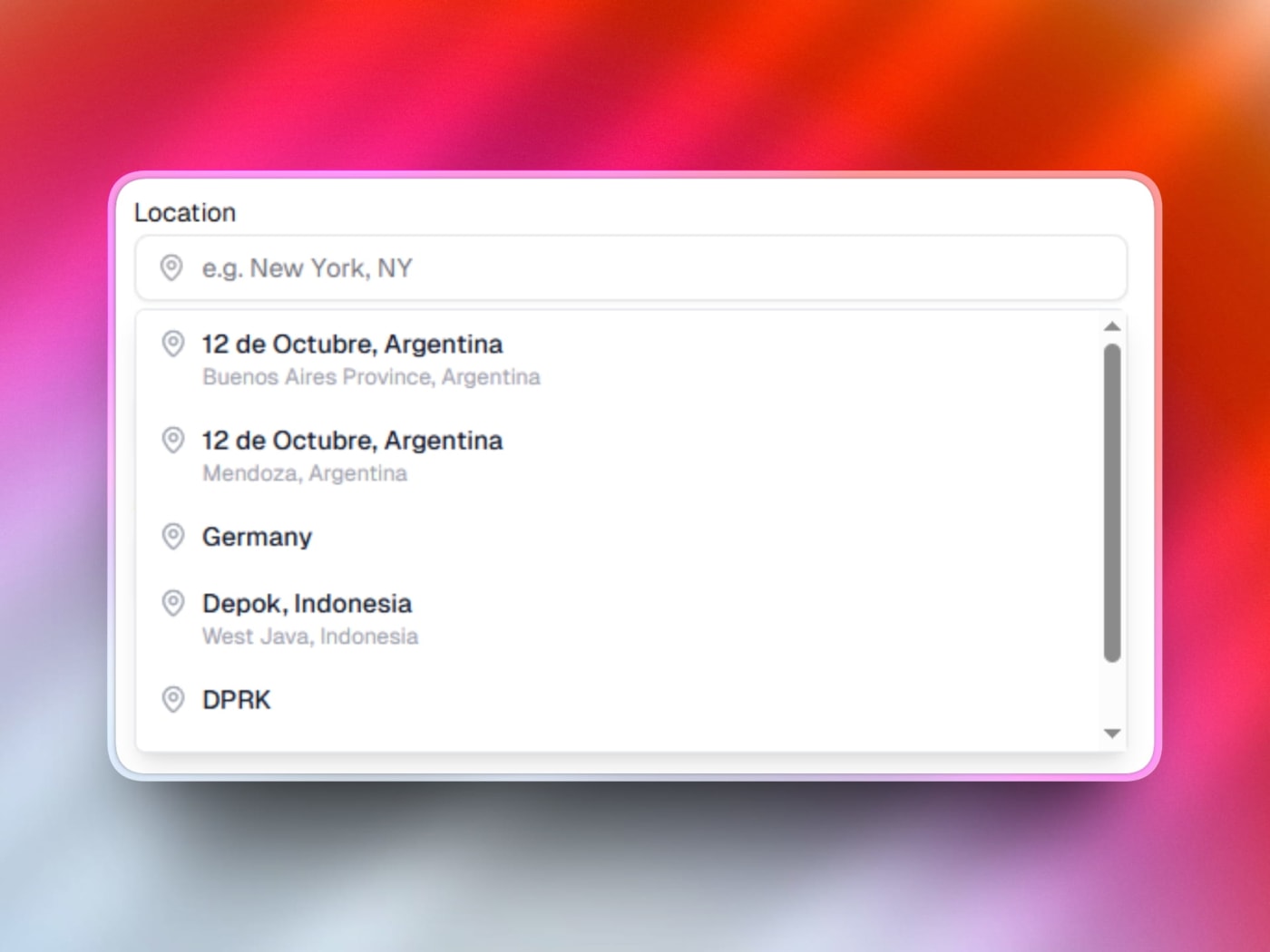
Location search tells you the truth. When the address lookup was unavailable it said "No locations found", which looked exactly like a typo, so real cities appeared not to exist. It now says clearly that search is not responding and gives you a Retry button.
Background work can no longer starve your location box. Bulk location cleanup used to be able to spend the whole day's lookup allowance in seconds, breaking the picker for everyone until midnight. Background jobs now stop short and leave headroom for anyone actually typing.
Wrong countries stopped creeping into your job locations. "Deptford, NJ" was being stored as a town in Croatia, "Evesham, NJ" as one in England. Any lookup that contradicts the country or state you typed is now rejected instead of saved, and locations wrongly marked unresolvable can be requeued and fixed.
Most locations resolve instantly and for free, from a built in gazetteer of around 85,000 places, before anything external is called.
Job translations are real now. Automatic translation had silently never run: nothing was ever triggered, the models behind it had been retired, and long job descriptions came back cut in half. Postings on multi language boards now translate properly, long descriptions included.
Search and filter in the visitor's own language. Searching "developpeur" on a French view of an English board now finds the developer roles, and category filters show translated labels while still filtering correctly.
The language switcher stopped getting stuck. On multi language boards the first visitor's language could get cached and served to everyone for the next few minutes, so switching language looked broken. Each language is now cached separately.
Board facets stopped double counting. Options like "Remote" could appear twice with split counts. Identical options are now merged into one, ordered by size.
Name your contact forms. If you run more than one form, give each a name and it becomes the subject line of the notification email, so a quote request and a general enquiry are no longer identical in your inbox.
AI candidate search got faster after moving to a quicker set of models, and team admins can now deploy site changes, not just the single account that owns the organization.
Signing up is one flow now. You create your account and go straight into building your board, instead of being handed to a payment page before you have seen anything.
Sign up or sign in with Google on the dashboard.
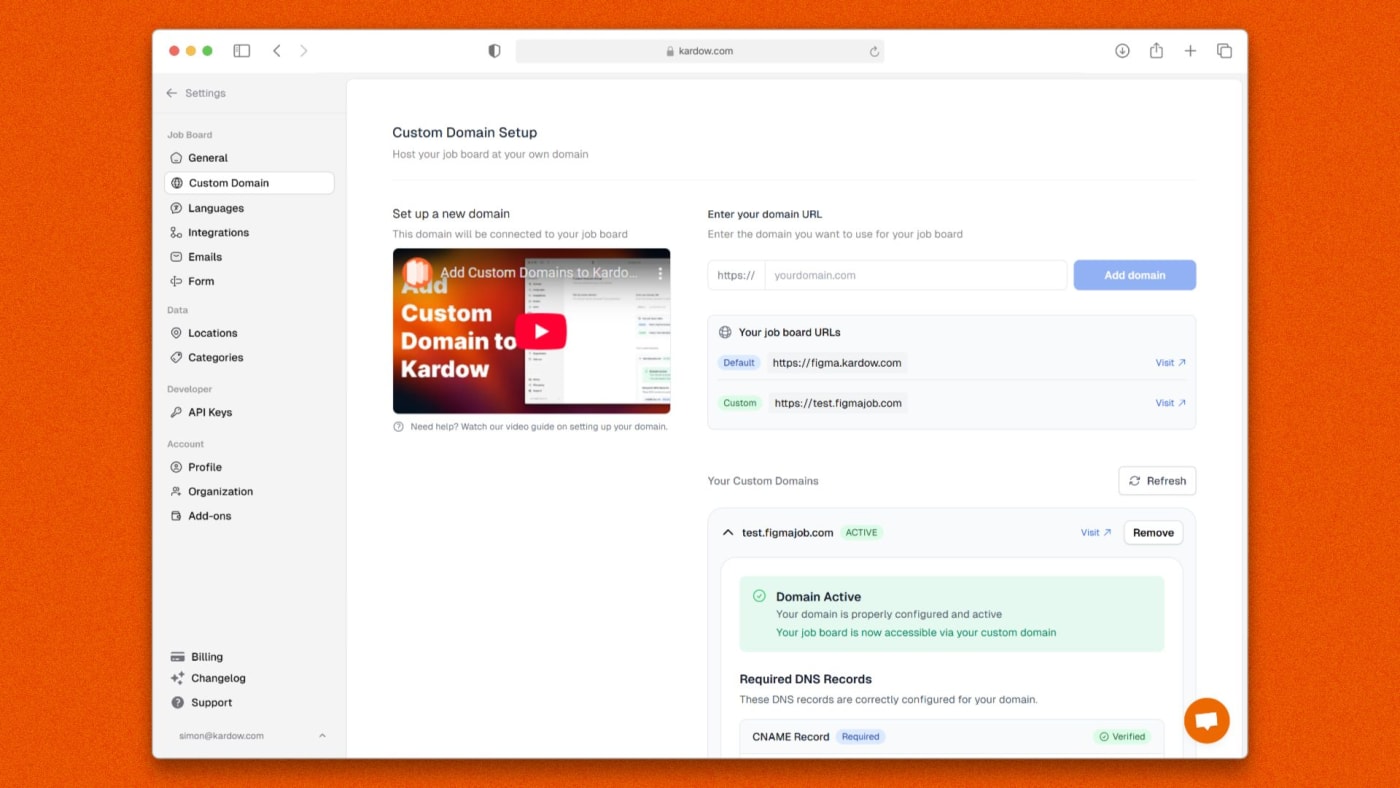
The first build takes a few minutes, so that time now does something. While your board is being created you can already choose which pages your header offers, and start connecting your custom domain with the exact records to copy laid out for you.
Connecting a domain tells you where it stands, so you can see whether your records have been picked up instead of refreshing and hoping.
Invites you have not accepted yet have their own screen, so a board someone added you to is somewhere you can actually find it.
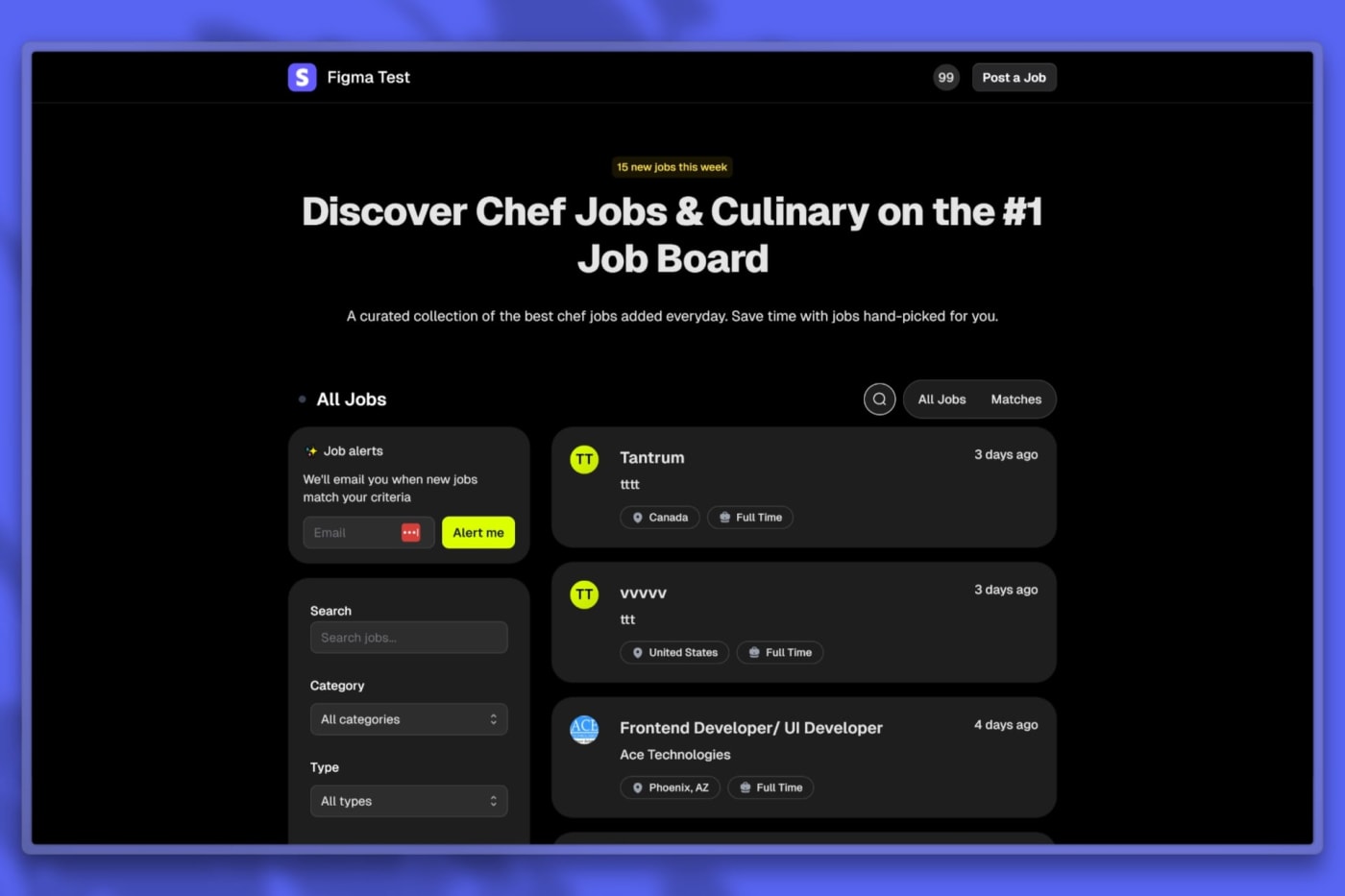
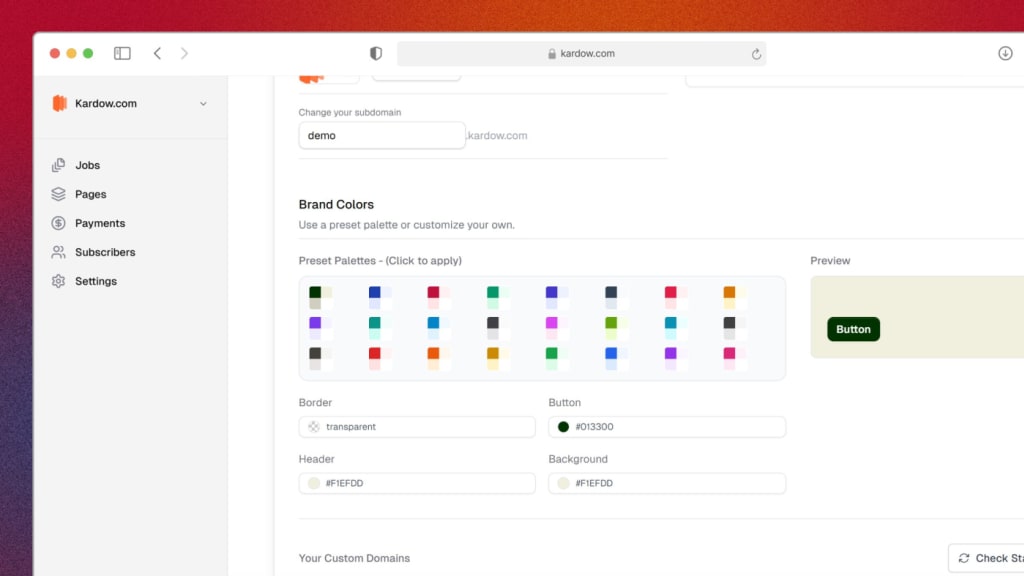
A brand new "Studio" template is now available when you create or restyle your job board. It has a clean, modern look with a neutral palette and your brand color as the single accent.
An animated hero with a subtle shader background that automatically picks up your main button color, plus a faceted search to browse by category, location, job type, and salary.
Refined job listings. Jobs group into one tidy list, with pinned and featured posts, "ending soon" tags, salaries, and modern numbered pagination.
Mobile and dark mode ready out of the box, with filters that open as a bottom sheet on phones so they are actually usable.
Pick it like any other template from onboarding or the Design gallery, then keep customizing it with the AI editor to fit your brand.
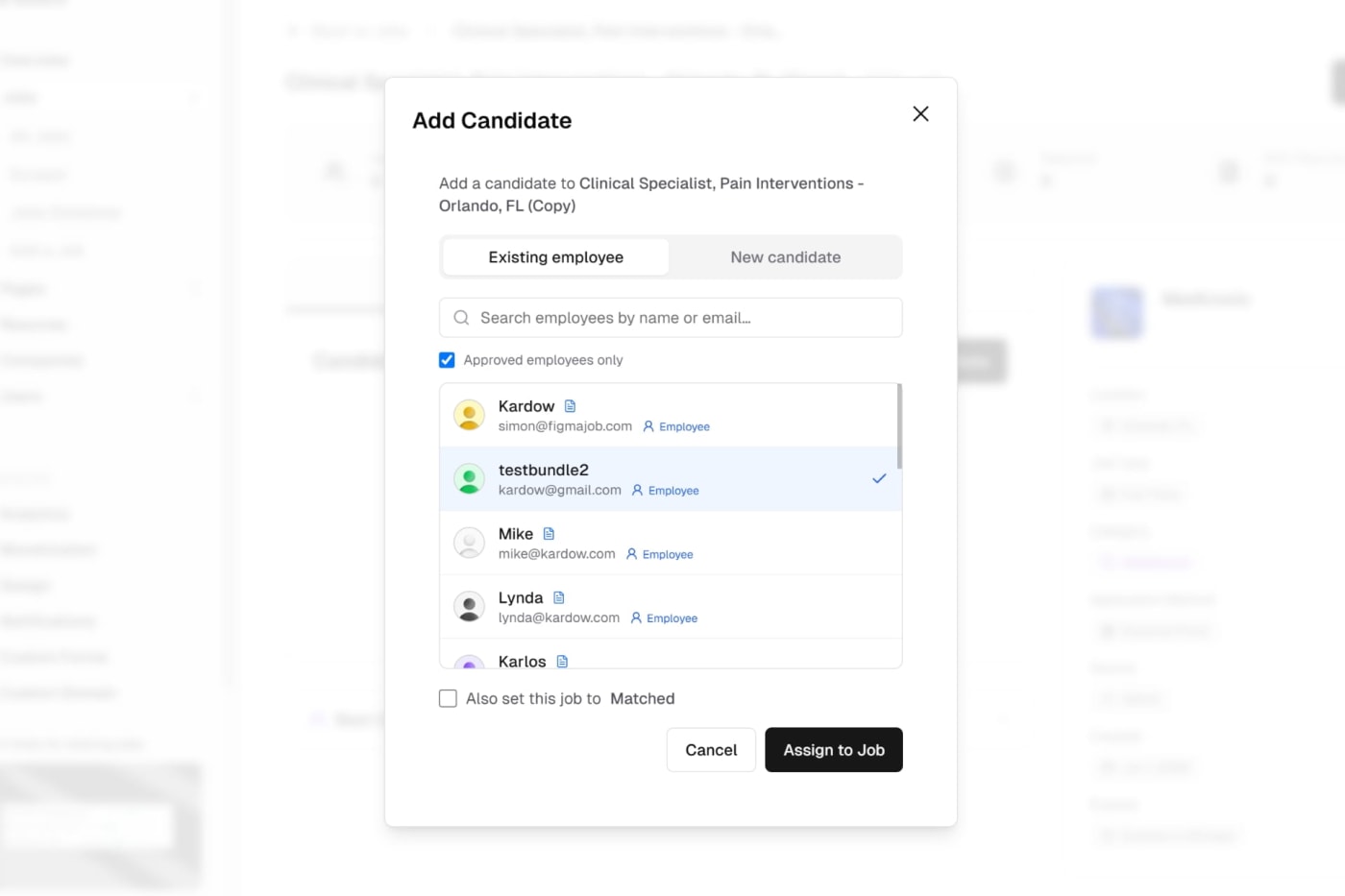
When you add a candidate to a job, the dialog now has an Existing employee tab so you can attach someone who already has an account on your board — no more asking them to go back and apply.
Just start typing a name or email and matching employees show up instantly, along with their resume indicator and role. Pick one and click Assign to Job.
By default the list shows only approved employees (the people you've cleared to work), but you can untick that to search everyone.
Theiai-gateway-providerr resume and profile come across automatically — the resume they uploaded when they signed up shows right on the candidate row, nothing to re-upload.
Need to add someone brand new instead? The New candidate tab is the same manual form as before, unchanged.
There's also an optional "Also set this job to Matched" checkbox, so you can assign the employee and mark the job matched in one step — or leave it off and change the status yourself later.
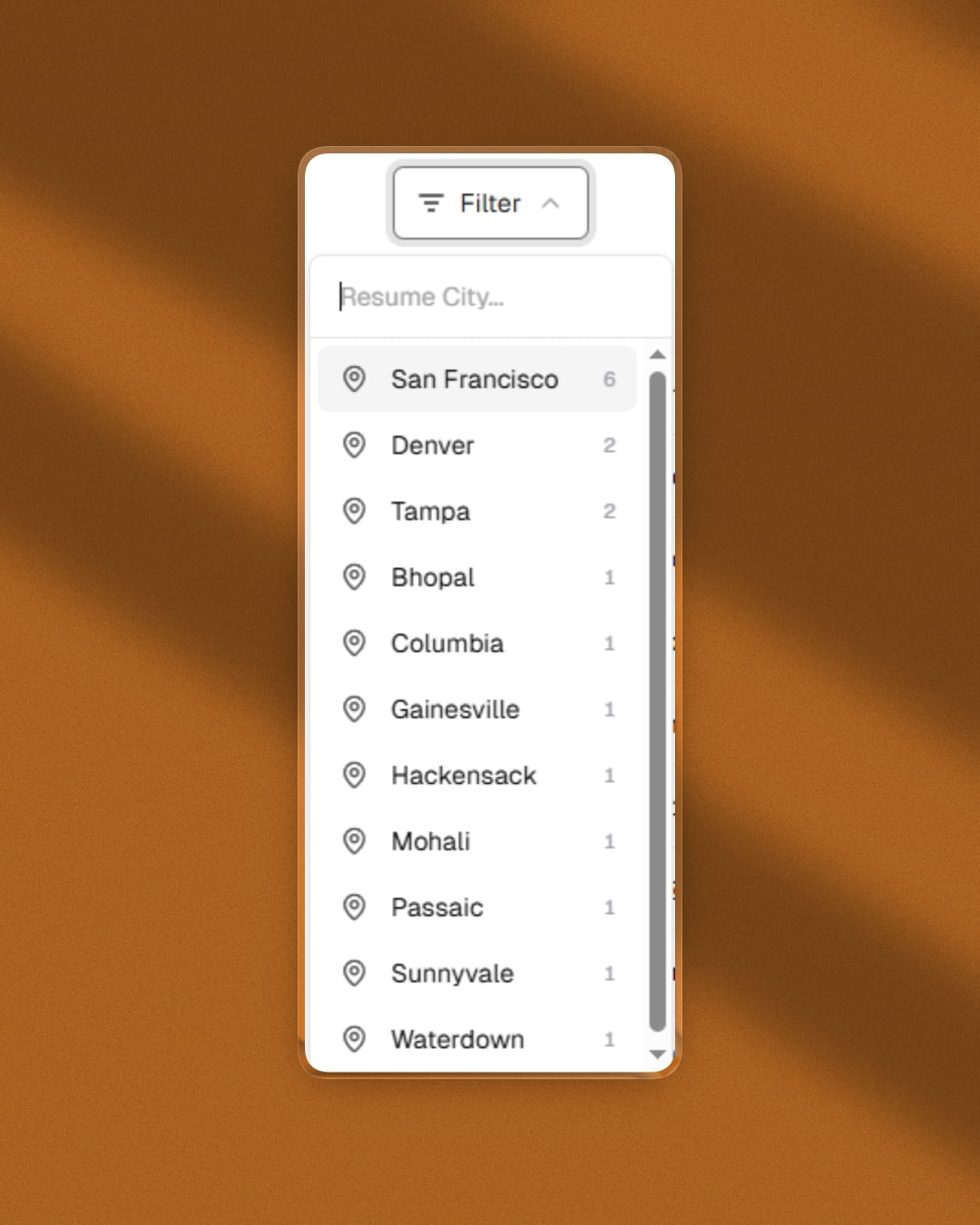
The Users section now has a new Resume City filter. When a registered user has filled in a city on their resume profile, you can use this filter to see only users from that location.
The city list is loaded on demand, supports live search, and shows a count next to each city so you can see at a glance where most of your talent is based.
You can combine this with the existing Country, Region, Device, and Browser filters to get a precise view of your user base.
Fixed an issue where subscriber and registered user lists were not returning complete data in certain filter and sorting combinations.
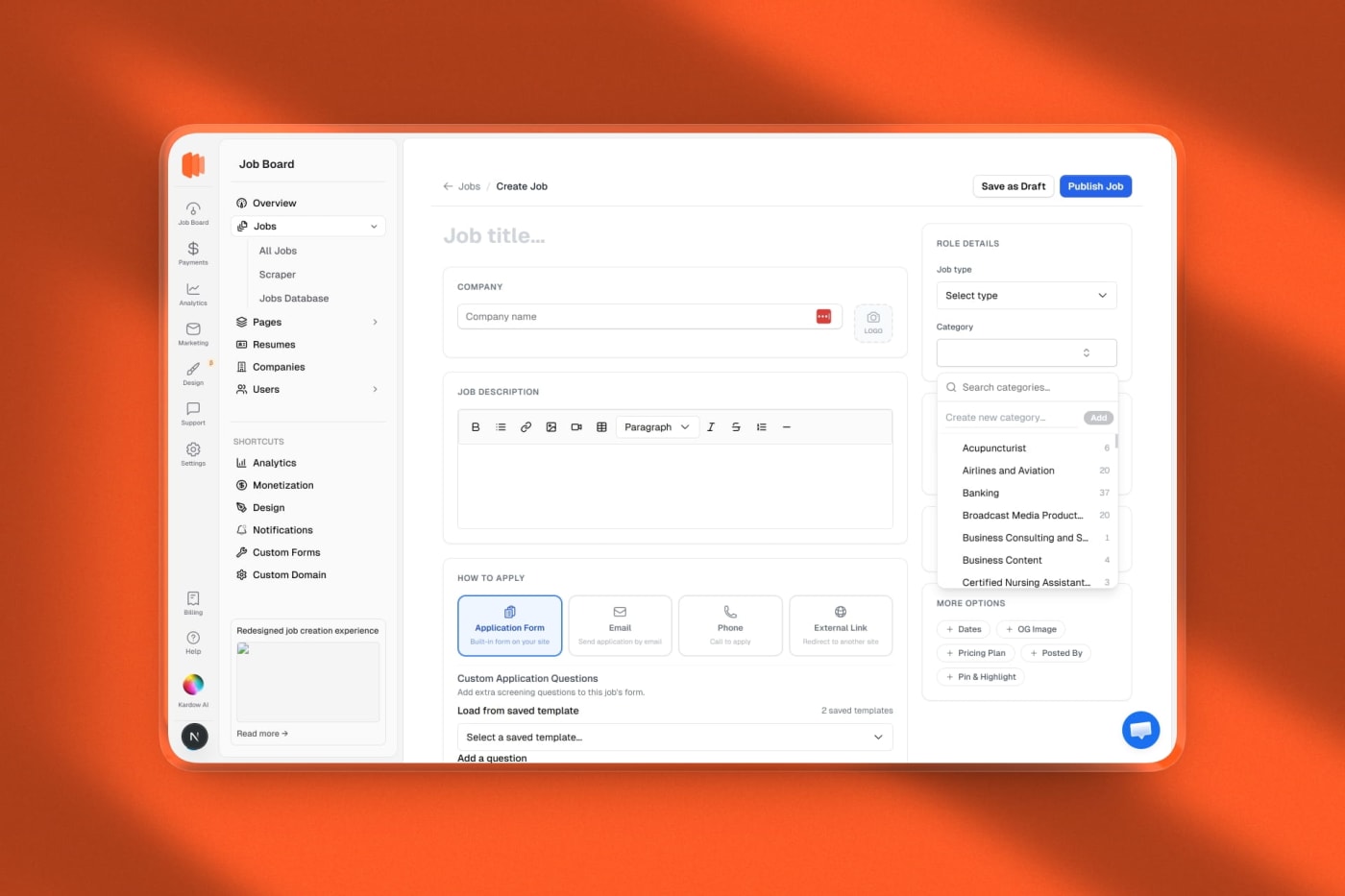
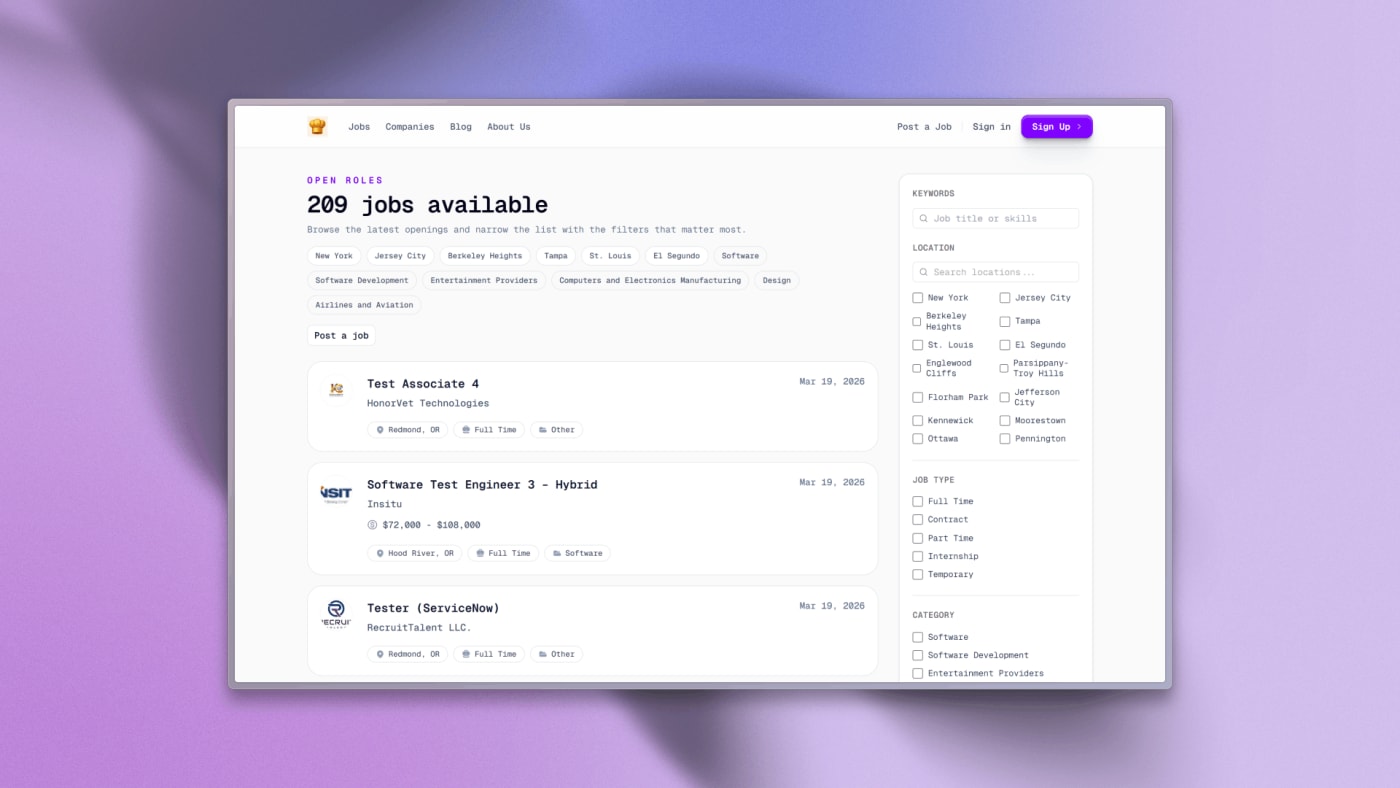
The "Add Job" button now opens a full dedicated page instead of a side drawer. More room to work, no more cramped scrolling inside a panel.
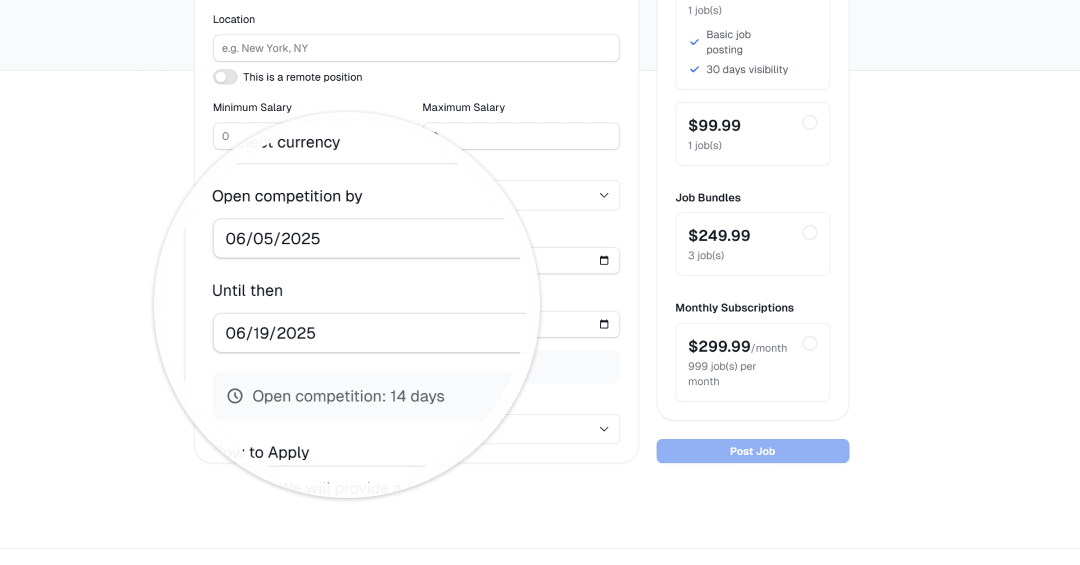
Two-column layout. The left side holds the job title, company details, description, and application settings. The right sidebar keeps role type, category, location, compensation, and advanced options always visible as you write.
Salary input completely rethought. Instead of two identical-looking min/max fields that confused most users, there's now a single toggle to show compensation and a segmented control to pick Exact amount or Range. Exact shows one field. Range shows two. No more accidentally filling both with the same number.
Application method is now a row of visual cards — Application Form, Email, Phone, External Link — so it's obvious at a glance what you're selecting.
Location search now uses Google Places instead of Mapbox. Better results globally, especially for Australia, Southeast Asia, and smaller cities.
Auto-save draft to browser storage. If you navigate away or close the tab by accident, the next time you open the create page a yellow banner lets you restore everything you typed — title, company, description, salary, all of it. You can also discard it and start fresh.
Company logo is now a compact click-to-upload square next to the company name field. No more full-width upload block taking up half the form.
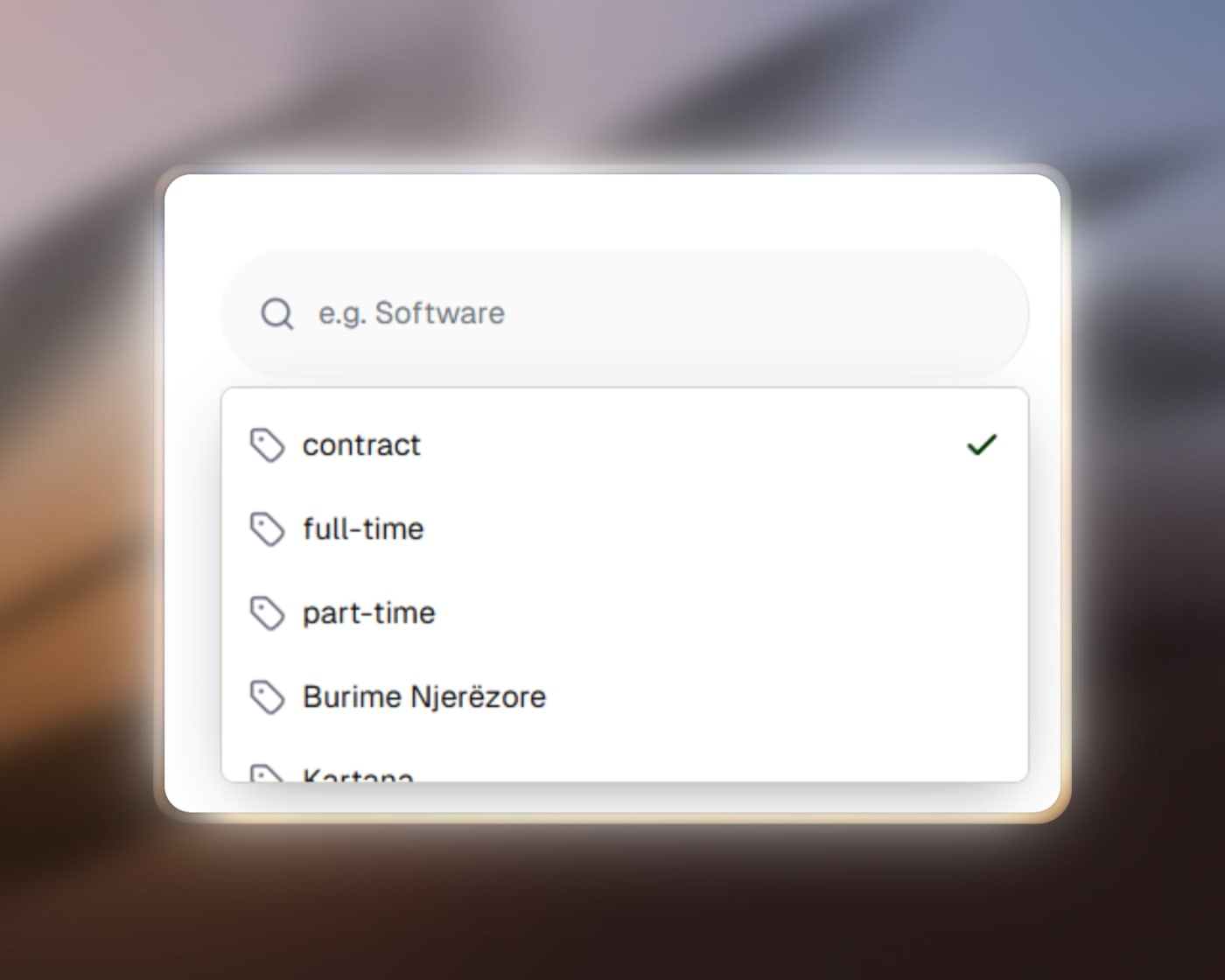
Category picker rebuilt. Same style as the currency picker: a popover with a search box, each category shows how many jobs are assigned to it, and there's an inline "Create new category" input right inside the popover — no need to go to settings.
Currency selector now shows the code and symbol (e.g. "USD $") instead of the full currency name, which was overflowing in the small sidebar column.
Advanced options are hidden behind expandable pills at the bottom of the sidebar: Dates, OG Image, Pricing Plan, Posted By, Pin & Highlight. They expand inline when needed and stay out of the way otherwise.
Add a custom field without leaving the form. A new "+ Add field" button in the Custom Fields section opens a small sheet where you can create a new field (label, type, required toggle) and it appears in the form immediately.
Sticky header bar with Save as Draft and Publish Job always visible at the top — no need to scroll to the bottom to submit.
Your dashboard now shows where each new member came from when they signed up — whether that's LinkedIn, a Google ad, a direct link, or any other source.
Open any user from the Users section and you'll see a new Acquisition block with the traffic source, medium, campaign, referrer, landing page they first visited, and when they were first seen.
If a user clicked a UTM link more than once before signing up, you'll also see both their first touch (where they originally came from) and their last UTM touch (what finally brought them back).
This works automatically for every new signup — no tagging or setup needed on your end. Just make sure your links have UTM parameters and the data shows up.
Attribution tracking is on by default on all boards. If you'd prefer to turn it off, you can do so from Design → Integrations → Attribution Tracking.
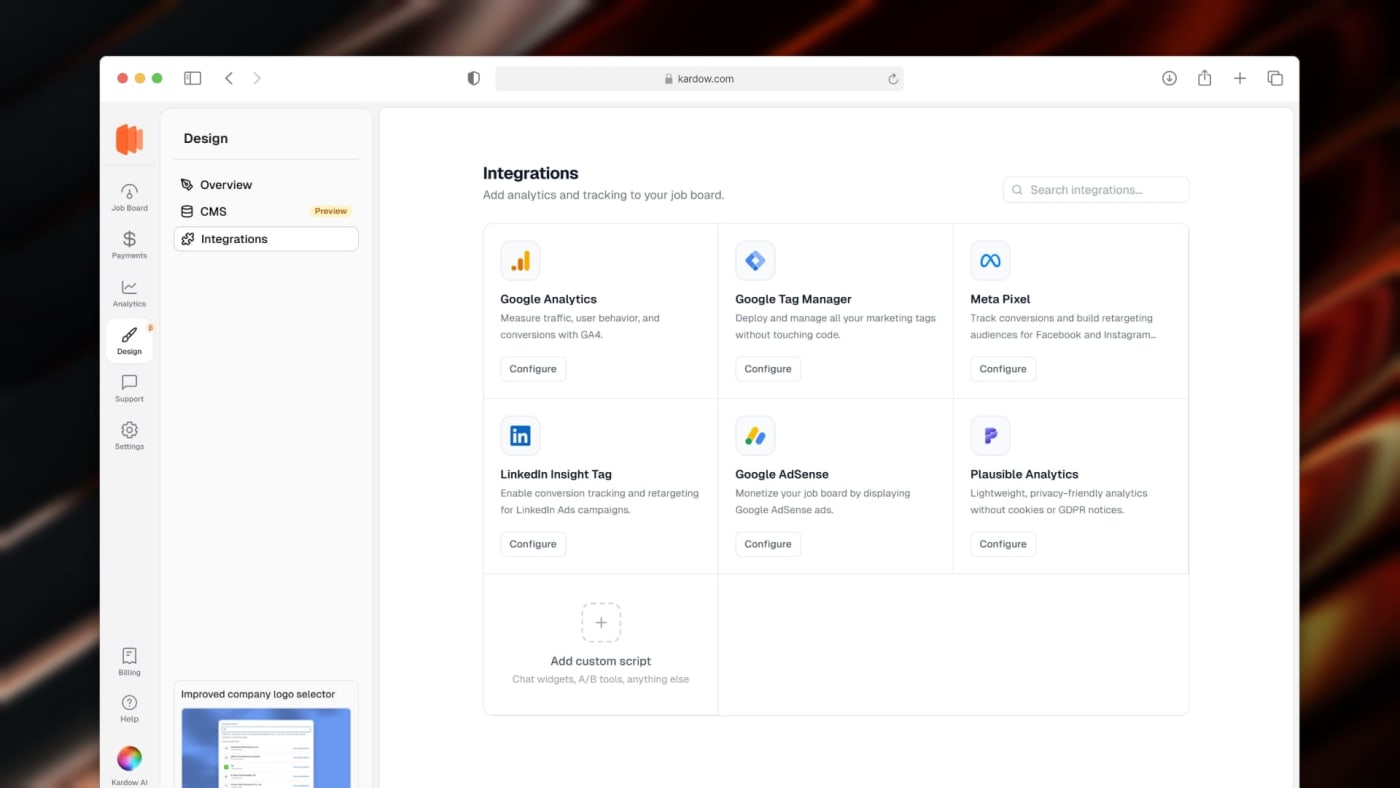
Adding Google Analytics, Google Tag Manager, Meta Pixel, LinkedIn Insight Tag, Google AdSense, or Plausible to your job board now takes about 30 seconds.
Head to Design → Integrations, pick the tool, paste your ID, and save. That's it — no code snippets, no theme files, no risk of breaking anything.
You can also add fully custom scripts for chat widgets, A/B testing tools, or anything else your setup needs.
Everything is saved to your board's settings and goes live instantly after saving.
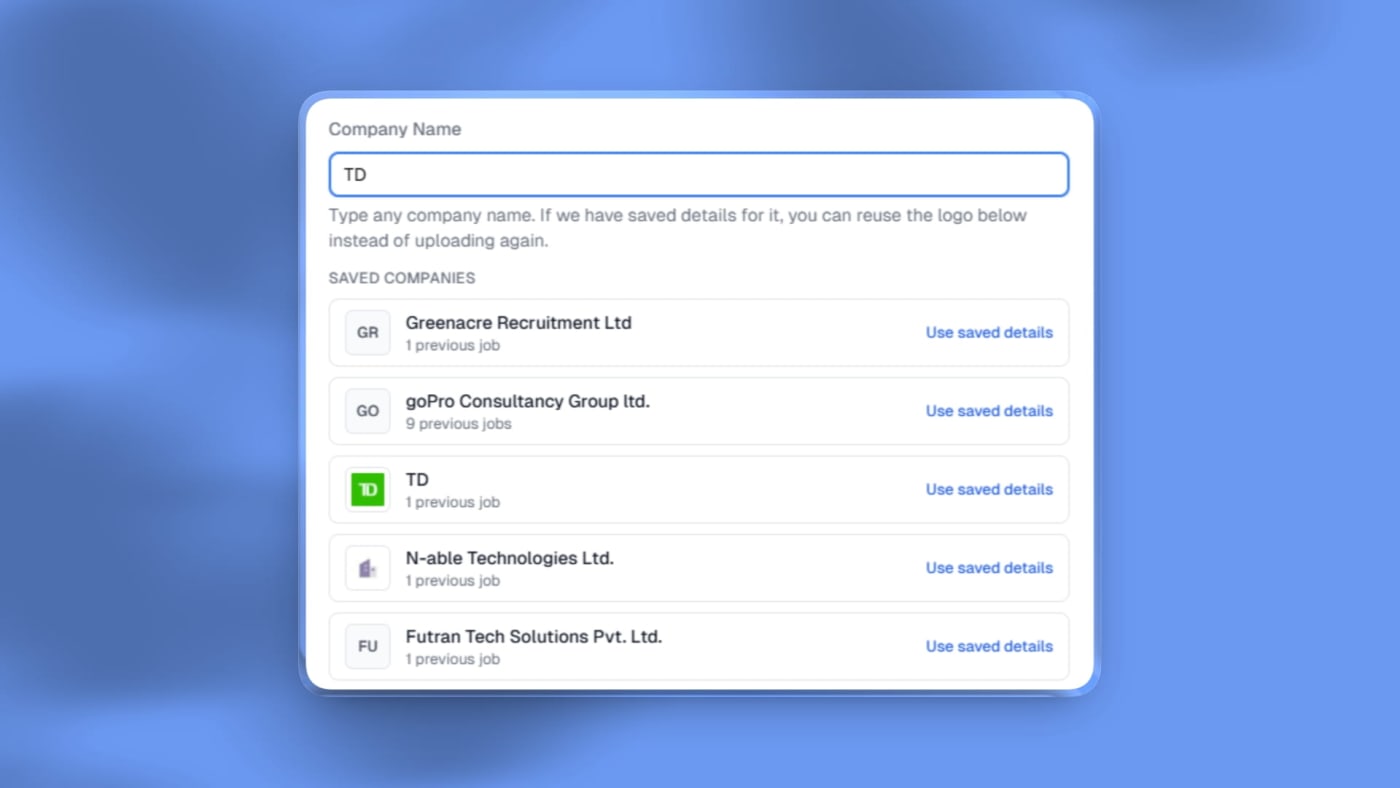
The company logo selector in the job posting form has been updated to not have to always upload a logo anymore.
You can now just search for an existing company name and select an existing company profile to autofill the logo automatically
This should make posting jobs just less annoying.
We also added a new action to our members api so you can automatically delete a user using the api. This allows you to control access to Kardow from another system or with the api.
You can use the `action` parameter and `delete_member` to automatically delete a user.
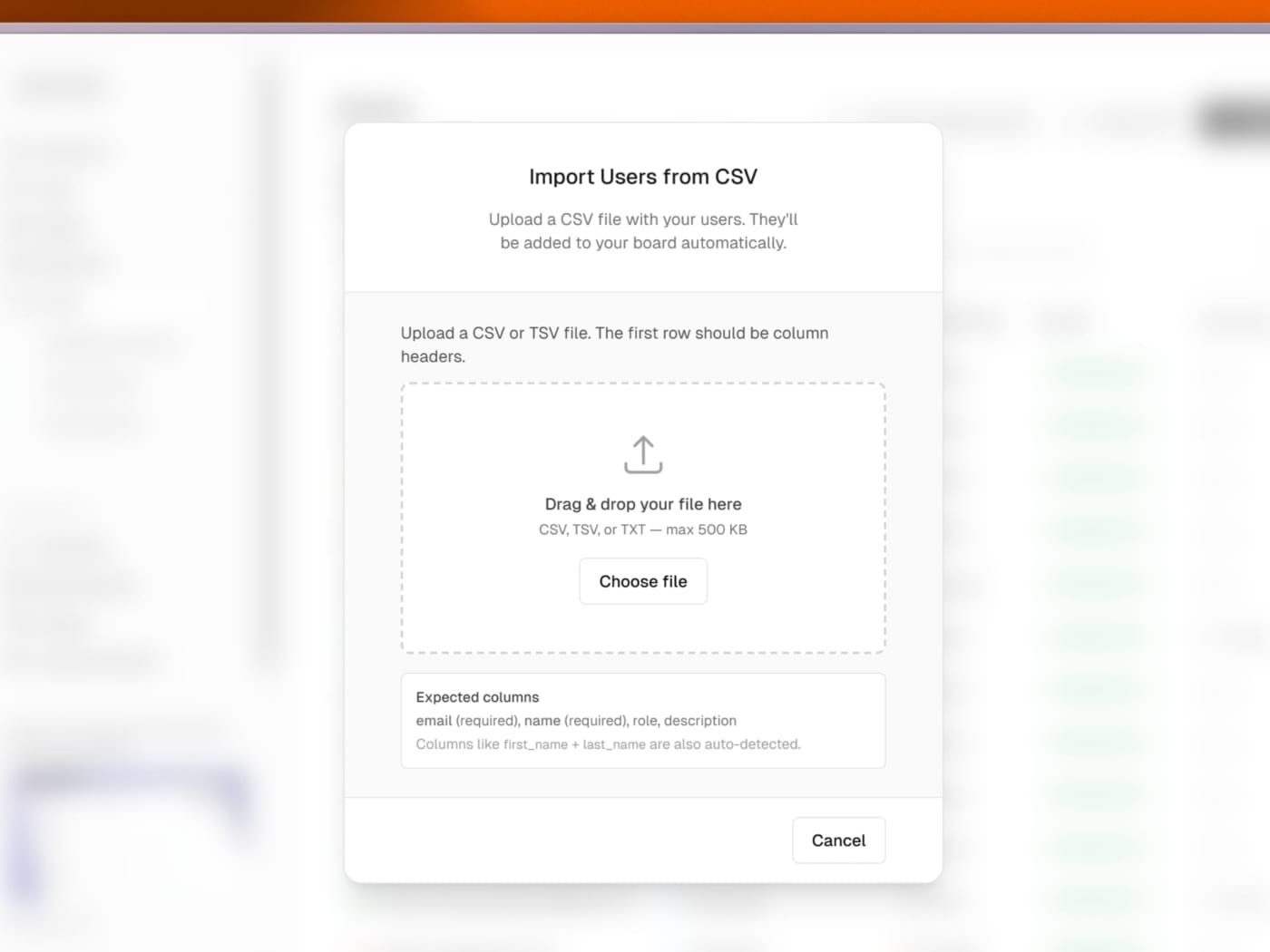
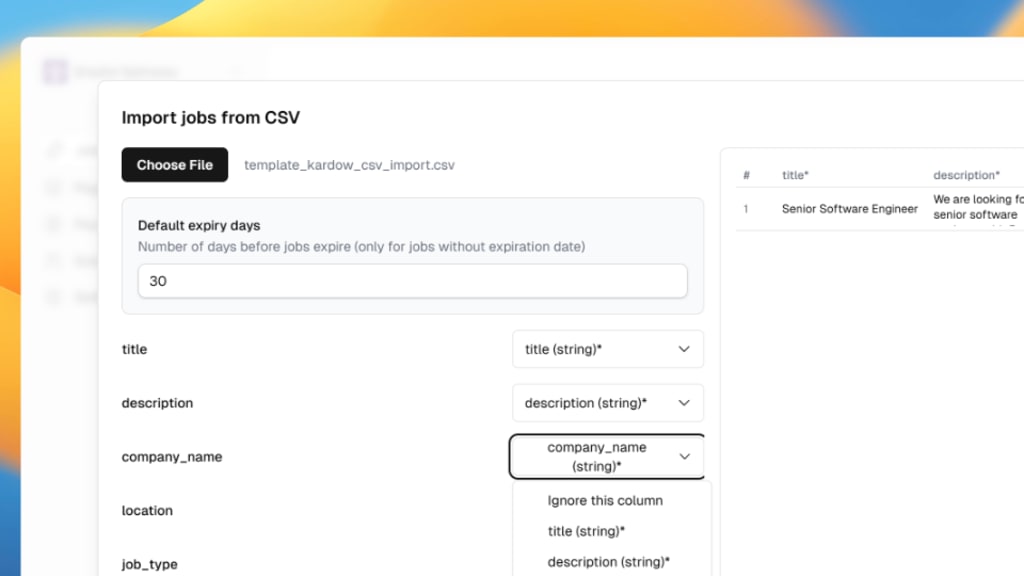
You can now bulk import users (employers or employees) from a CSV file directly in the dashboard! This allows you to quickly onboard existing users or migrate from another system by uploading a properly formatted CSV file.
Automatic timezone detection. Every location now gets its IANA timezone (e.g. "America/Toronto") auto-detected from coordinates — no manual setup needed.
Filter by location type. Locations are categorized as City, State/Region, Country, or Remote — so you can offer grouped filters like "Show all jobs in California" or "Show all jobs in Canada" separately from city-level results.
Filter by timezone. Filter jobs by timezone (e.g. "America/New_York"), useful for remote or distributed teams.
Structured scraper data. Jobs imported via scrapers now get properly structured city, state, and country data immediately — no waiting for background geocoding.
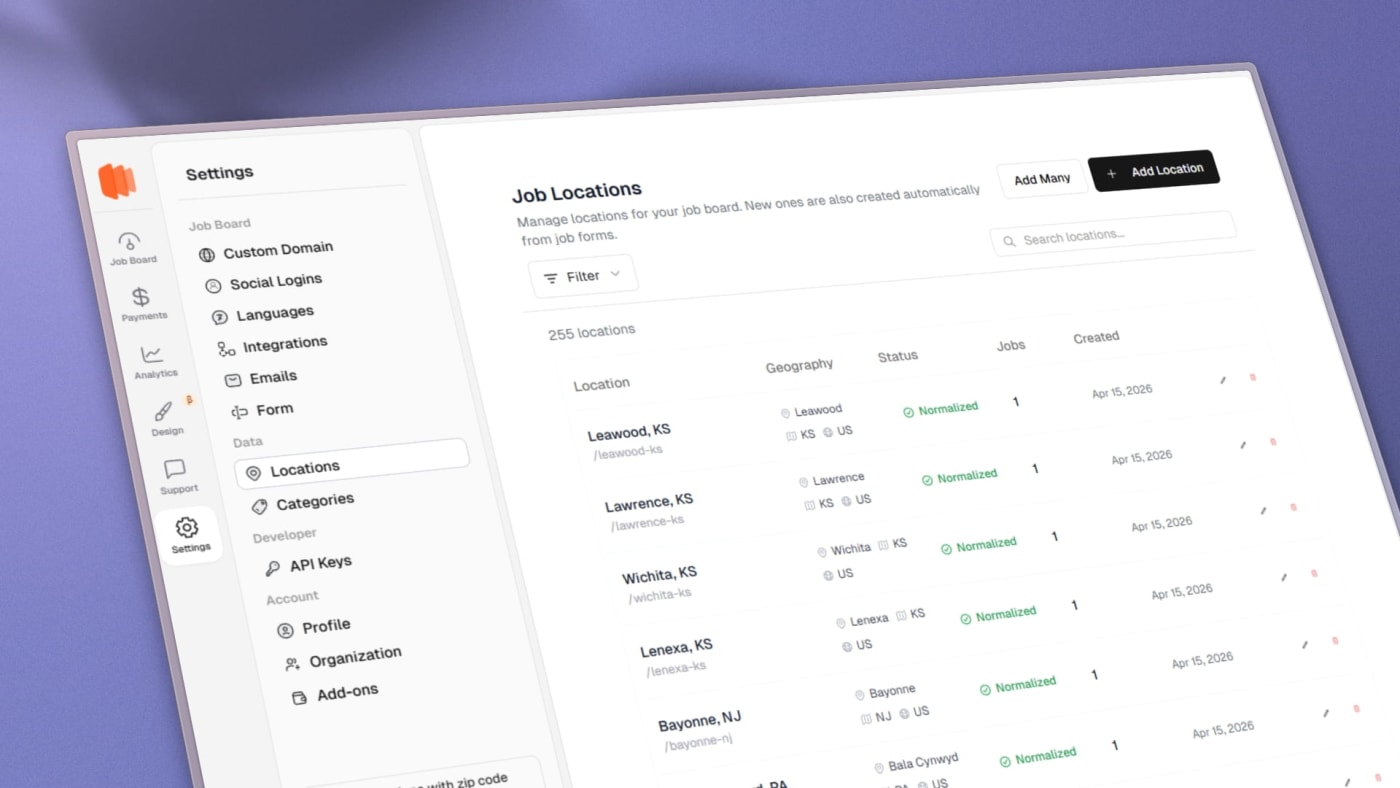
Better location management. The Add Locations dialog now lets you search and queue multiple locations at once. The edit drawer shows geo data, timezone, and lets you manage postal codes per location.
Meilisearch stays in sync. Editing a location now automatically pushes changes to the search index — no manual resync needed.
You can now import job listings in bulk using an XML feed! This allows you to easily sync jobs from external sources or legacy systems by providing a URL to your XML feed.
The system will automatically fetch and parse the XML feed at regular intervals, creating or updating job listings based on the feed content.
This is perfect for integrating with existing job databases, ATS systems, or third-party job aggregators that provide XML feeds.
You can now select multiple jobs in the dashboard and expire them all at once with the new bulk expiration action.
This is great for cleaning up old listings, managing seasonal jobs, or quickly removing multiple posts that are no longer relevant.
Simply select the jobs you want to expire from the job list, click the "Expire" action, and confirm. All selected jobs will be marked as expired immediately.
You can now build a much more custom job board with AI. Start from a modern pre-built template and then ask for the changes you want in plain language instead of being locked into one fixed layout.
Customize the look and feel much more deeply. You can change colors, fonts, sections, spacing, page structure, and even ask for more advanced visual changes like redesigning your job cards or reshaping the homepage.
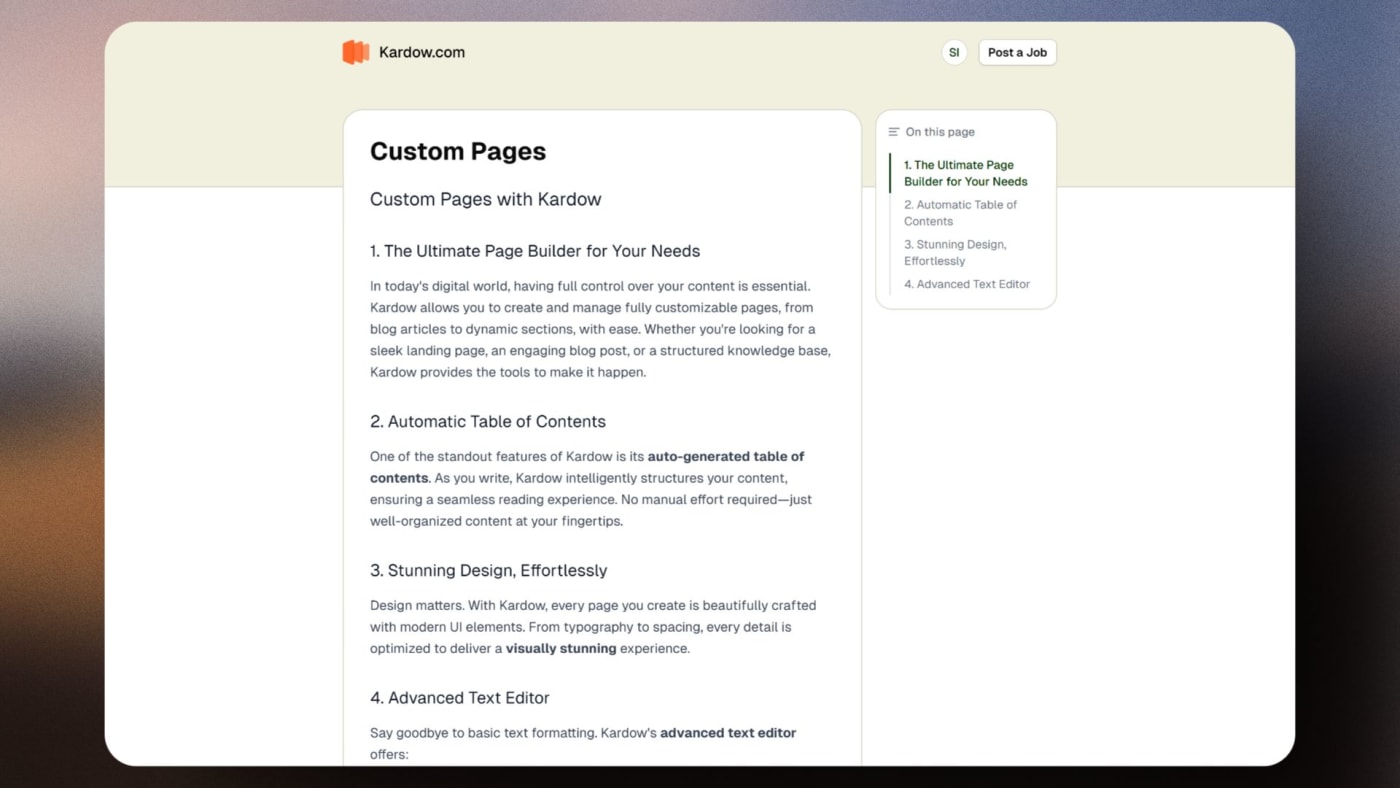
Create the pages your board actually needs. You can now add and customize pages for use cases like pricing, about, niche landing pages, FAQs, hiring info, blog-style content, and more.
Core job board features still stay built in. Jobs, applications, blog, companies, pricing, auth, analytics, and the rest of your board functionality can still be used while you redesign the experience around them.
Templates make it much faster to get started. Pick a starting point you like, launch faster, and then keep refining it with the AI chat until it fits your brand and audience.
Location data is now structured and geocoded. When a job is posted with a location, it is automatically resolved to a real city, region, and country with precise coordinates — no manual taxonomy.
All existing jobs are automatically covered. A background process normalises historic and scraper-imported jobs into the new system, so your boards benefit without having to re-enter anything.
Duplicate location strings are merged automatically. "Ottawa, ON", "Ottawa, Ontario", and "Ottawa, Ontario, Canada" all resolve to the same canonical location. One entry with all jobs correctly linked to it.
Remote is a first-class type. Jobs marked as remote are stored as a dedicated Remote location making filtering and display logic far more reliable.
The foundation for location browse pages. Structured coordinates and city/country hierarchy make it possible to build SEO-friendly location pages (e.g. /jobs/canada/ontario/ottawa) that update automatically as new jobs come in.
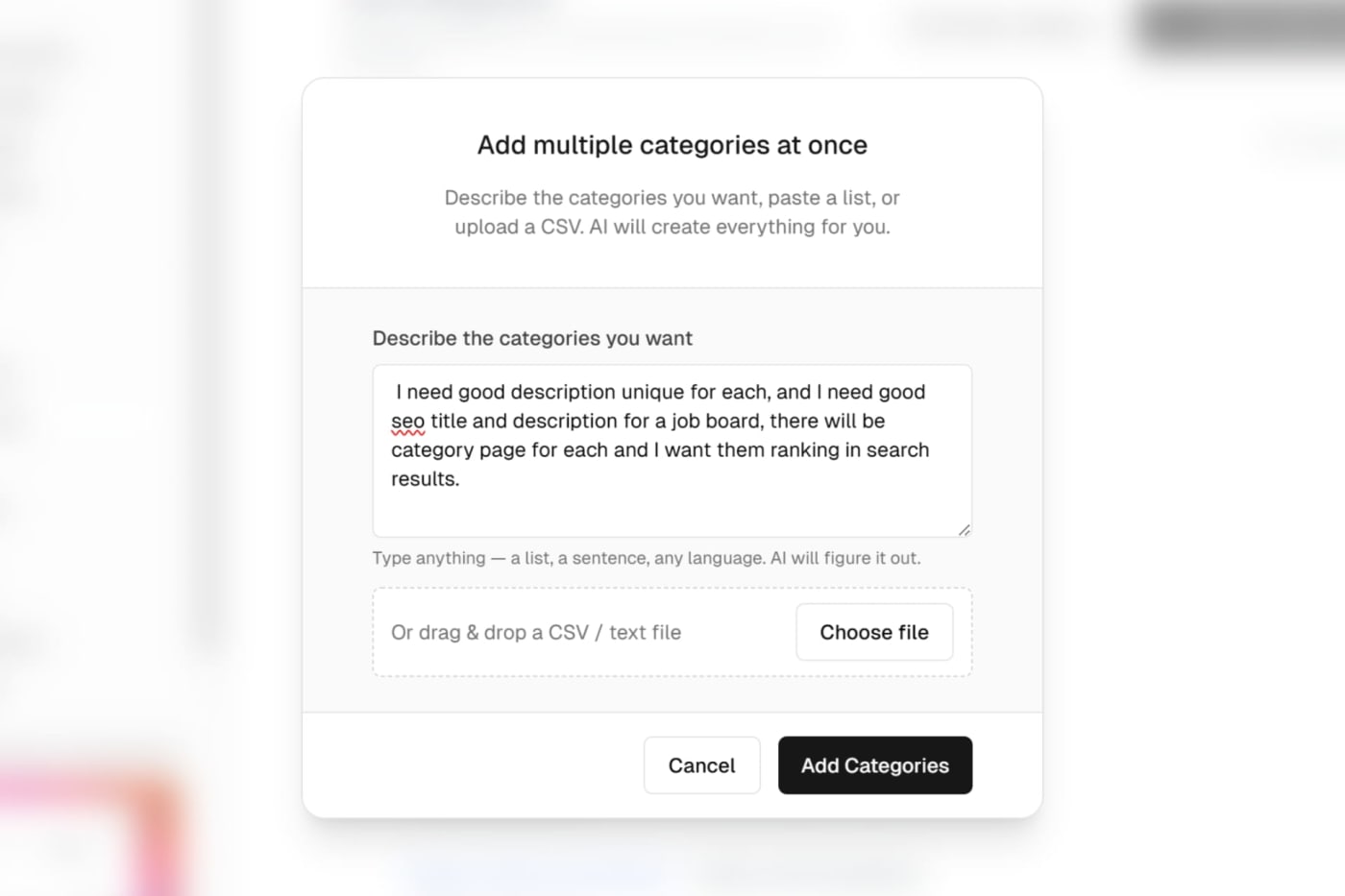
AI bulk add for categories & locations now accepts free-form instructions + optional CSV/text file content, and always tries to generate structured items (including SEO meta when possible).
Better bulk add feedback with a loading spinner and a message indicating it may take a bit for larger lists.
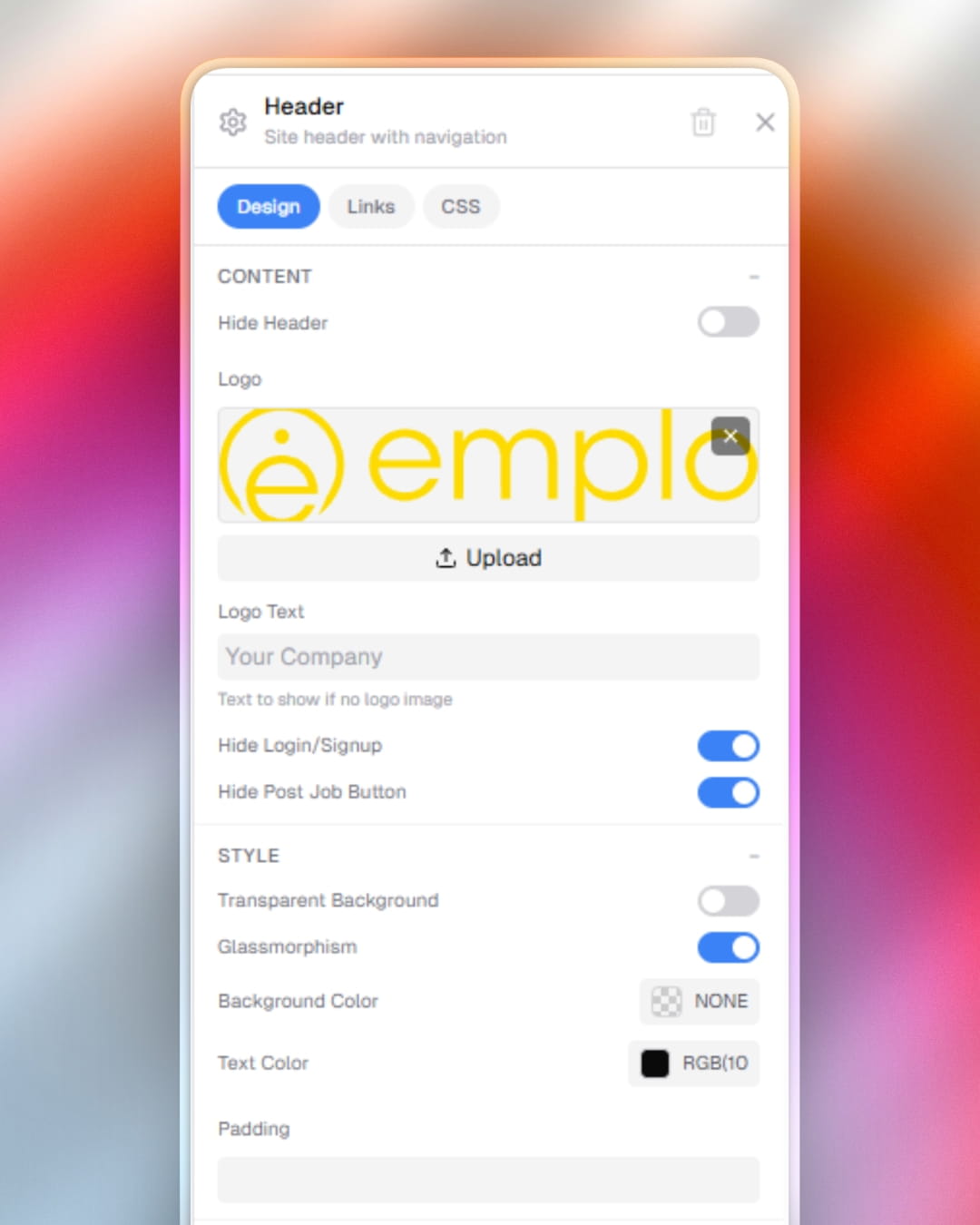
Design editor: header style controls now include background color, text color, and bottom border options (color + width).
Design editor: navigation link styling adds a link style popover with color pickers and prevents empty dropdown chevrons from showing.
Improved slug generation for accented characters (e.g., French names now transliterate accents instead of dropping letters).
Auth / paywall fixes improve route approval checks, iframe auth refresh handling, and ensure tenant user entries are created correctly after OTP verification.
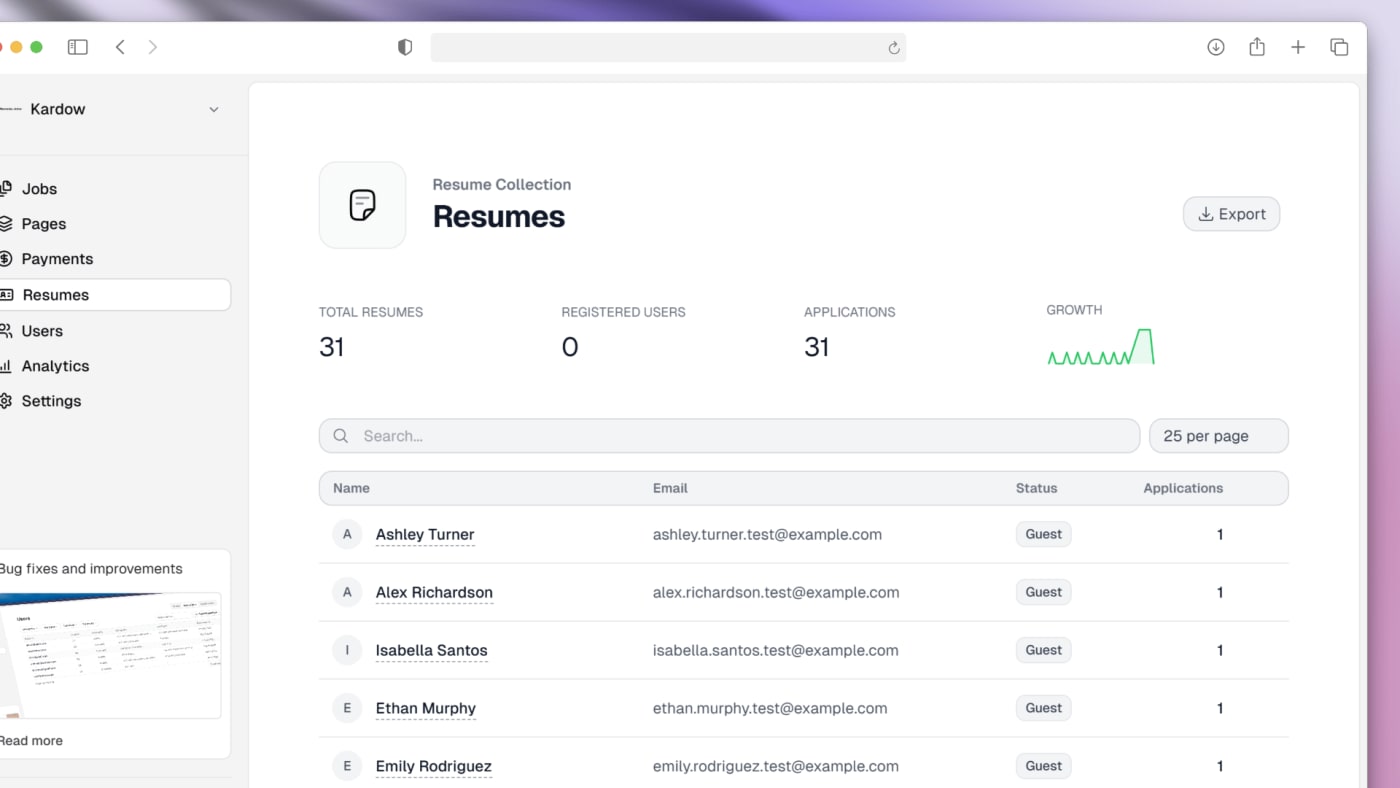
You can now manually upload candidates resumes directly from the dashboard! This allows you to manually add candidates if the applicants are having trouble doing it themselves or you want to control the candidates for a company.
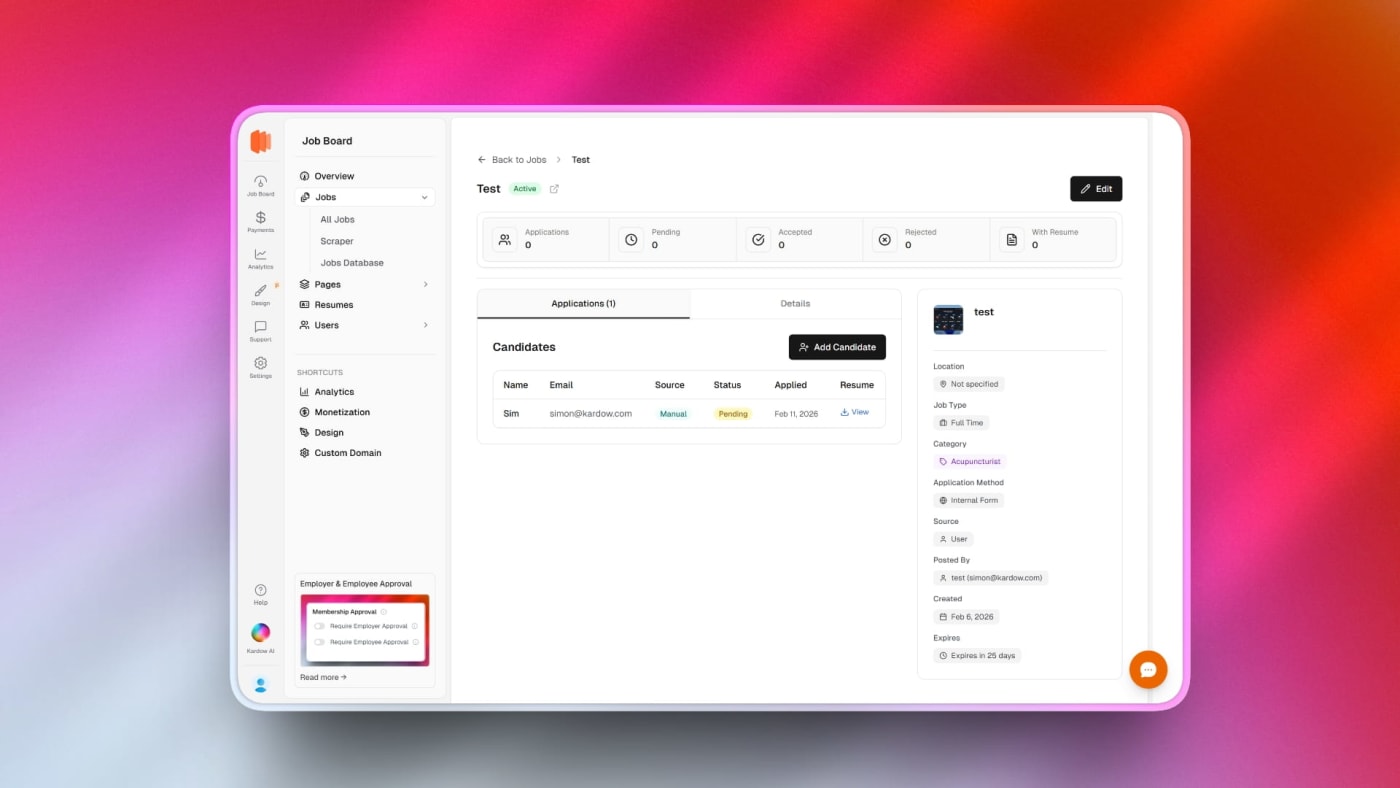
** A new job details page was added. In your job list, the job title is now underlined and you can click on it to see the details about the job post (Candidates, job info)
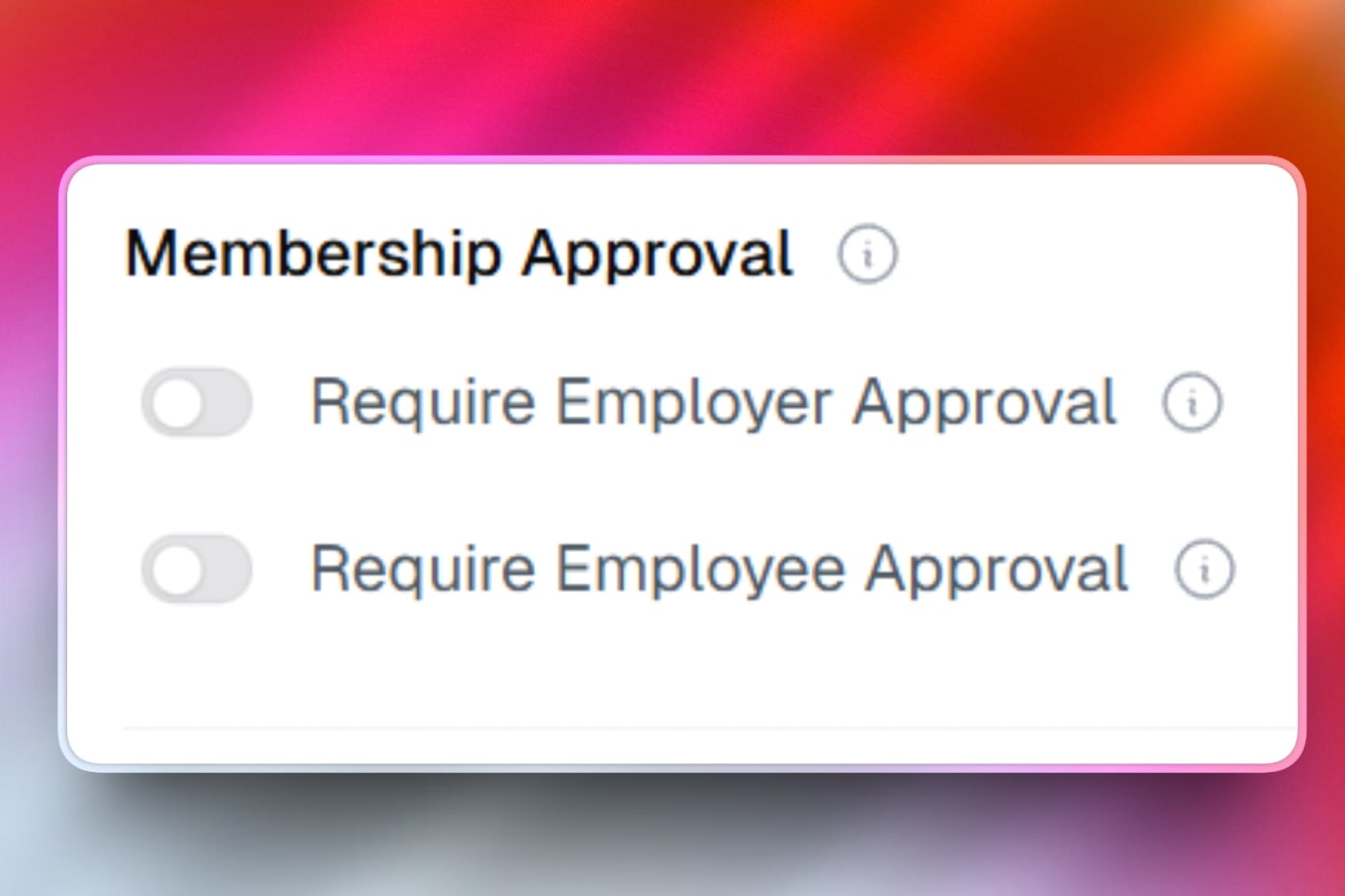
New approval system (Can be enabled from dashboard advanced settings) for employers and employees to ensure only verified businesses and candidates are listed on the platform. When enabled, new employers and employees will require admin approval before they can post jobs or apply to jobs. You will receive an email for each new registration with the details and you can approve or reject the registration from the list of users.
badges in the job card are now clickable and now link to filtered job searches (location/remote, category, job type, and custom fields) without breaking the card click.
** The Post a job default button link url can now be customized in the new design editor like the rest of the links. You can now use it to point to different pages like a pricing page instead of the form directly.
** The kardow subdomain has been removed from the dashboard if a custom domain is added. Only the custom domain will be visible now to prevent confusion about which url is active.
** Default pages components like the job posting form, the company list and the blog list can now be added directly from the new design editor. They are in the list of available components. If you accidentally delete them or want them in a specific page, they can now be added directly.
** Dynamic url parameters can now be passed in the pricing plans section to have specific ?planId= selected
** Increased how many categories are fetched when searching for categories in the job posting form.
** Custom pages edit will now open directly in the design editor, the pricing plans button to sync wil lalso handle loading plans automatically with the right path.
** Fixed a bug where updating pricing plans in the dashboard was failing.
** Fixed a bug where the system had issues showing uploaded resume when reloading the page even is resume was in the system.
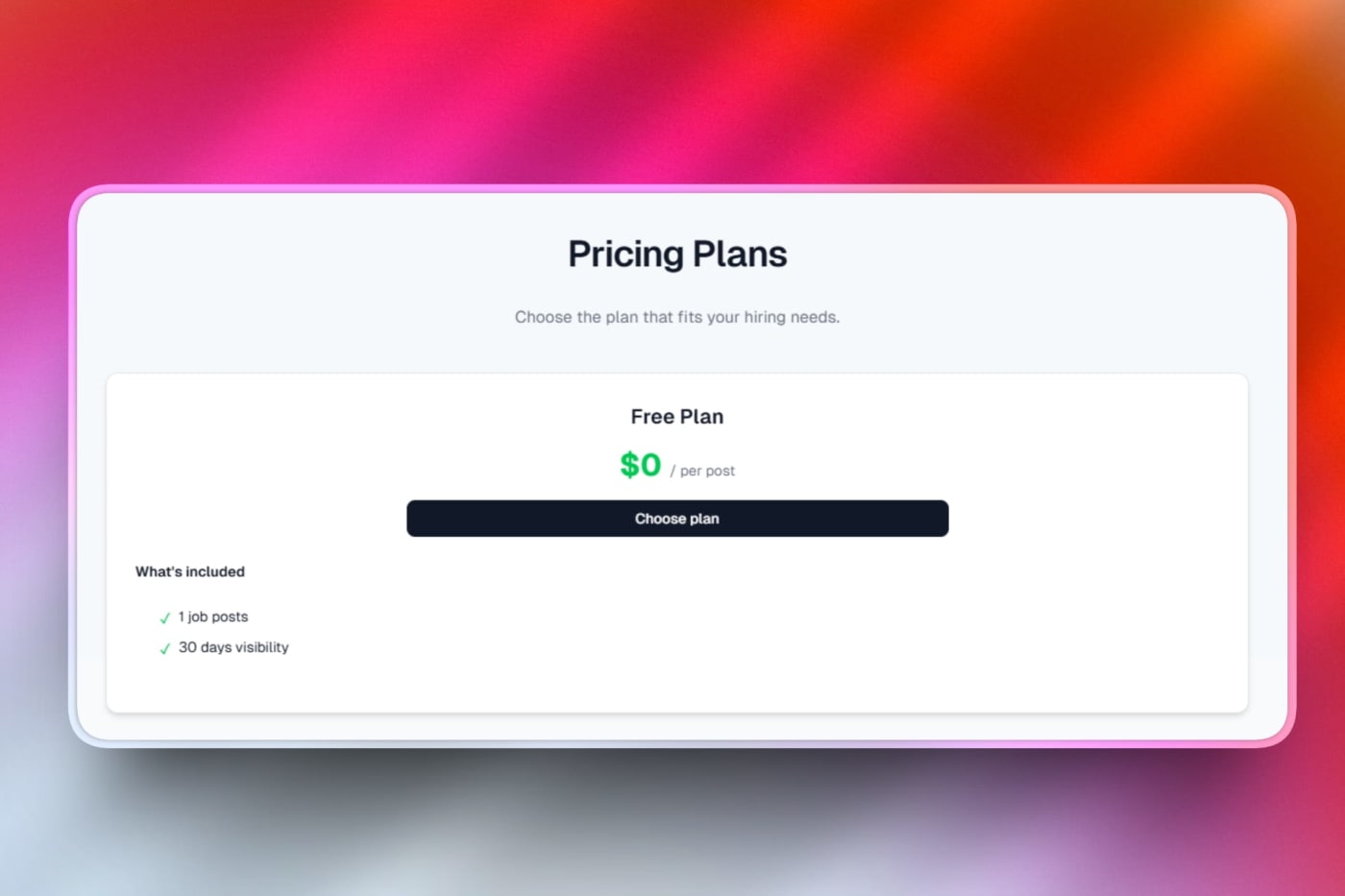
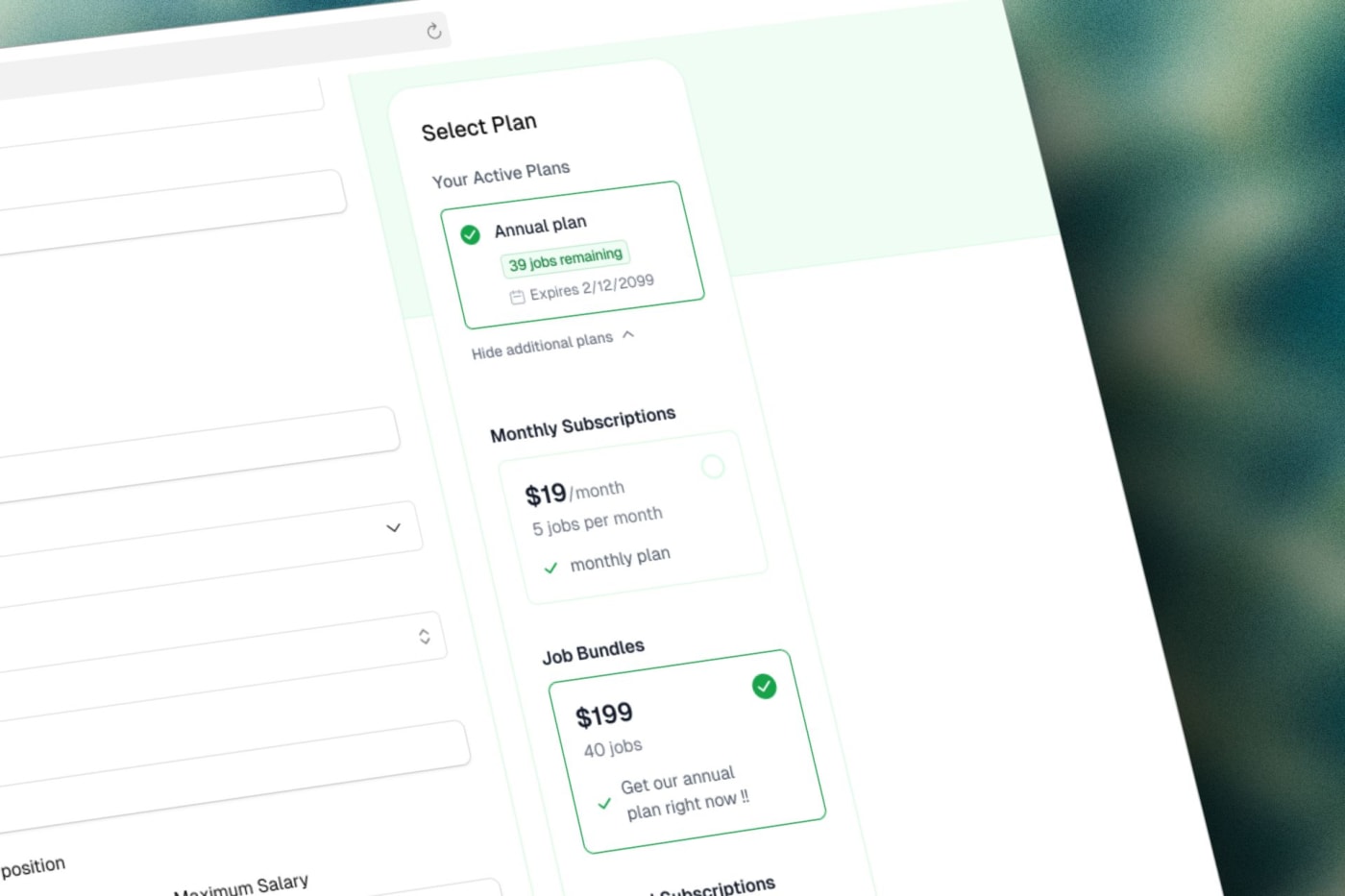
** New modern pricing plans cards with fully customizable colors, text and features list.
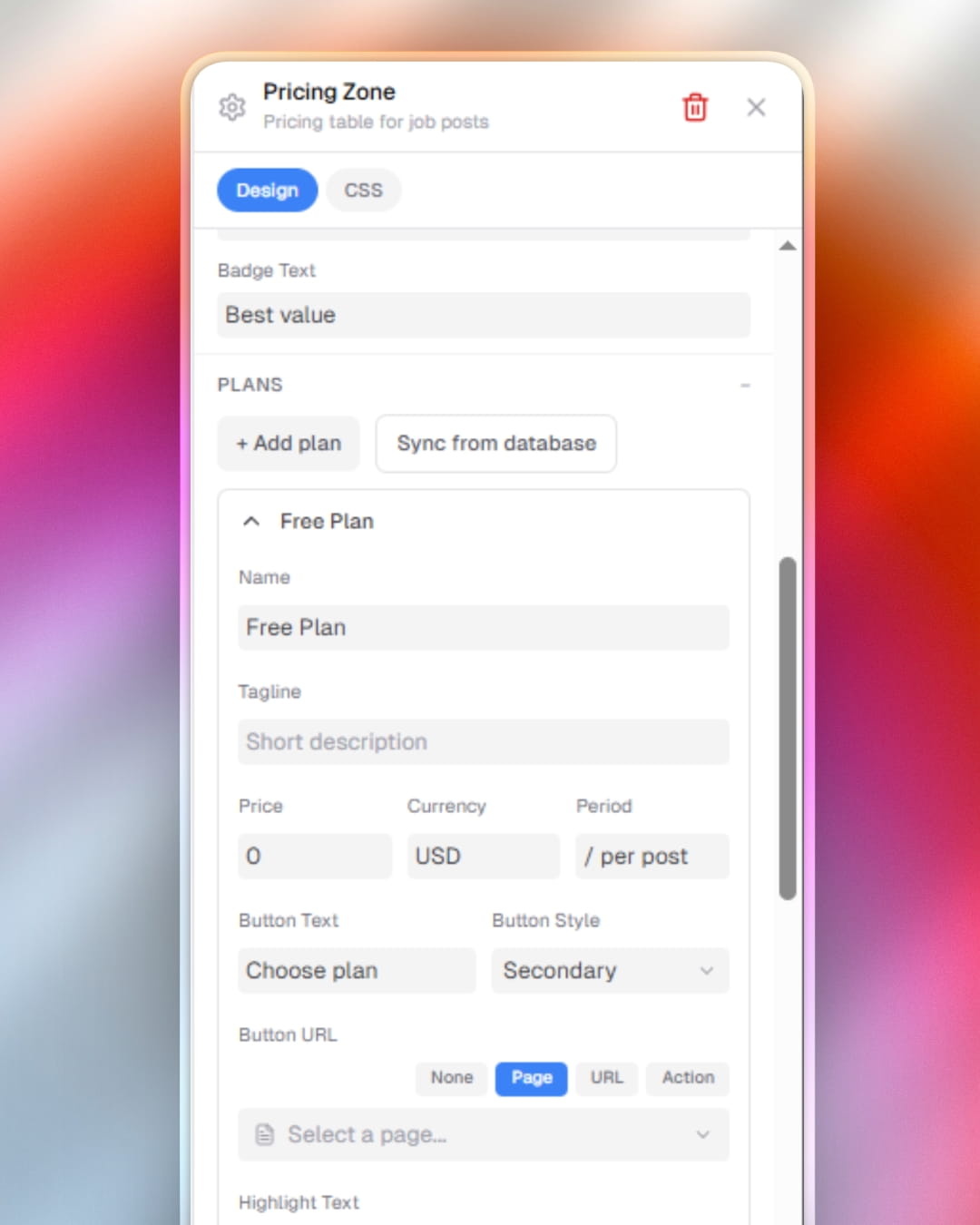
** There is now a sync button in the design editor (Click on the pricing plan component to display it) - it allows automatically syncing with your active pricing plans. You can use it to sync your board with active plans while still being able to fully customize visually the content you want like text, descriptions and features.
** You can now choose to customize the pricing plan button to be small or full width & if you want it right under the price or at the bottom of the card.
** Fixed a bug where deleting and recreating a subcribers would fail with an error about duplicate existing user. This will now automatically recreate and sync the subscriber status.
** Issue with uploading resume in employee profile should be fixed. The ai embedding of the resume was silentily failing causing the resume processing to not complete properly.
** New toggles to control the location & the categories displayed in the job posting form component.
** All custom pages used to have a prebuilt card content with borders which is great for blog, but way more limited for other types of pages. Now only blog posts have it while the other pages will just use the normal page background color
** An improved pricing plans component that allows more customization including plan highlights, custom button texts, and more flexible feature lists.
** The new pricing plans section can also auto pull pricing plans data from your monetization section automatically.
** You can now add a custom page directly from the design editor. When you use the page select, the first item in the list is Add a new page. You can pick title and slug and it will be automatically added.
** In pricing plans section of your job posting form, you can now replace the list of features by a learn more option that on hover will show the features directly. This makes it visually more simple for boards with a lot of features.
** Fixed missing postJob.types.casual in the post job form (Select job types)
** Added new controls to edit or delete existing subscribers
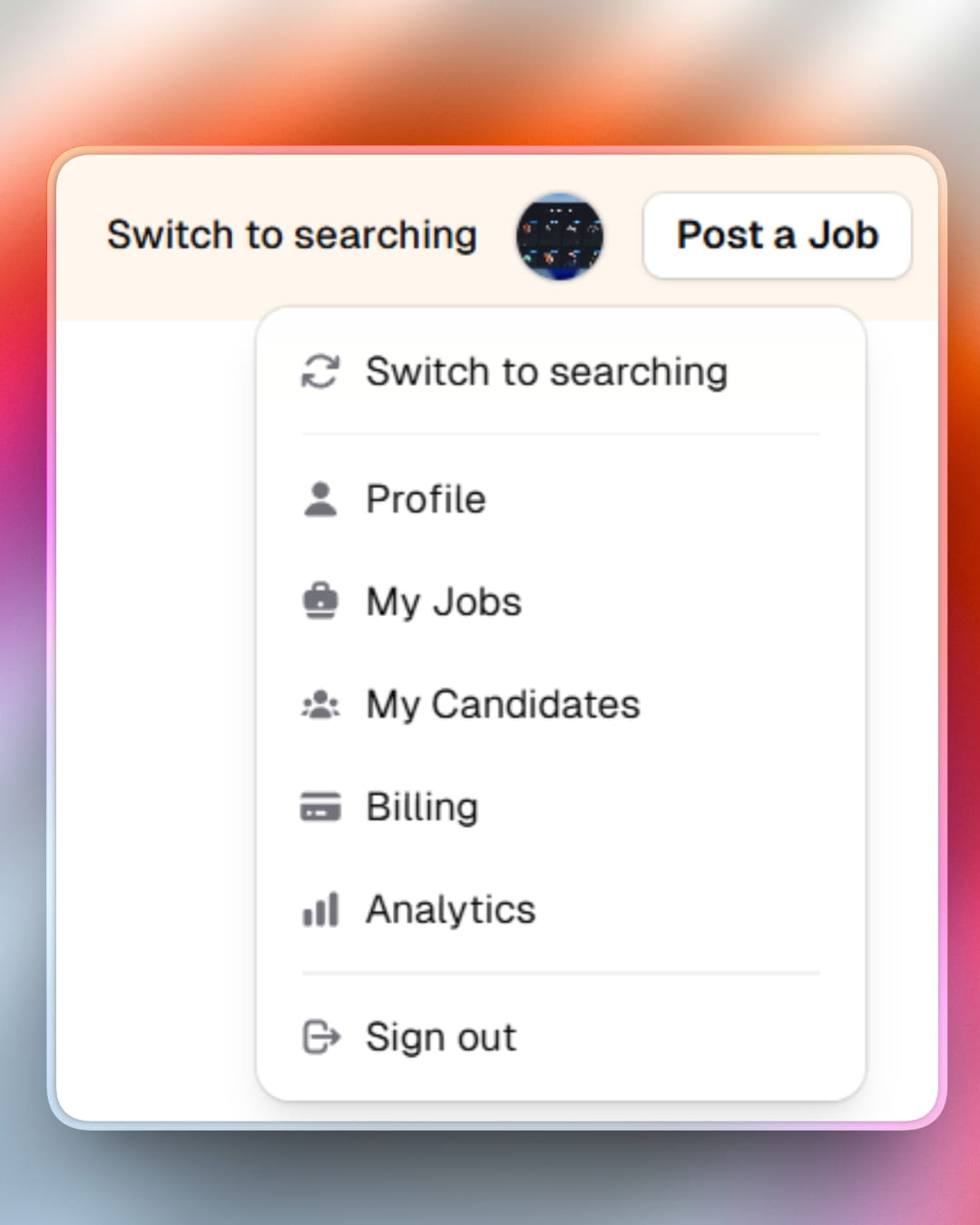
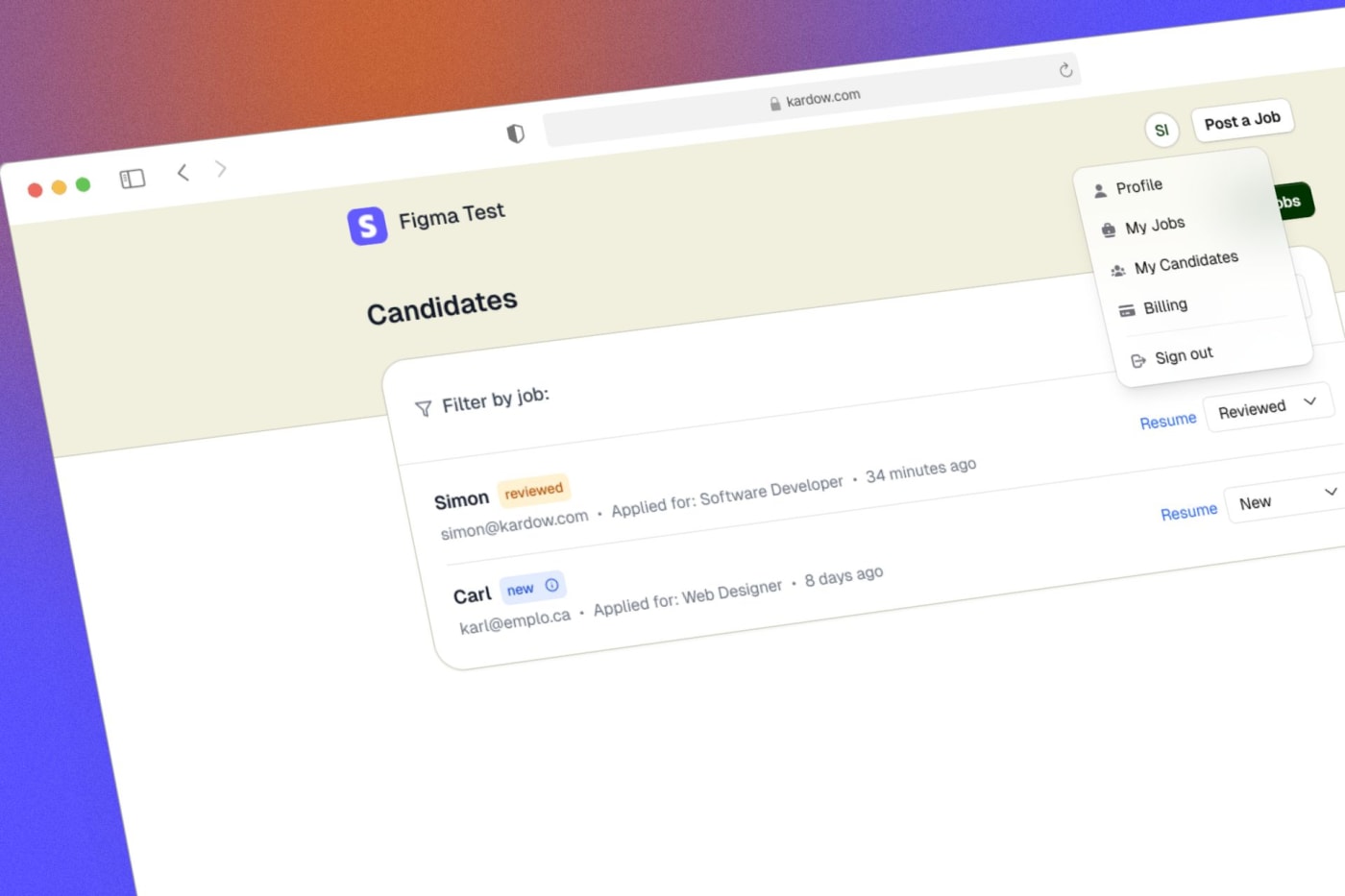
Added a new role switcher in the user menu to easily switch between hiring and job searching modes. This allows users to manage job postings and applications seamlessly from one account.
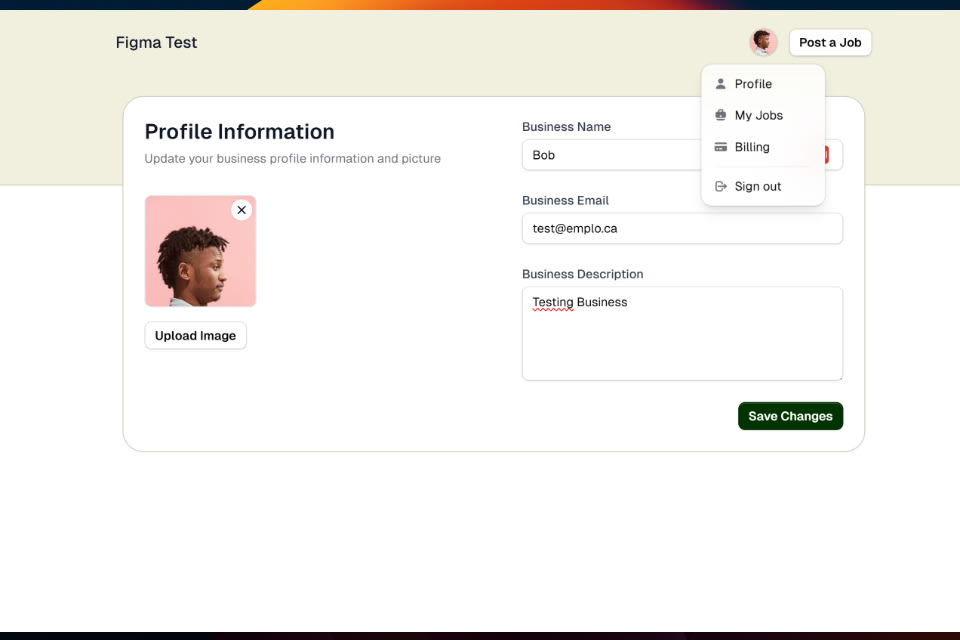
** Fixed a bug where the text in employee profile and business profile were switched.
** Improving applicants list to improve loading and usability
** Tracking label translations fixed for click & candidates
** Fixed rendering of jobs database imported jobs where the rendering was keeping markdown visual content.
** bug with certain messages in chat widget should be fixed. Visitor identity changes was leavling a stale conversation state that was preventing the system from auto syncing back the communication system.
Bulk add categories and locations with AI assistance! Simply describe what you want in natural language (e.g., "tech cities in Europe" or "healthcare job types"), and our AI automatically generates and adds them for you.
AI auto-categorization now runs in the background to keep your job listings properly organized and categorized.
Advanced Search integration powers a new high-performance job search system that is faster and more reliable than ever before.
Improved header navigation menu for a smoother sub-links search and fixing auto focus state.
Fixed a bug that was preventing deleting job applications in the dashboard.
Enhanced widget script with better performance and reliability for the chat widget.
Fixed a bug that was preventing opening a job post directly from the job list in the dashboard (wrong redirect)
Search and categorization now use intelligent indexing that automatically stays in sync with your job postings.
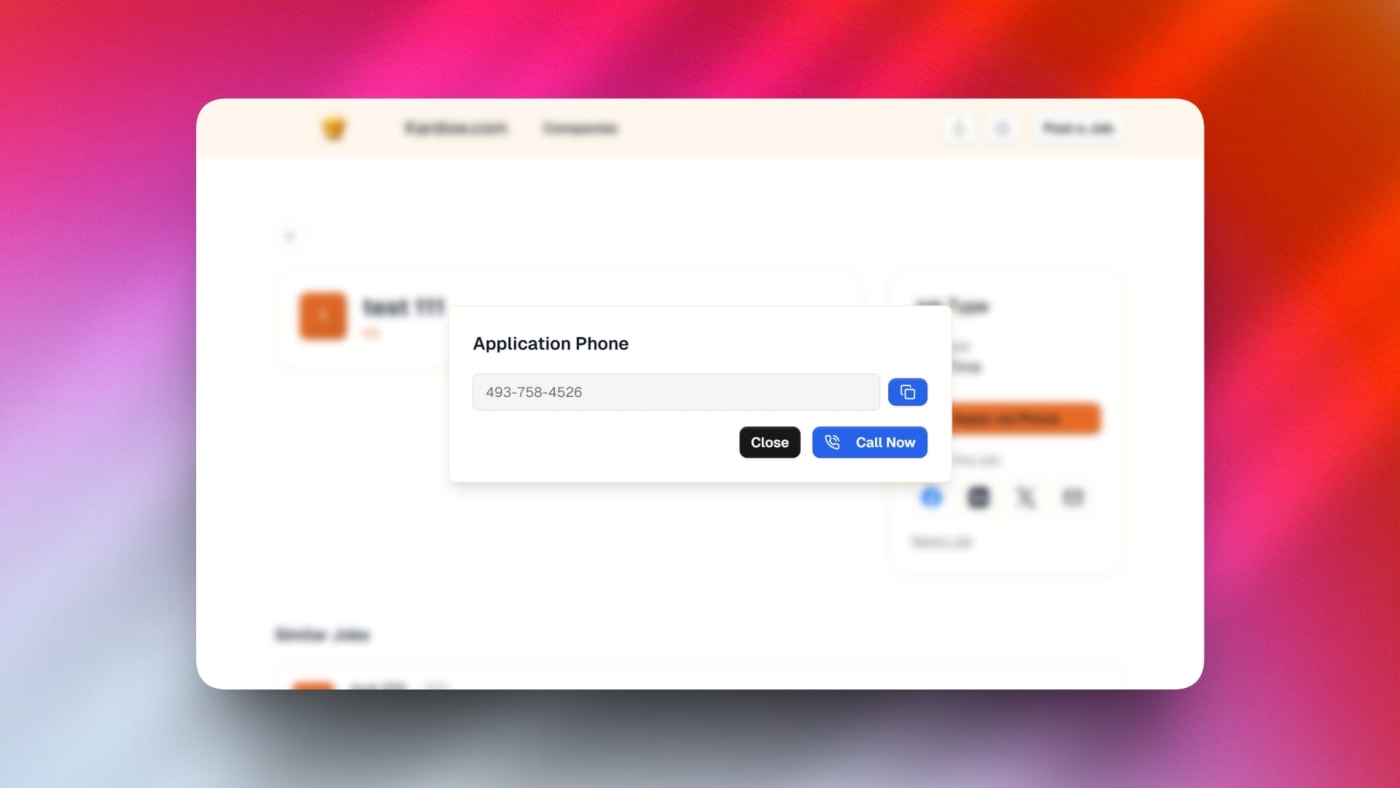
Phone number applications are now supported! Employers can now accept applications directly through phone calls with a smooth phone verification dialog that visitors use to call or copy the number.
Visitors map view has been completely redesigned with better visuals, improved performance, and a more intuitive interface for seeing where your visitors are located.
AI Assistant moved to sidebar for easier access and better integration into your workflow without taking up valuable space.
Pricing plans now support multi-select, allowing you to manage multiple pricing tiers more flexibly and showing the unlimited jobs symbol on unlimited plans.
Pricing plan IDs are now properly tracked and displayed, making it easier to manage different pricing configurations.
Unlimited jobs pricing plans now properly display indicators, helping customers understand the full scope of their plan benefits.
Overall improvements to the visitor analytics experience with a cleaner interface.
Headers look better with improved styling and layout refinements across your job board.
The mobile menu now shows all links properly, making navigation on phones and tablets much easier with a long scrollable list.
Logo uploads now display larger previews that fit the available space, so you can see exactly how your company logo will look.
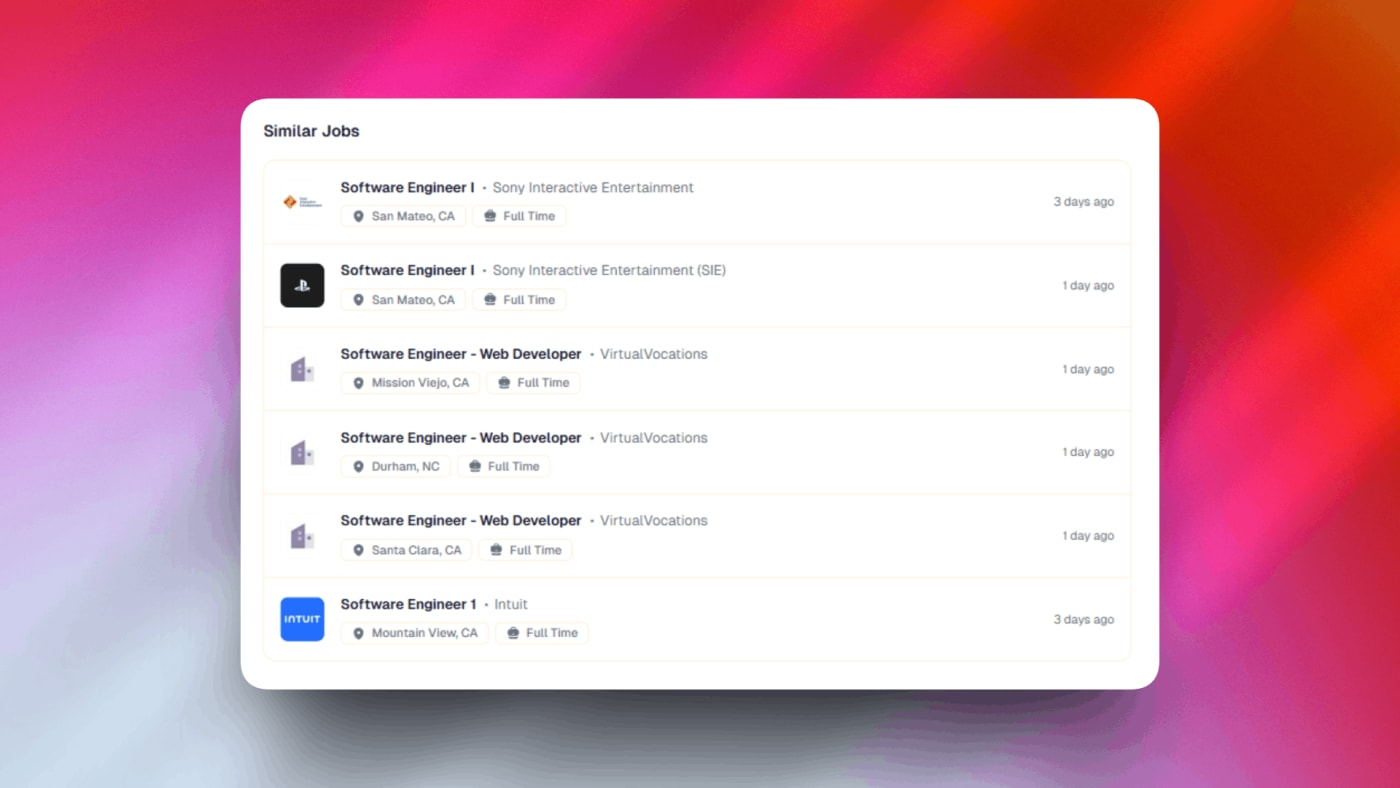
Company logos appear in similar jobs listings, giving visitors a quick visual reference of which companies have related positions.
Social share buttons now display your custom Open Graph metadata when shared on social media, so your job posts look professional and attractive when shared.
Fixed a bug where expired authentication tokens would cause issues when posting new jobs, making the experience more reliable.
Faster job search input makes filtering and searching through your job listings snappier and more responsive.
Overall improvements to the job board design for a cleaner, more polished appearance.
The sidebar has been completely reorganized to group related tools and features together, making it easier to find what you need.
The new icon-based navigation bar on the left groups everything into 6 main sections: Job Board, Messages, Analytics, Monetization, Design, and Settings.
Job Board is now the main hub where all your day-to-day work happens — jobs, pages, content, and people management.
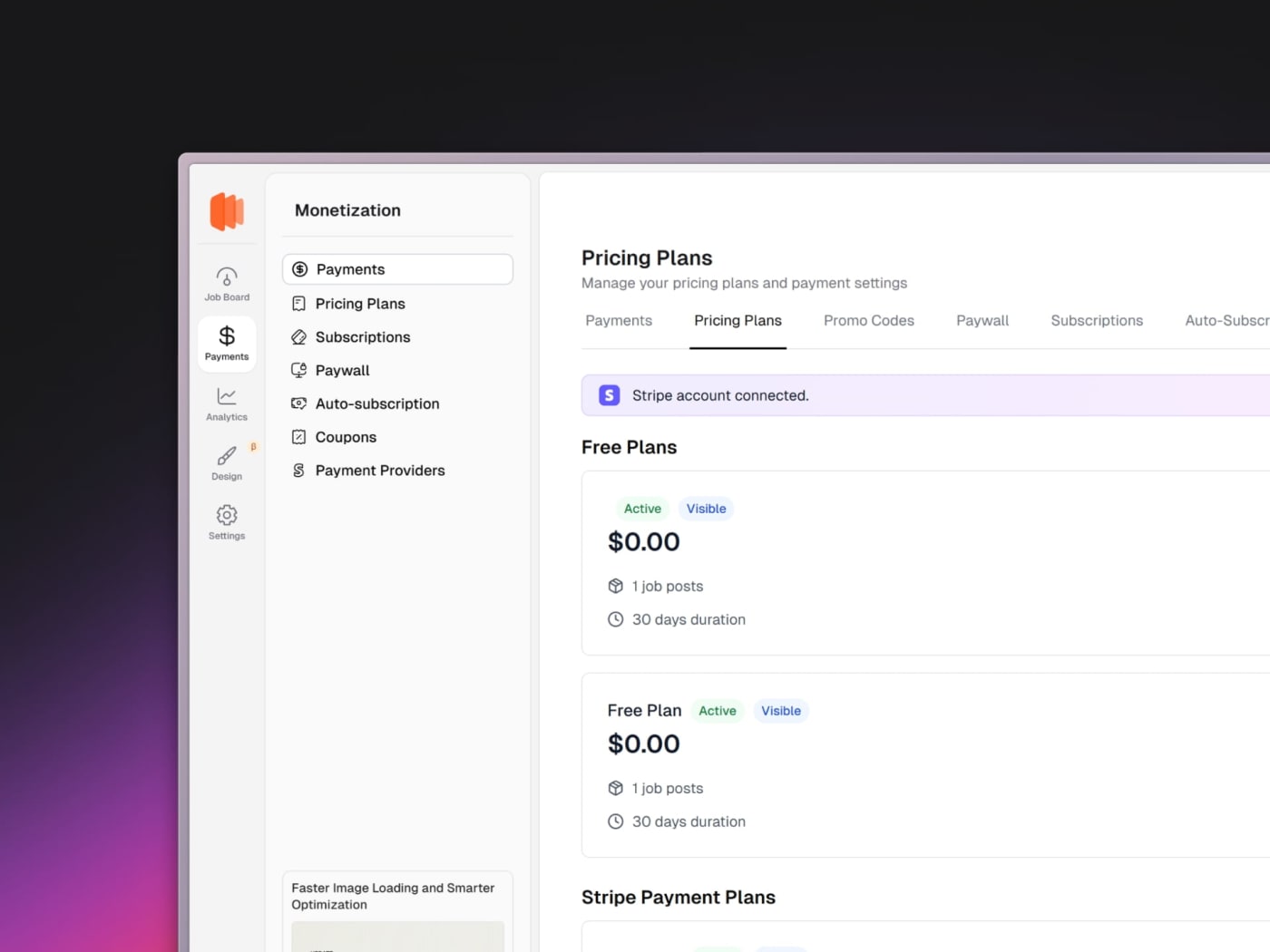
Monetization consolidates all payment-related features including pricing plans, subscriptions, and paywall settings in one place.
Analytics now has its own dedicated section with traffic insights, job performance, applications, revenue tracking, and more.
Messages brings your live chat system and support conversations together for easy access.
Design remains your custom UI workspace for pages, themes, layouts, and components.
Settings contains all platform and account management options including integrations, emails, API keys, and organization settings.
Inside the Job Board section, quick shortcuts to other tools are included to help you transition smoothly — no existing functionality has changed.
This new structure scales with new features while keeping everything organized and intuitive.
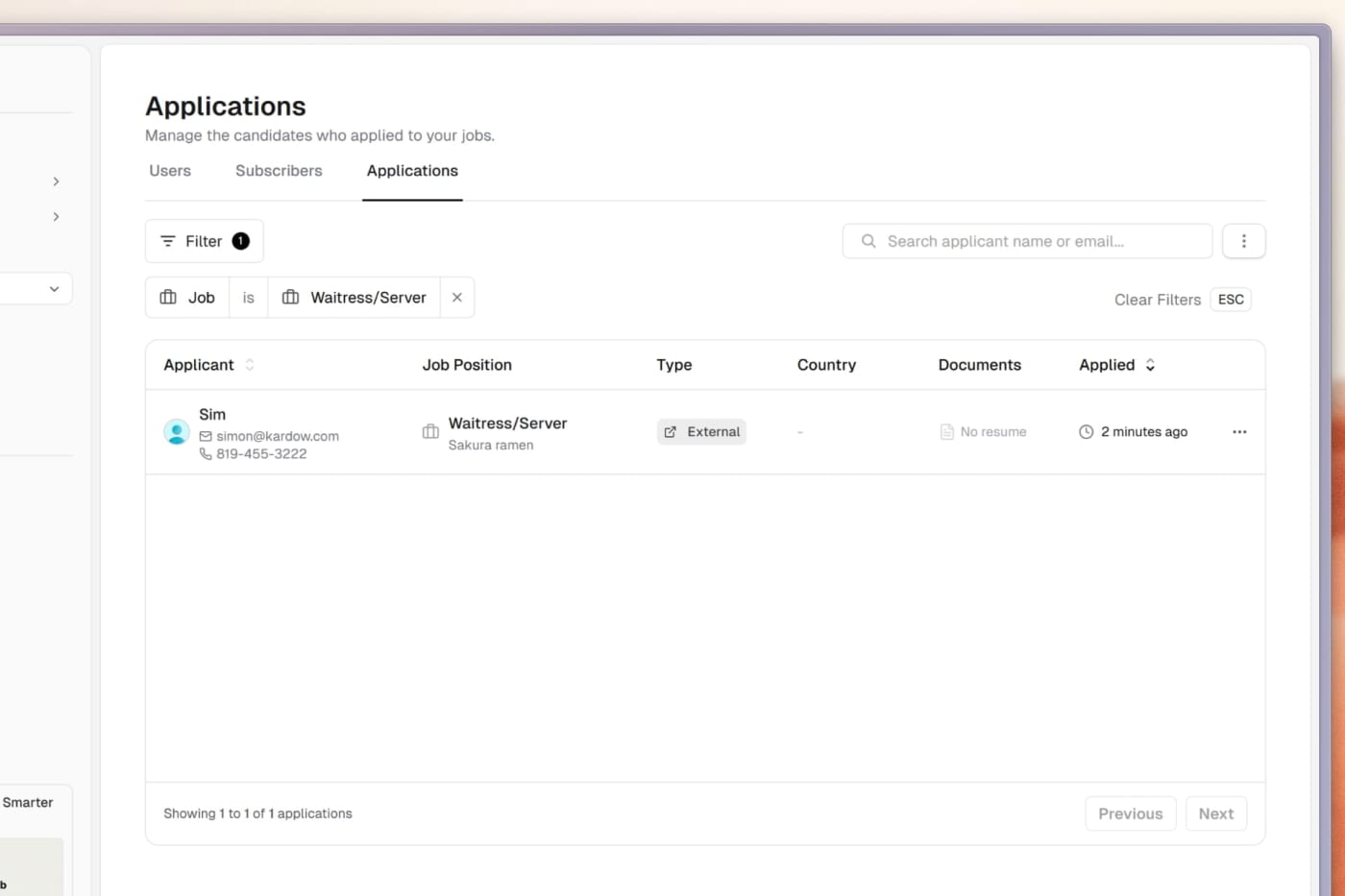
The Applications section has been completely modernized with a cleaner interface and powerful filtering options.
You can now filter applications by job, making it easy to review all applicants for specific positions at a glance.
A new applicants table displays all your submissions with sortable columns and advanced search capabilities.
Auto-redirect jobs now automatically capture visitor data including country, location, and device information when users click through, even without email addresses.
This means you can now track anonymous applicants and understand where your traffic is coming from geographically.
View detailed analytics about each applicant including their location, when they applied, and which job they applied to.
The improved table design makes it easier to manage large volumes of applications and spot trends in your hiring.
Better data collection helps you understand your applicant pool and optimize your job listings for better conversions.
Images across the job board are now served in the best possible format for each user, including modern formats like WebP and AVIF when supported.
Company logos are automatically resized and optimized for job cards, job detail pages, and the site header to reduce load time and improve visual clarity.
Pages now load faster thanks to a new global image caching layer, ensuring images are delivered quickly no matter where your visitors are located.
Job pages also benefit from improved caching, resulting in snappier navigation and faster repeat visits.
The logo loading experience has been refined so the letter-based avatar placeholder no longer flashes while images load, creating a cleaner and more polished user experience.
Full translation support has been added for job reporting, expired job pages, and social sharing across all supported languages (English, French, Spanish, and Albanian).
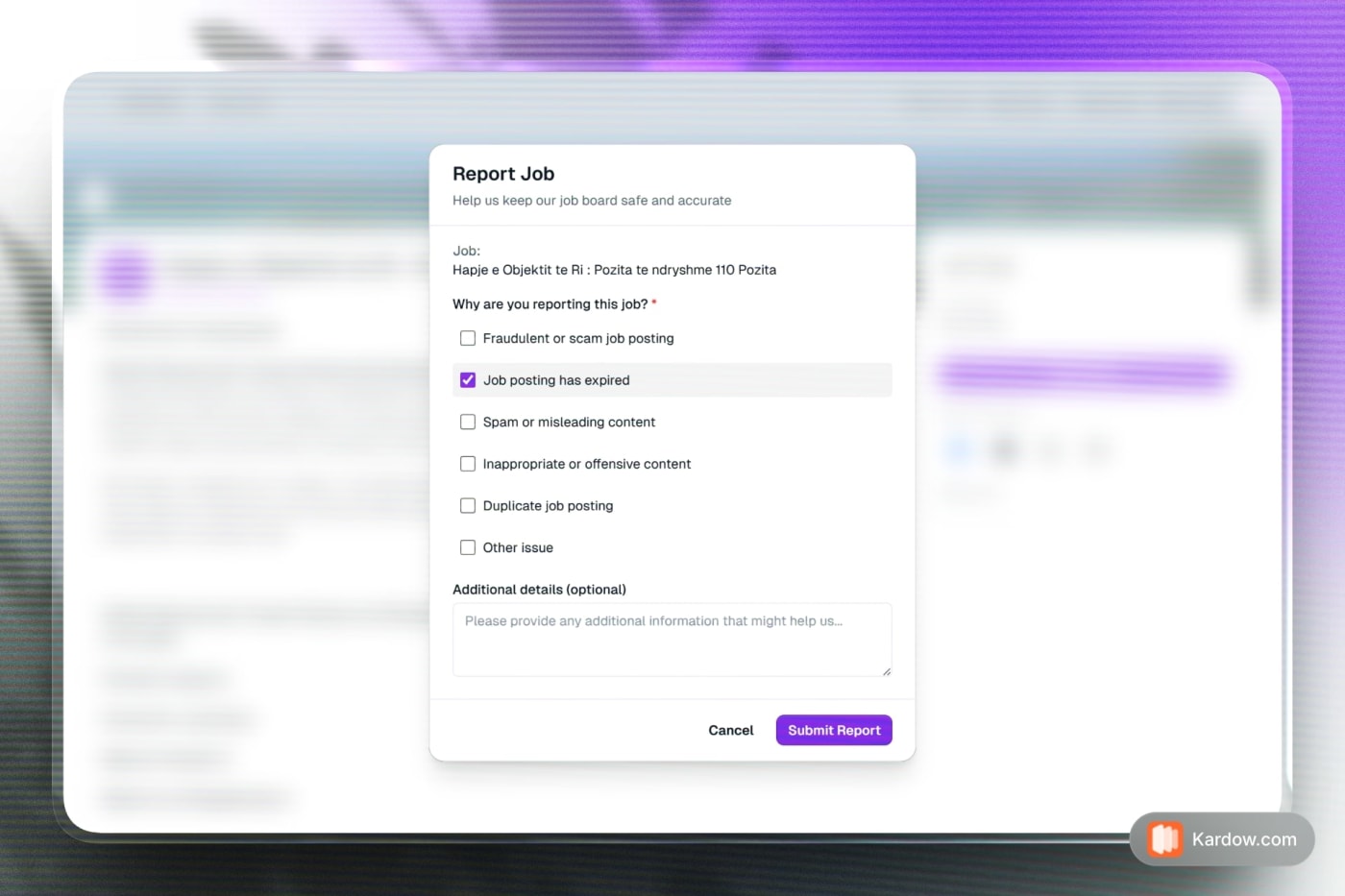
A new Report Job link is now available on every job posting, making it easy for visitors to flag fraudulent, expired, or inappropriate listings.
The report modal now fully adapts to your board's theme and colors, including dark mode support.
If a job is reported, a new alert badge will appear in your dashboard to notify you and allow you to view the reports.
Social sharing buttons now display translated labels and work seamlessly in both light and dark themes.
Expired job pages now show properly translated content including job alerts and support contact options.
Footer location links now support a minimum job count filter, allowing you to control which locations appear based on the number of active jobs.
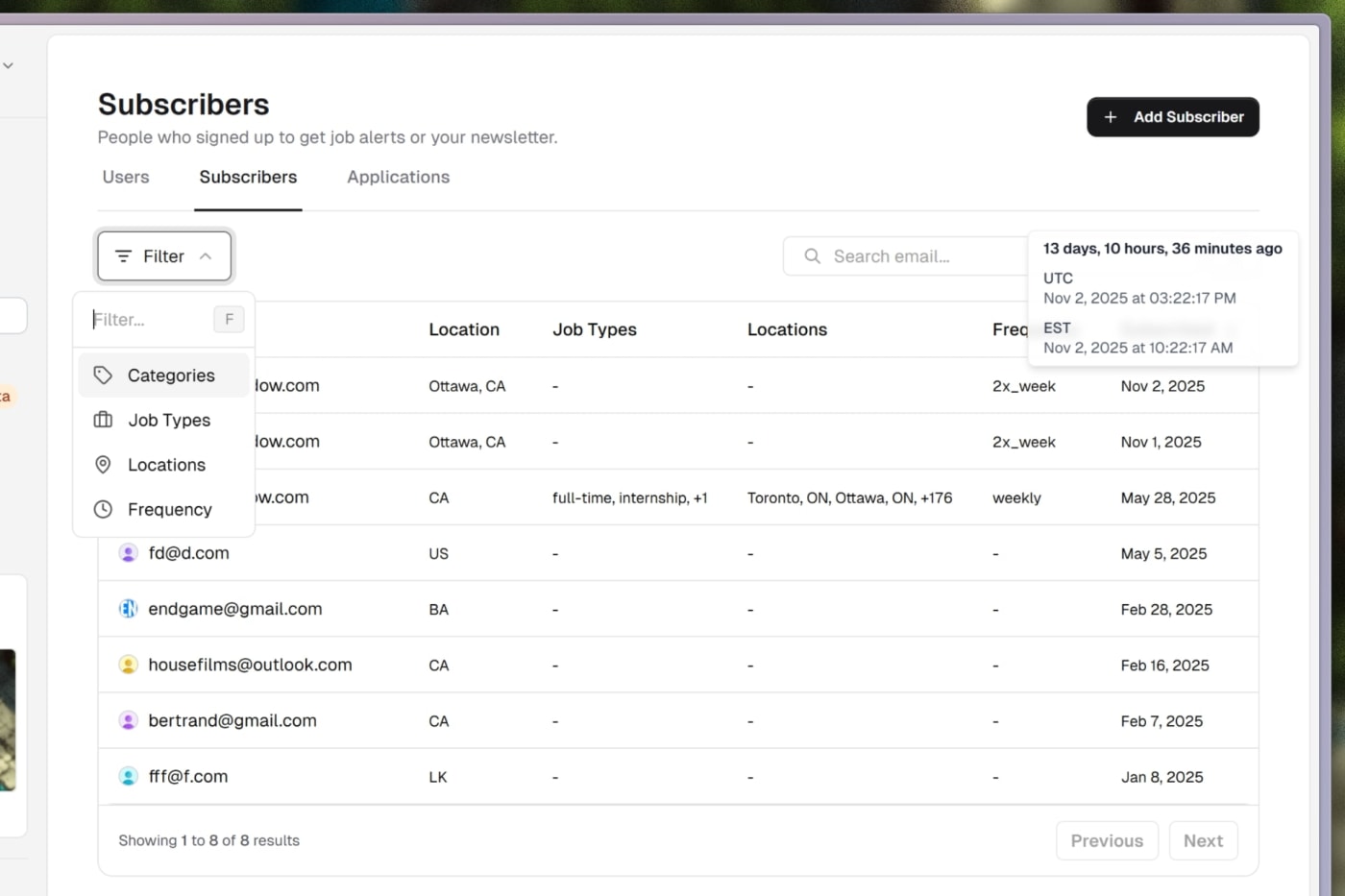
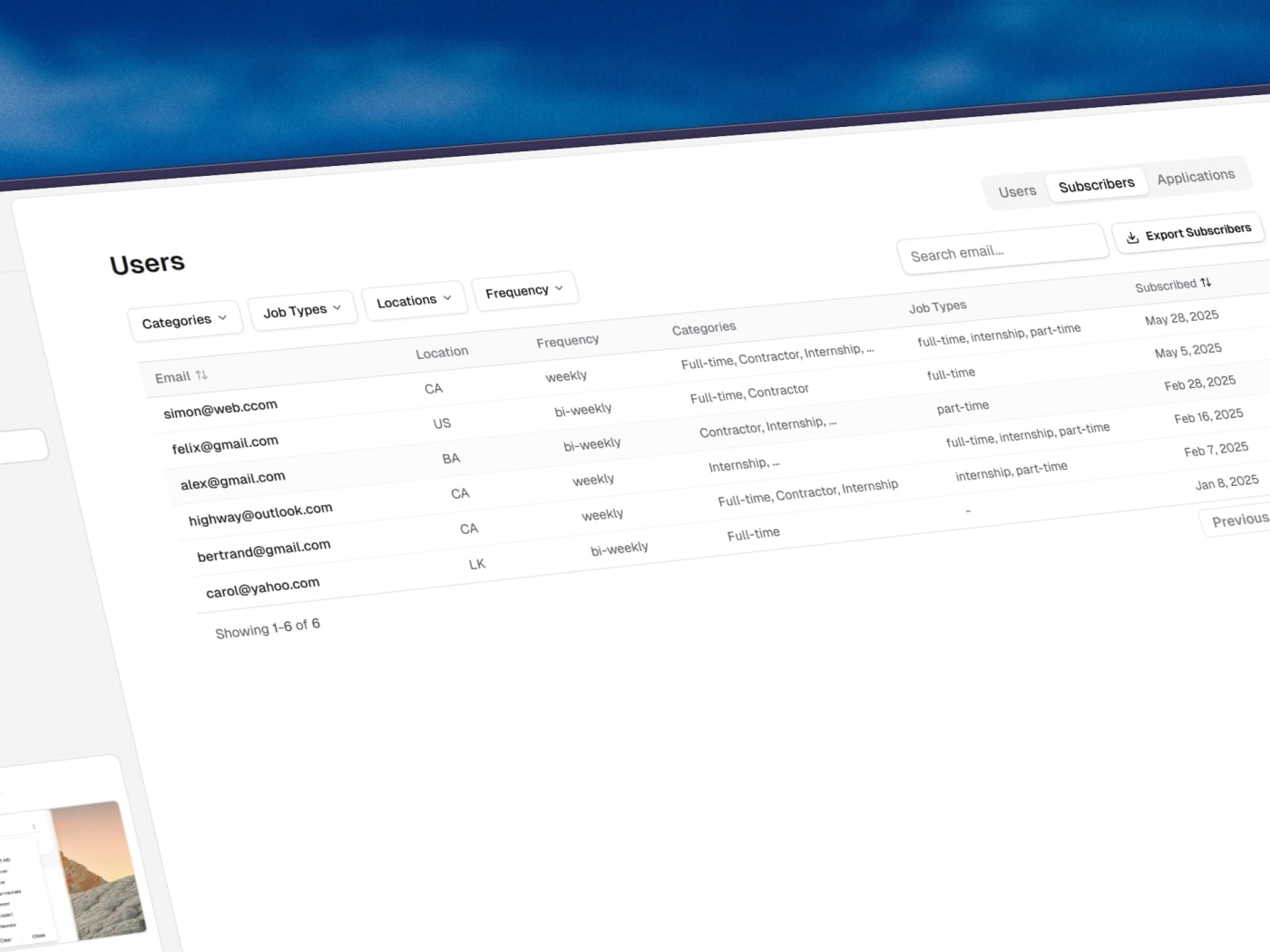
The subscribers table has been fully revamped with a cleaner interface and improved filtering options similar to the updated users table.
Advanced filters are now available, including categories, job types, locations, and frequency, making it easier to segment and understand your subscribers.
Fallback avatars and Gravatar images are now automatically pulled when available.
A new relative time tooltip has been added, showing how long ago a subscriber joined. The tooltip also displays the formatted date in UTC and automatically converts it to your local timezone.
You can now manually add new subscribers directly from the dashboard with the new subscriber form.
Subscriber preferences such as selected locations, job types, and frequency are now visible inside the table for better insight.
Subscriber location data is now displayed when available.
Search has been improved for faster and more accurate email lookups.
An export to CSV option has been added under the three dots menu, allowing you to download your subscriber list at any time.
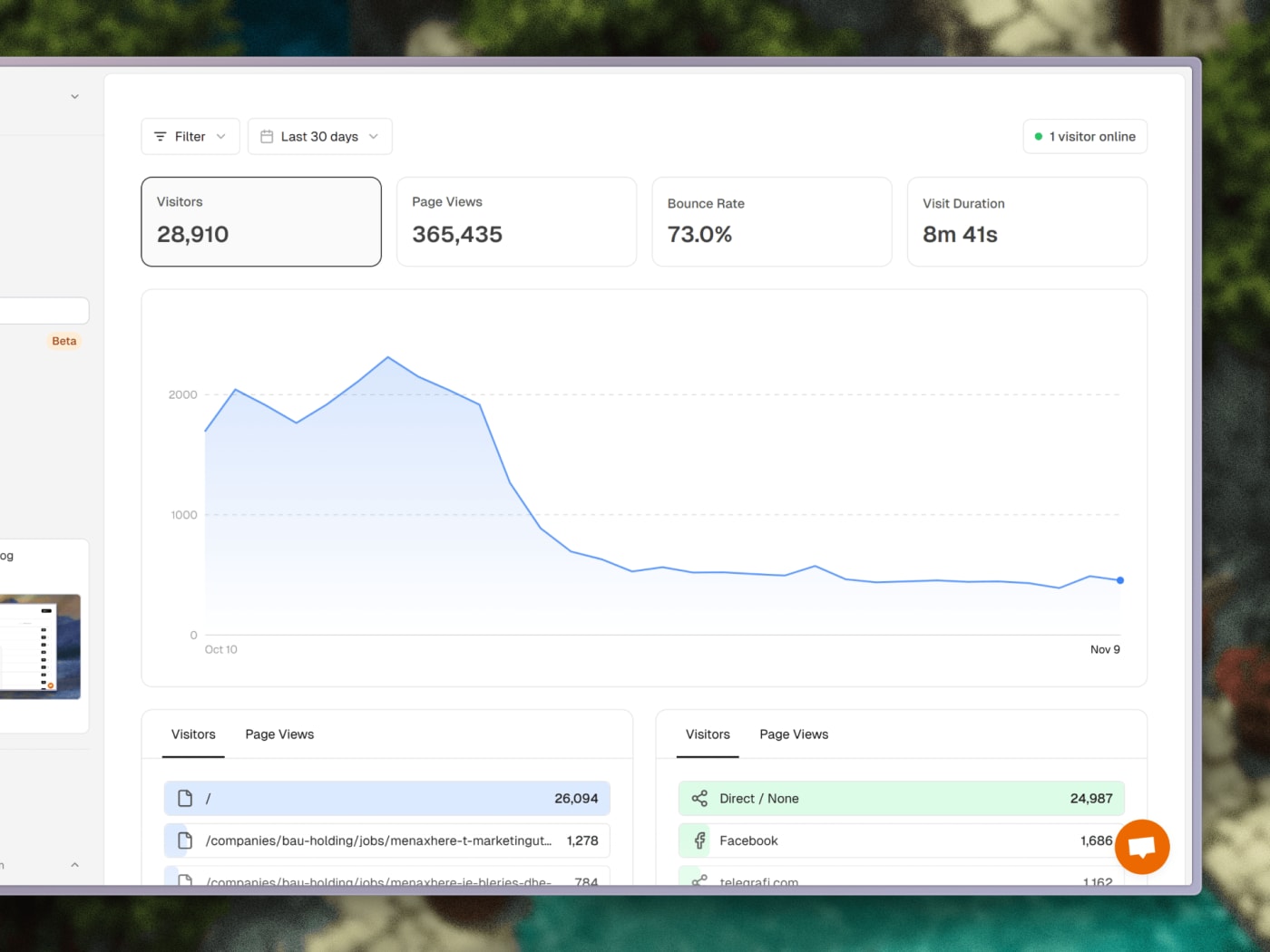
Analytics have been updated to improve accuracy and usability across the dashboard.
A bug was fixed where the country data was not displayed correctly and defaulted to the United States. Countries now display accurately for all visitors.
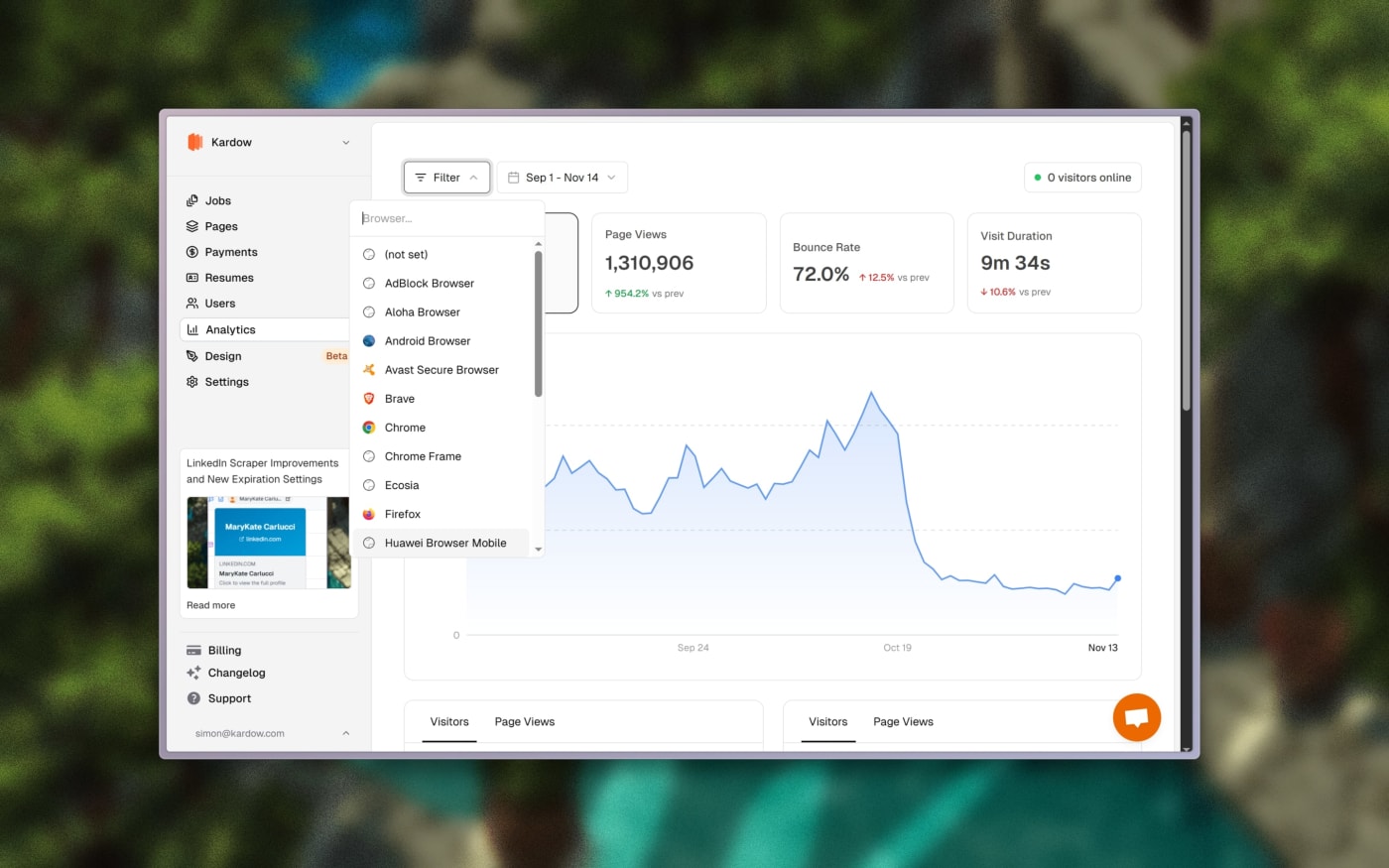
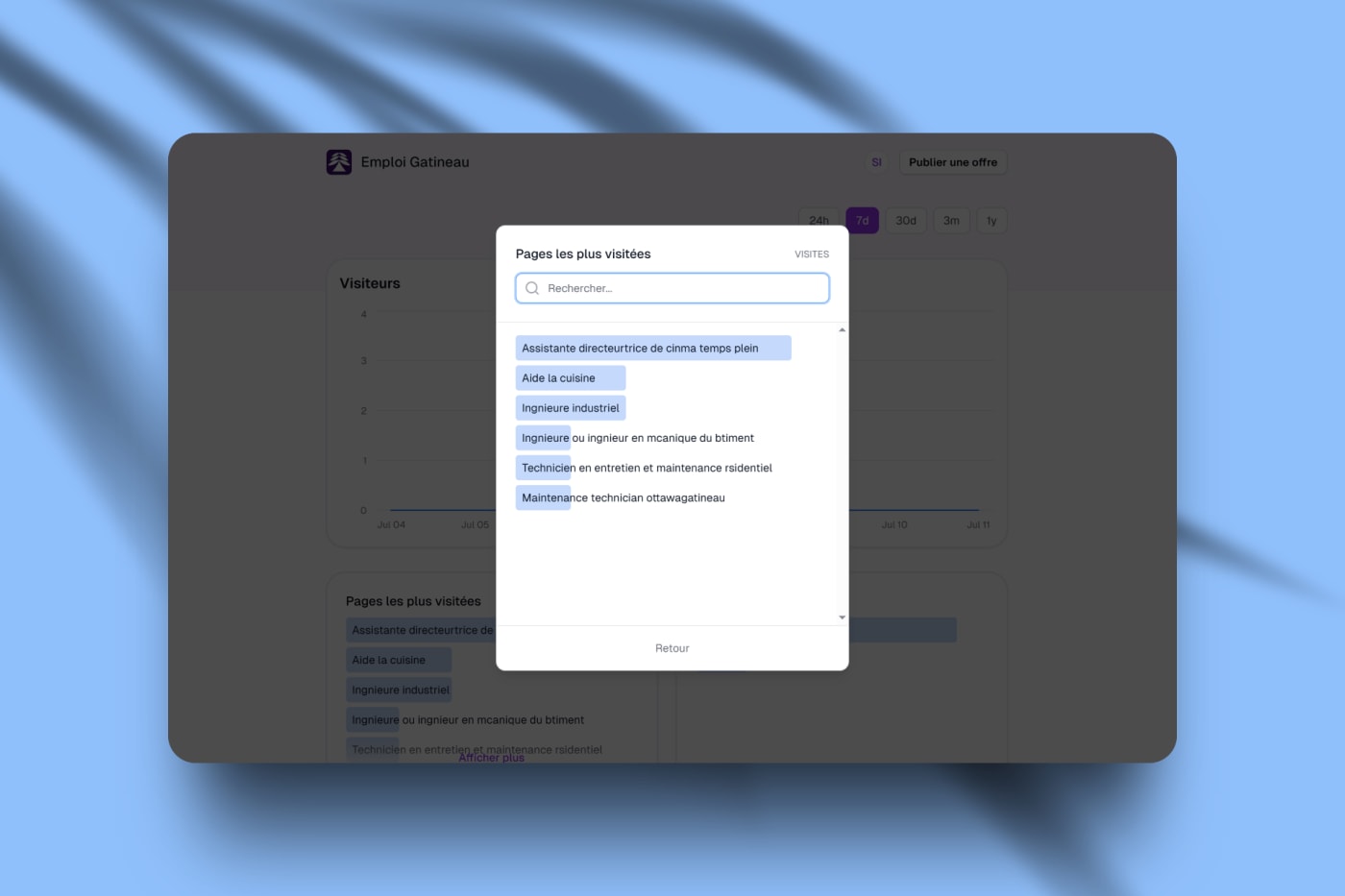
Filters now include page favicons, full country names, logo fallbacks, and device icons for a clearer understanding of traffic sources and user details.
Very long filter lists now support scrolling with a maximum height for better navigation.
A new data comparison feature has been added, allowing you to compare metrics between two periods and view percentage changes in green or red depending on performance.
Filters have been improved to show all active filters directly inside the analytics panel, making it easier to adjust or refine data views.
Active filters can now be clicked and modified directly from the interface without clearing and reapplying them.
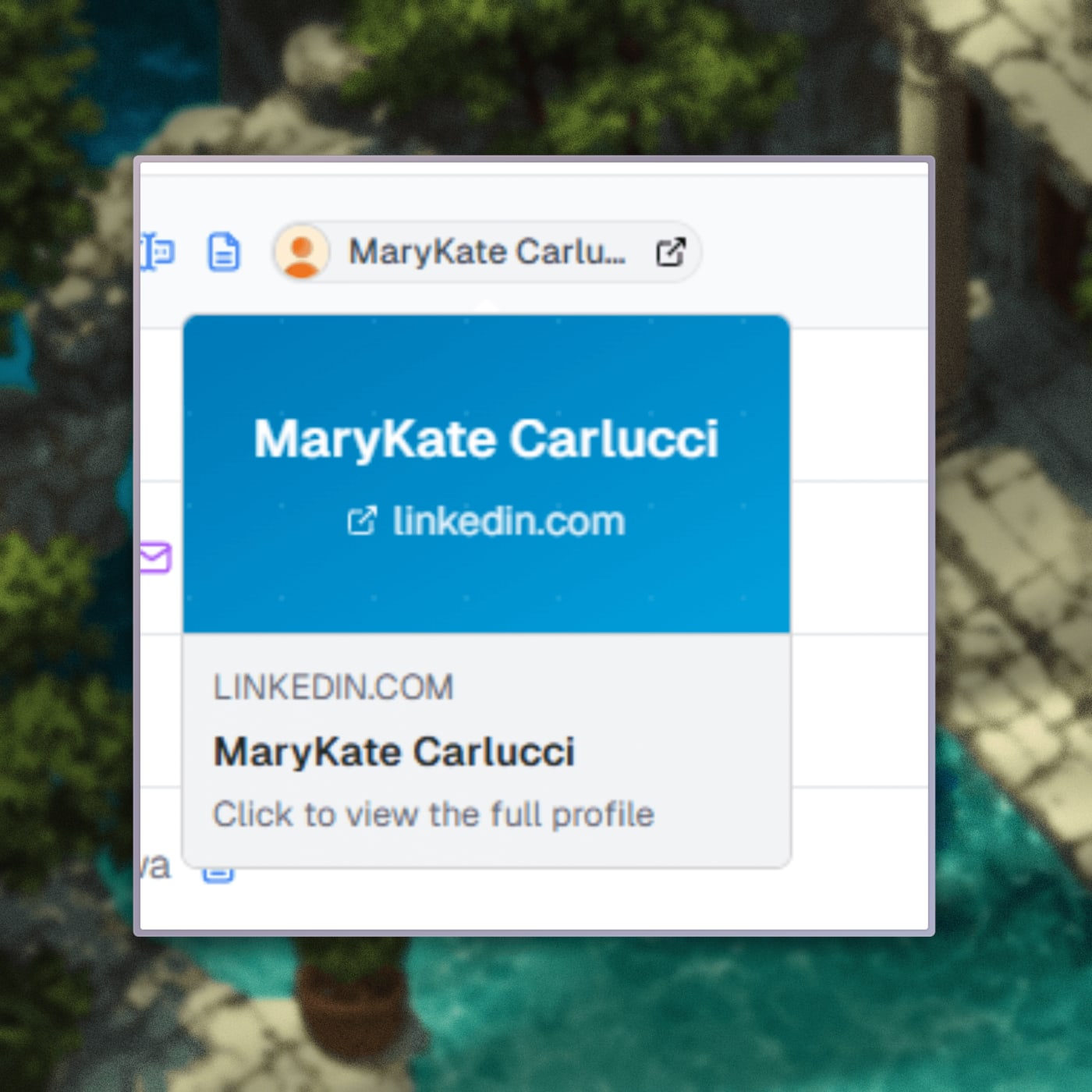
The LinkedIn scraper has been updated with new data and improved reliability. Recruiter contact information and their LinkedIn profiles are now returned when available, making it easier to reach out to potential customers or contacts.
Scraper settings now include a new option to define how long jobs should stay active on your site before expiring. You can choose a custom number of days or mark jobs as never expiring.
Jobs missing company images will now automatically receive a fallback image. When a company logo is missing, the system performs an image search to retrieve a suitable logo.
Retry logic has been improved so the scraper will try again when no results are returned, increasing overall reliability.
A new force results option allows the system to bypass duplicates and continue searching across more job pages until it reaches the targeted number of jobs you requested.
The pages editor has been updated with a refined interface to make managing custom pages and blog posts clearer and more efficient.
Blog posts now have their own dedicated section, making it easier to understand and manage your blog content.
You can now upload images directly instead of providing a URL. The new image uploader also allows you to reformat the image and add alt text directly below it.
Page cards have been improved with direct access to each page on your site through a visible URL path, and a settings icon to quickly update basic settings, SEO, and custom Open Graph images.
The page editor experience has been improved for better usability, fixing multi-line text editing issues and improving how components are added.
Each page now displays its title and description fields directly at the top for faster and more intuitive editing.
The Users page in your dashboard just got a big upgrade! 👥
You can now manage and understand your users more easily than ever before.
Here’s what’s new:
Add Users Manually: You can now create new users directly from your dashboard, no need to go into your job board or use an external form.
Redesigned Users Table: Cleaner, more modern layout with better spacing, readability, and overall visual polish.
New Filter Bar: Quickly find users by name, email, or other filters with the new search and filter bar at the top.
User Insights: We now track each user’s last login date and country for better analytics and visibility.
Coming Soon: We’re working on even more user insights, including device information and detailed location data to help you understand your audience better.
These updates make managing your community of candidates and employers much easier, faster, and more insightful.
Searching for jobs is now faster, smoother, and more powerful than ever! 🔍
We’ve completely revamped the search experience with a brand new search component and the first phase of instant search.
Here’s what’s new:
Autocomplete Keywords: Get instant suggestions as you type, find what you’re looking for faster.
Instant Search (Phase 1): Results update much faster when typing, making it feel seamless and responsive.
Custom Badge Filters: Filters now have colorful badges with subtle animations, glowing dots, and enhanced backgrounds for better visibility.
Advanced Job Search Bar: A new top section featuring horizontal filters for query, location, and advanced options, all fully customizable for your job board.
Modern Design: Refined animations and smoother transitions make the search experience feel elegant and snappy.
This update lays the groundwork for full real-time search and smarter filtering to help your users find jobs with custom filters. ⚡️
The LinkedIn scraper just got smarter and cleaner! 💼
You can now control which LinkedIn jobs are imported with new advanced filtering options:
Skip LinkedIn Easy Apply: A new toggle in the Advanced Filters lets you exclude jobs that require applying directly through LinkedIn.
Auto-skip invalid jobs: Jobs without a proper application URL are now automatically skipped (no more empty links or broken entries).
Cleaner imports: Fixed issues where some LinkedIn jobs caused database errors due to missing fields.
These updates make your LinkedIn job imports more reliable and easier to manage.
You’ll find the new toggle in the Advanced section of the LinkedIn Search dialog — complete with a helpful description and visual indicator when active.
With this update, only the jobs that matter make it to your job board. 🎯
We've added an email templates editor and bundle payments for paypal:
Email Templates Editor: Create and customize beautiful email templates for your job board communications with our new visual editor
PayPal Bundle Jobs: You can now offer job posting bundles through PayPal, giving customers flexible payment options for bulk job postings
Fixed Image Quality Issues: Resolved image compression problems that were making uploaded images appear blurry - your logos and images will now stay crisp and clear
These updates make it easier to manage customer communications and provide more payment flexibility for your job board users.
We've improved your job application forms to give you more control and flexibility:
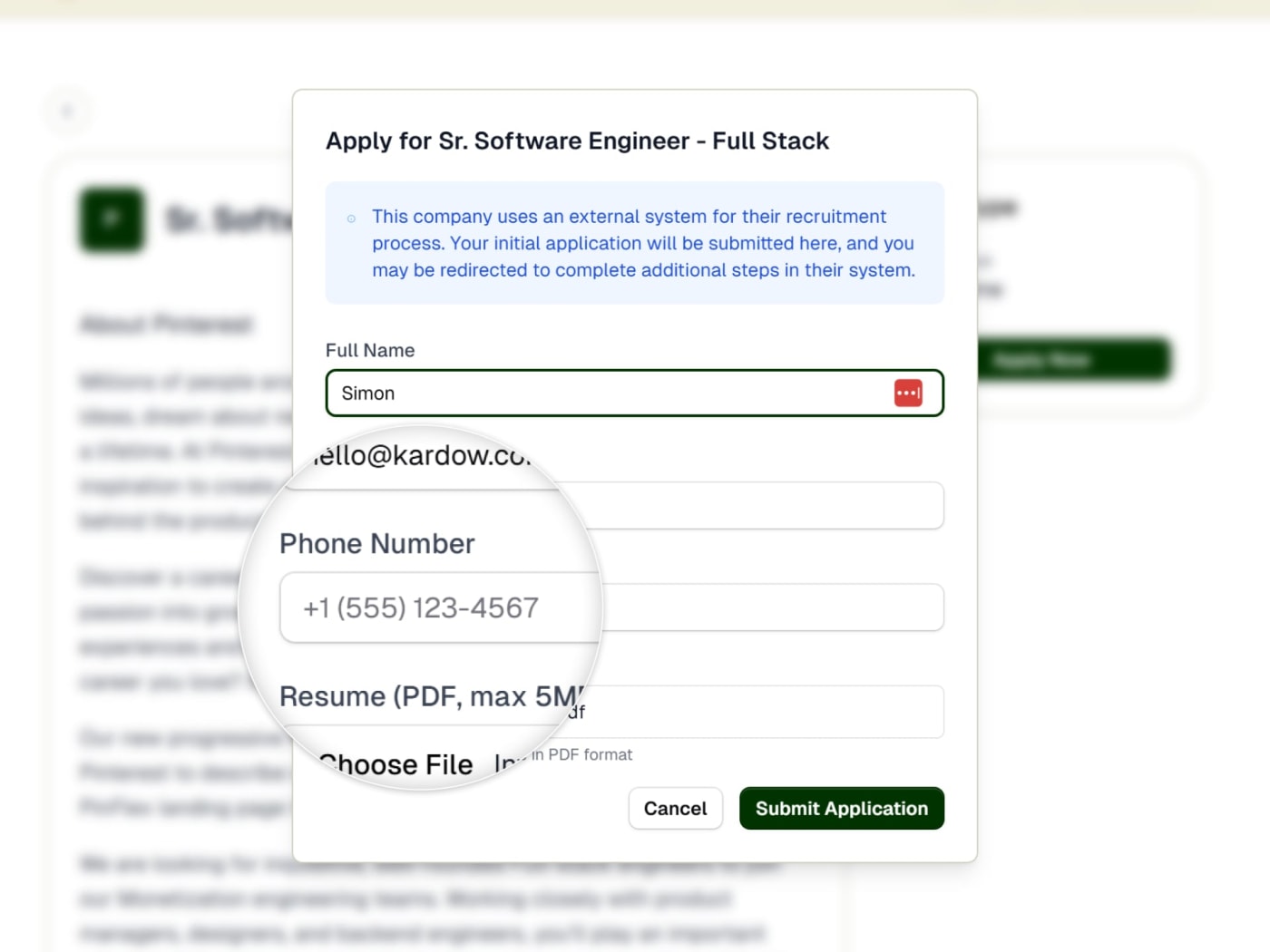
Phone Number Collection: You can now optionally collect phone numbers from job applicants in your external application forms
Flexible Resume Requirements: Resume uploads can now be optional. Previously it was either mandatory or hidden, now you can choose to make it visible in your form but optional.
Customizable Form Fields: Control exactly which fields appear in your application forms (name, email, phone, resume)
You can configure these settings in your organization dashboard under Home > Application Forms.
We have implemented automatic image compression to significantly reduce file sizes and improve loading speeds. All uploaded images are now automatically optimized for their intended display size, reducing storage costs and improving page load performance. The compression is safe and includes fallbacks to ensure uploads never fail.
We have fixed a bug where searching for job board users was returning not found.
We have changes the links color in the job details page to use standard blue color instead of tenant color.
We have fixed a bug where og images were not being uploaded correctly in the blog posts.
the job details left section now follows the page on scroll.
The invoice id is now being sent with the team members invoice email
Scraped jobs will now use the auto-publish tag to automatically publish the job or keep it as draft
We had to bring a new provider for our scraper - our previous one unnexpectedly shut down without any notice this week, some jobs might have not been running but everything is back to normal now. If you have problems with results, please let us know. We are still working on matching specific targeted filters for the scraper.
Emails for active and expired jobs can now be sent out to the company
You can now select a user account when posting a job in your admin dashboard. The job will be posted by this user.
Title of the list is now shown only when a search is happening to make it looks better without duplicate titles
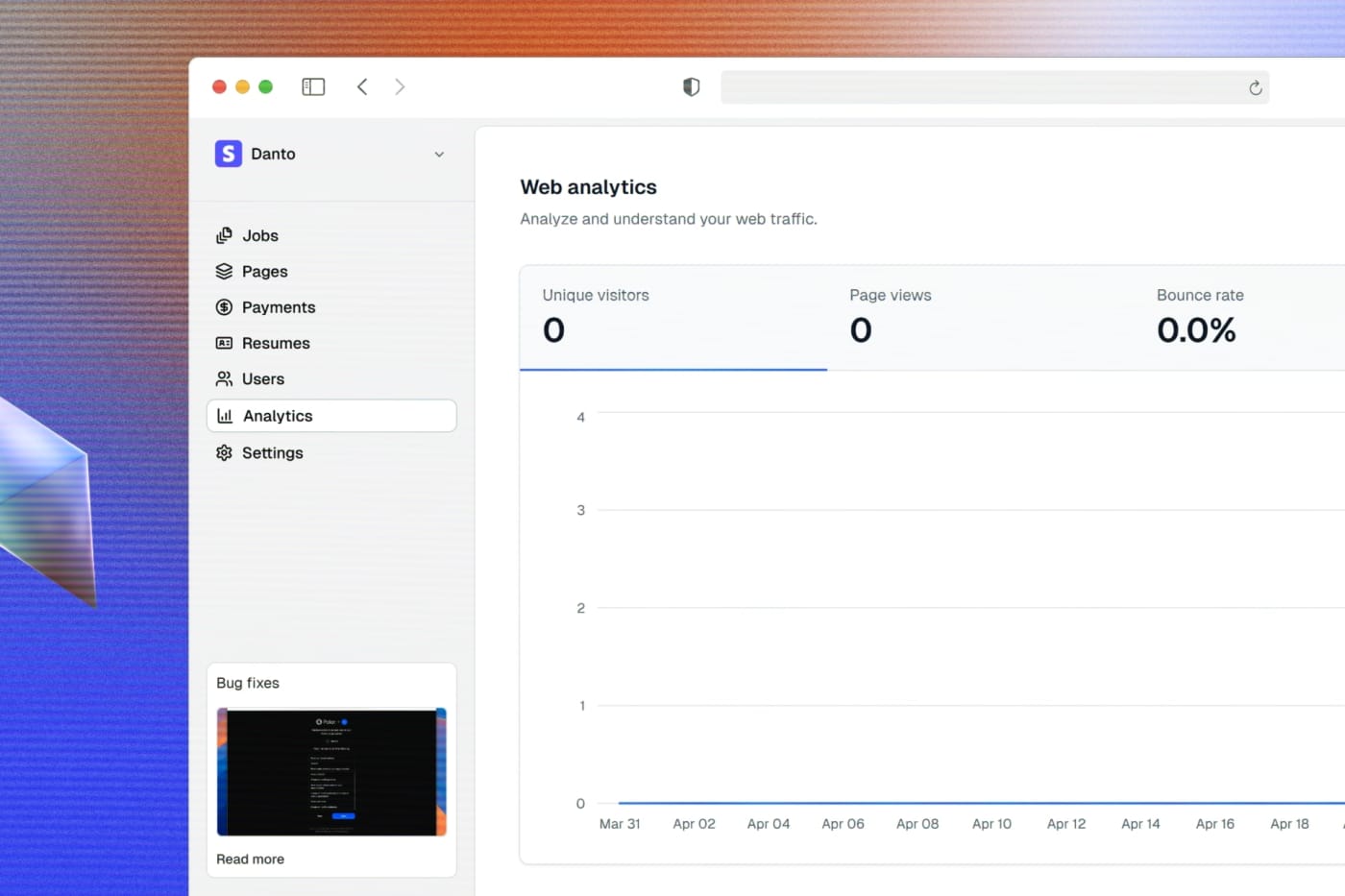
Analytics page is now available in the dashboard
Analytics data about how many visitors per company and jobs are now available in your dashboard. This is still in beta
Location dropdown is now available in your admin dashboard.
mandatory fields are now showing in post a job form, also errors have been updated to translate the targeted field and using red background to be more easily visible
Removed the required field in features field in the form to add a pricing plan.
We have made lots of bug fixes and improvements to the job board
We have changed our date rendering to use relative time for users worldwide - Users in different timezones were seeing some inconsistencies in the date format caused by timezones
Fixed missing translations in blog, companies, matches component and pricing plans pages.
Pricing plans can now handle multiple pricing options bundled together in the post a job form
Job posts can now be refreshed half way through their duration. Ex: When you post a job for 1 month, after 15 days it will automatically republish it to the top of your site as new. You can enable it in advanced settings
We have fixed a bug where uploading a resume was not saving the vector for AI analysis
New emails notifications can be sent out :
- When a job becomes active (Company will be notified)
- When a job expires (Company will be notified)
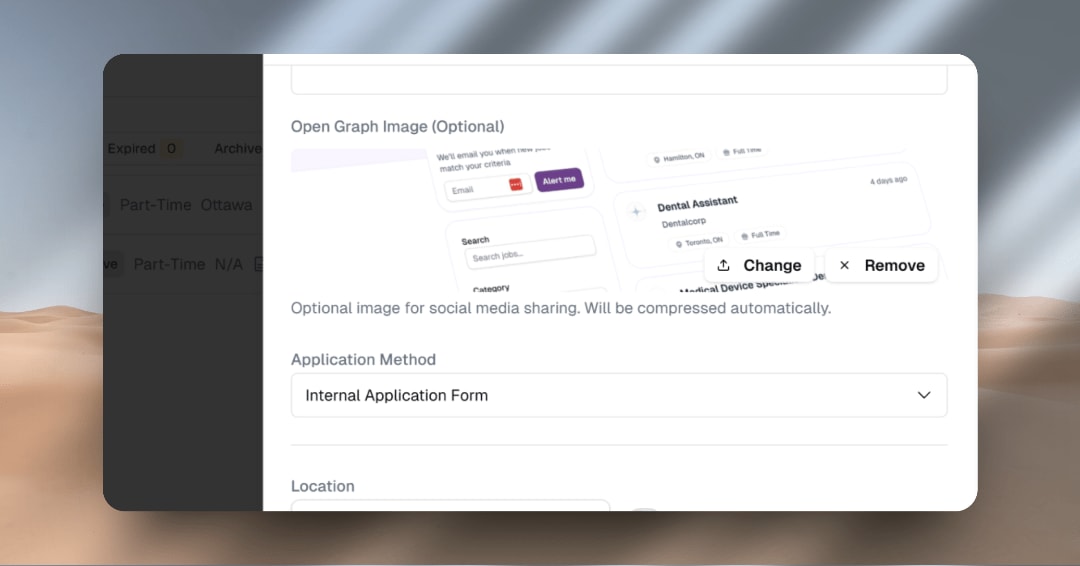
New option to attach a custom og image to override the default one (Default one still working)
The description width in the post a job form was overflowing and now is fixed
There is now an option to remove the /mo in the Pricing Details component
Changed the left and right margins of the Pricing Details component to be less for mobile/responsive view, so the component would be more wide
For Blog posts, the main container now has less width and is more readable
In responsive view, the title of the List is now inline with the All Jobs / Matches part, because it was pushing the text together
We now purge the cache instantly when adding or editing jobs in the dashboard.
For the Pricing Details component, the cards are now centered when there are fewer than three, Ex: 2 plans for each now
We have added a new system where we will try to find the company profile of the business automatically to prevent duplicated and make it faster.
Removed pinned jobs from the top of jobs list in the dashboard, jobs are now only ordered by most recent.
We have made changes to the payment ui to make it more user-friendly and easier to use
invoice based orgs can now also connect Polar to their account (At the same time)
Added option to add text inside the payment plan component columns
Fixed a bug where the pricing plans border and post a job button in dark mode were always using light mode
We are now showing the payment plan title
We have reduced the size of the currency symbol in the pricing plans because this is a known way to have some impact on the conversion rate
We have improved the UI of the payments page by adding list tabs and a single select option with all pricing options. This makes it easier to see all options and less cluttered
We have added a new paypal integration to the business dashboard
You can now choose to pay with paypal in the checkout page
You can now see all your payments in the payments section
You can now manage your paypal account in the settings menu
You can now choose between paypal and stripe
You can now see the status of your payments and subscriptions
Paypal.me links can be added for one-time payments and when they post a job they will be redirected to pay you - you will need to manually approve jobs once they are paid
We have added a new categories and locations sections in the settings menu
You can now manage your categories and locations from the dashboard
There is an advanced setting to force users of your board to only have categories and locations available and not be able to add new ones
The navigation has been improved to not get stuck in the full page spinner and going straight to within the page.
Updated the categories and locations input for an improved combo input and a working version with the new forced select
Fixed the missing translations for post a job page, success page and business jobs page
Fixed bug where long dashboard name was going out of the sidebar screen
Translations were finally added for header, footer and all new business pages. Employees pages are coming soon. If you see missing translations, please let us know.
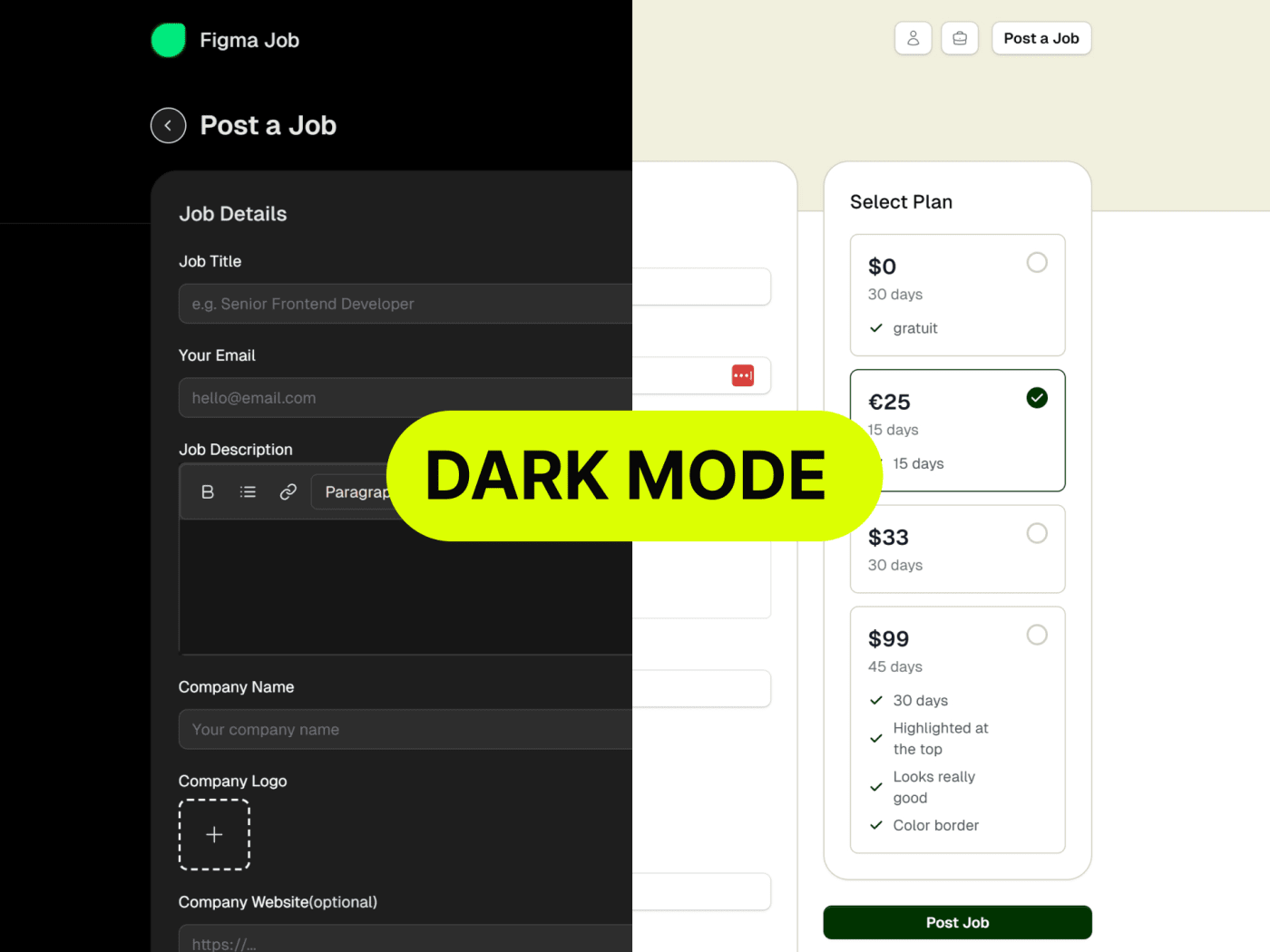
We have added new pricing plans for your job board
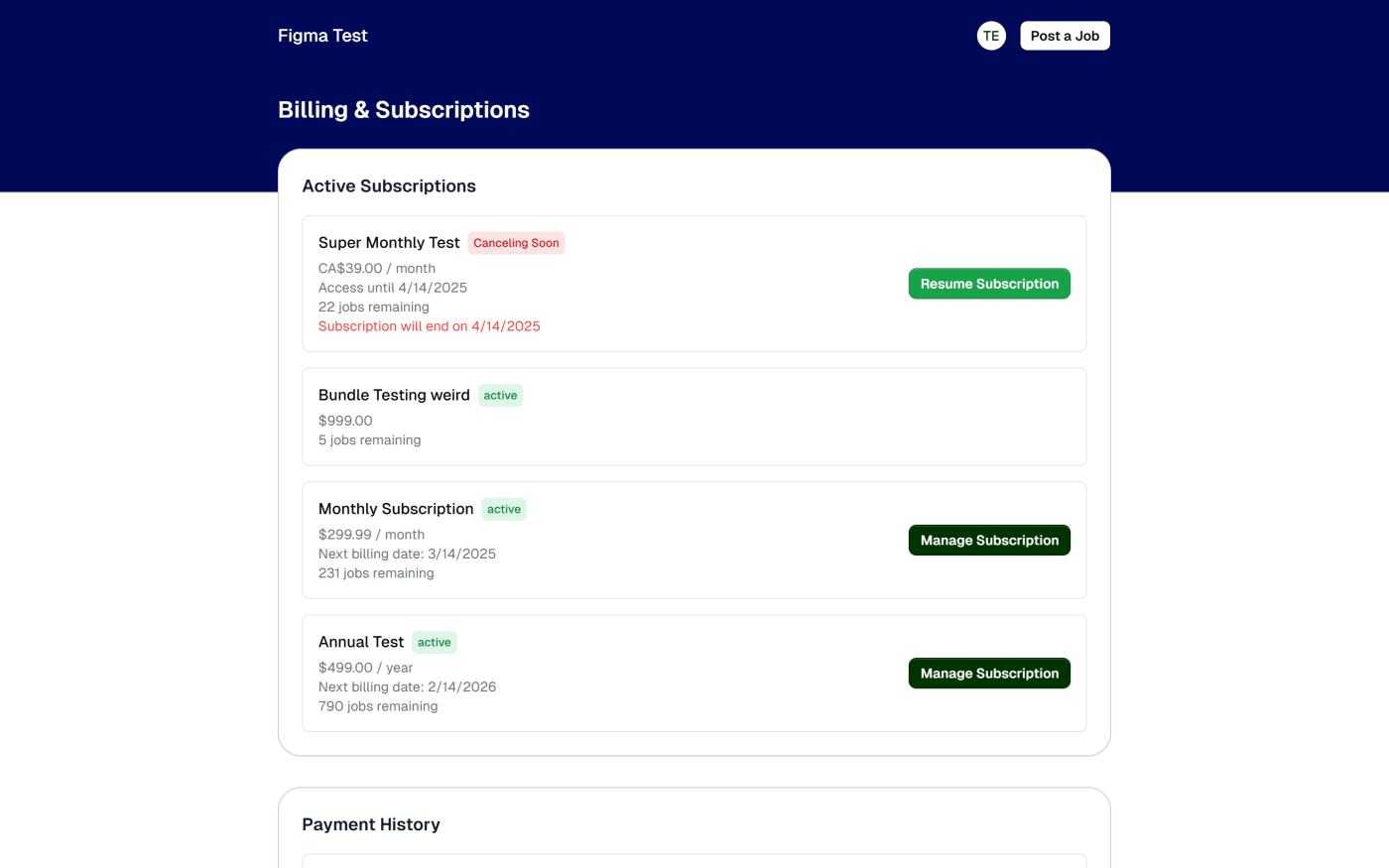
You can now choose between monthly, yearly, bundles and one-time payments
We have also added some new features to the pricing plans
You can now choose to auto-publish jobs from your dashboard
Active subscriptions will appear directly in the pricing and a show more pricing options is now available
Fixed bug when jobs were published before payment was completed - we still save the job but it now has a pending_payment status. You can see those in failed payments
Added a webhook to keep in sync all payments and subscriptions
All monthly and yearly plans can have jobs quotas and will reset at the end of the month or year
In your pricing page we have improved the UI of pricing plans and added button on menu to select the pricing plan you want
When a user with no profile picture post their first job, we now automatically create a profile picture for them and will reuse it for all their jobs automatically
When only one type of plan is available, we show only that section without any sections titles
Texts in header when dark color automatically uses white