
New Feature
Bulk Job Expiration
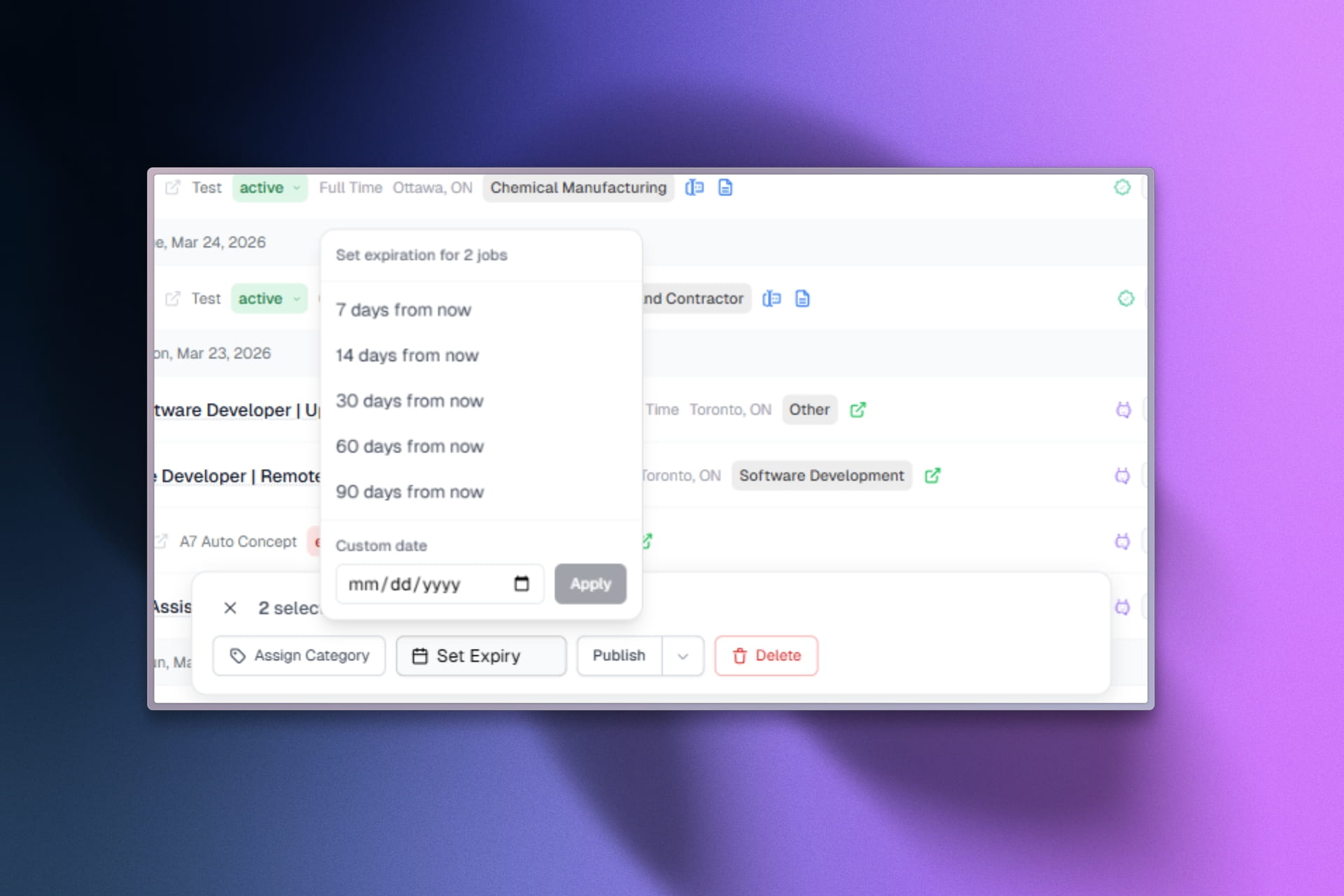
- You can now select multiple jobs in the dashboard and expire them all at once with the new bulk expiration action.
- This is great for cleaning up old listings, managing seasonal jobs, or quickly removing multiple posts that are no longer relevant.
- Simply select the jobs you want to expire from the job list, click the "Expire" action, and confirm. All selected jobs will be marked as expired immediately.