/ Publishers & Newsletters / 9 min read
How to Add a Paid Job Board to Your Newsletter

A newsletter already has the two things a job board struggles to build: readers who trust it and businesses who pay to reach them. Adding a paid job board turns that into a second product, one that keeps selling between issues. This guide walks through the setup, the pricing, and how to get the jobs into every issue you send.
Quick Answer
Put the board on your own domain, fill it with imported jobs from your niche or town before you sell anything, price posts against your sponsorship rate rather than against other job boards, pull the newest jobs into each issue through the board's RSS feed, and offer it first to the businesses that already sponsor you. Most newsletters can do all of that in a week.
The short version
- Define the board by your readers: one field, or one town.
- Host it at jobs.yournewsletter.com or under a path on your site.
- Import relevant jobs so the board is never empty.
- Set three or four prices, including a post plus an issue mention.
- Add a jobs block to your issue template, fed by RSS.
- Email your current sponsors before anyone else.
Why a Job Board Fits a Newsletter
A sponsorship slot is sold once, sent once, and gone. A job post stays up for thirty days, appears in every issue it runs in, and sends readers to a page you own. It is inventory you can sell more than once.
It is also a different budget in the same company. The marketing team buys your sponsorships. The hiring manager, or the founder at a small business, pays to fill a role. When a sponsor is hiring, you are offering them something they already need, through a channel they already trust.
And it grows the newsletter. People looking for work in your niche find the board through Google, sign up for job alerts, and become readers. A job board is one of the few revenue products that also brings in subscribers.
Step 1: Decide Who the Board Is For
Your board should cover the same audience as your newsletter, and no wider. A city newsletter runs a board for jobs in that city. A newsletter for HR leaders runs a board for HR roles. The narrower the board, the easier it is to sell, because an employer can see exactly who they will reach.
Write the board's one-line description before you build anything: "Jobs in Springfield, from the newsletter 15,000 locals read" says more to an employer than any feature list. If you cannot write that sentence, the board is too broad.
Step 2: Put the Board on Your Own Domain
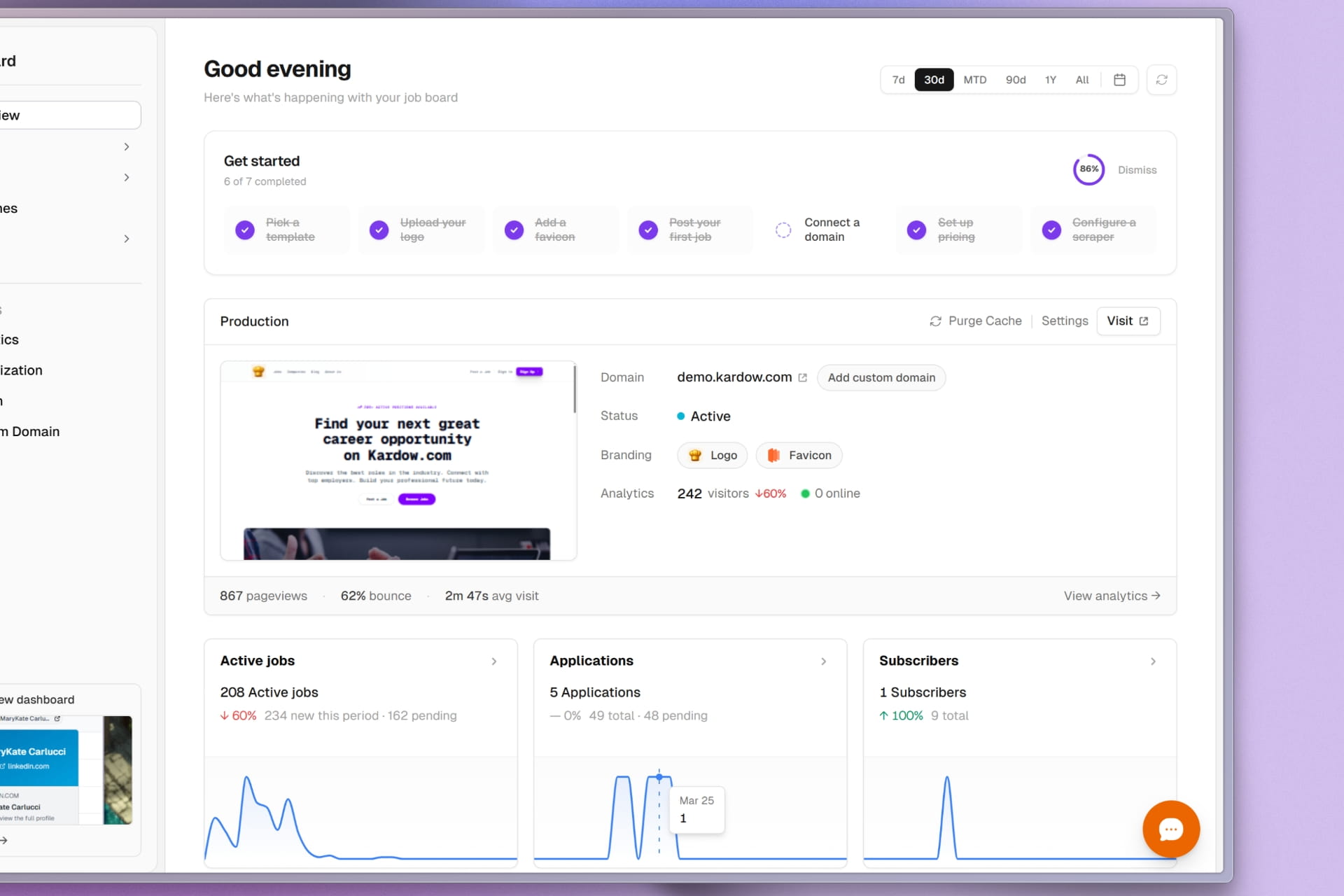
The board should look like part of your newsletter, not like a third-party site you link to. Use your logo, colours and typefaces, and host it either on a subdomain such as jobs.yournewsletter.com or under a path such as yournewsletter.com/jobs.
A path on your main domain is better for search, because the board inherits the authority your site already has and every job page adds to it. A subdomain is simpler to set up. Kardow supports both on every plan.
Step 3: Fill the Board Before You Sell It
An empty board sells nothing. Nobody wants to be the first employer on a page with no other jobs, and readers stop clicking a jobs section that has nothing new in it. So fill it first.
Import jobs from careers sites and job feeds, filtered to your niche or your area. These listings are free to you and free to the employer, and they do three jobs: they make the board worth visiting, they keep the jobs block in each issue full, and they give a sponsor something real to look at when you pitch them. Paid posts then sit on top, with featured placement.
For the mechanics of imports and how they scale, read our job board aggregator guide.
Step 4: Set Your Prices
Anchor your prices to what a sponsorship slot costs you, not to what other job boards charge. Your readers are the product. If a slot costs $400, a job post plus a mention in the issue is not worth $50.
| Product | How to price it | Example, if a sponsored slot costs $400 |
|---|---|---|
| Single job post, 30 days | Always on, but less prominent than a slot | $99 to $149 |
| Featured job post | The single post plus top placement on the board | $199 |
| Job post plus an issue mention | Close to a full slot, because it includes one | $349 |
| Monthly hiring plan | Several posts and one mention a month, billed monthly | $499 a month |
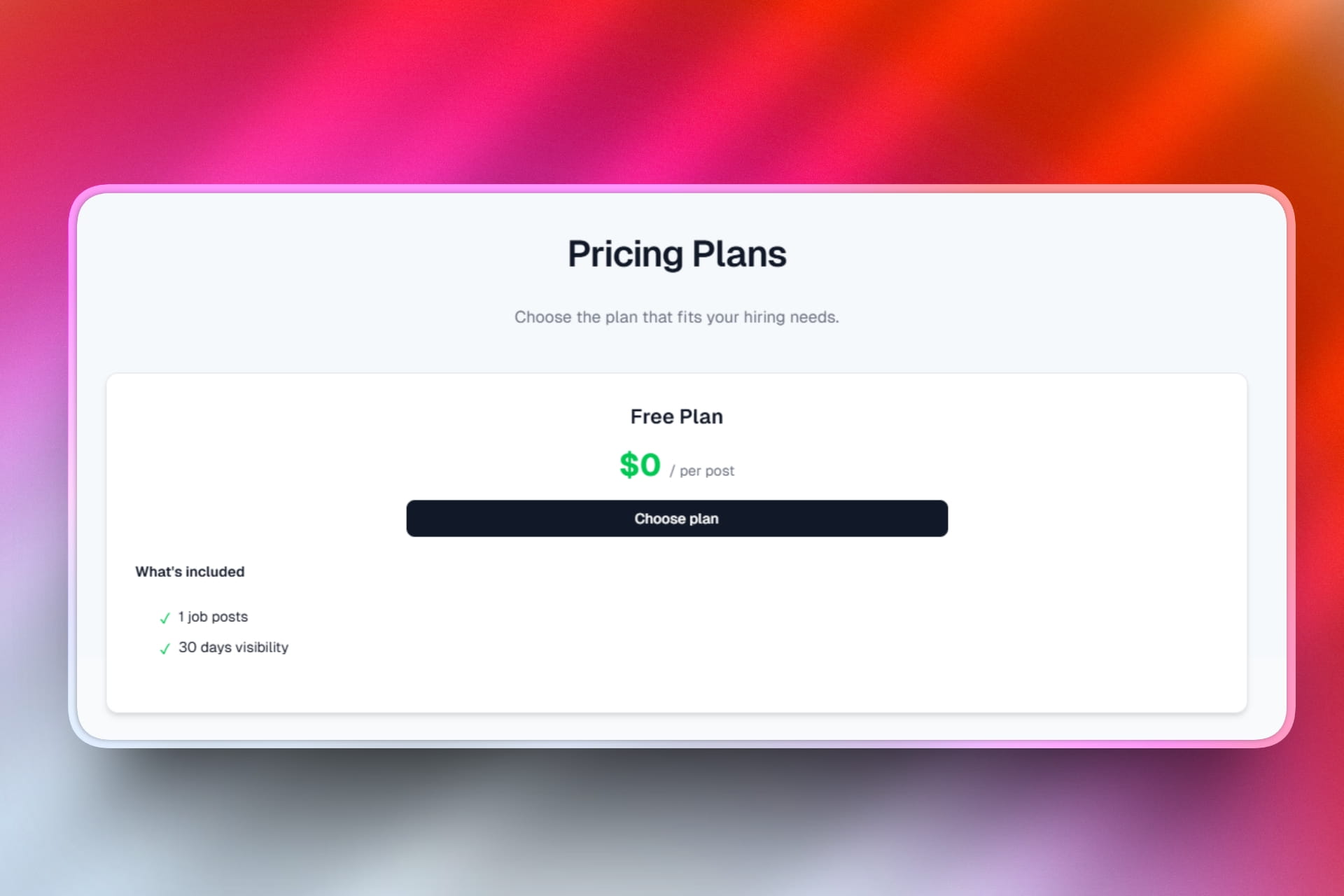
These are example numbers to show the shape, not a recommendation for your list. Across the boards running on Kardow, the median single post sells for 99 in the board's own currency, and most sell between 49 and 99. Newsletters with a specialist audience charge more. For what other newsletters charge and a starting price by list size, see how much to charge for a job post in your newsletter.
The product that matters most is the monthly plan. A company that hires from your readers every month is worth several single-post buyers, and a subscription makes job revenue predictable. On Kardow, packs of posts and monthly plans are on Pro and above.
Add a jobs section to your newsletter
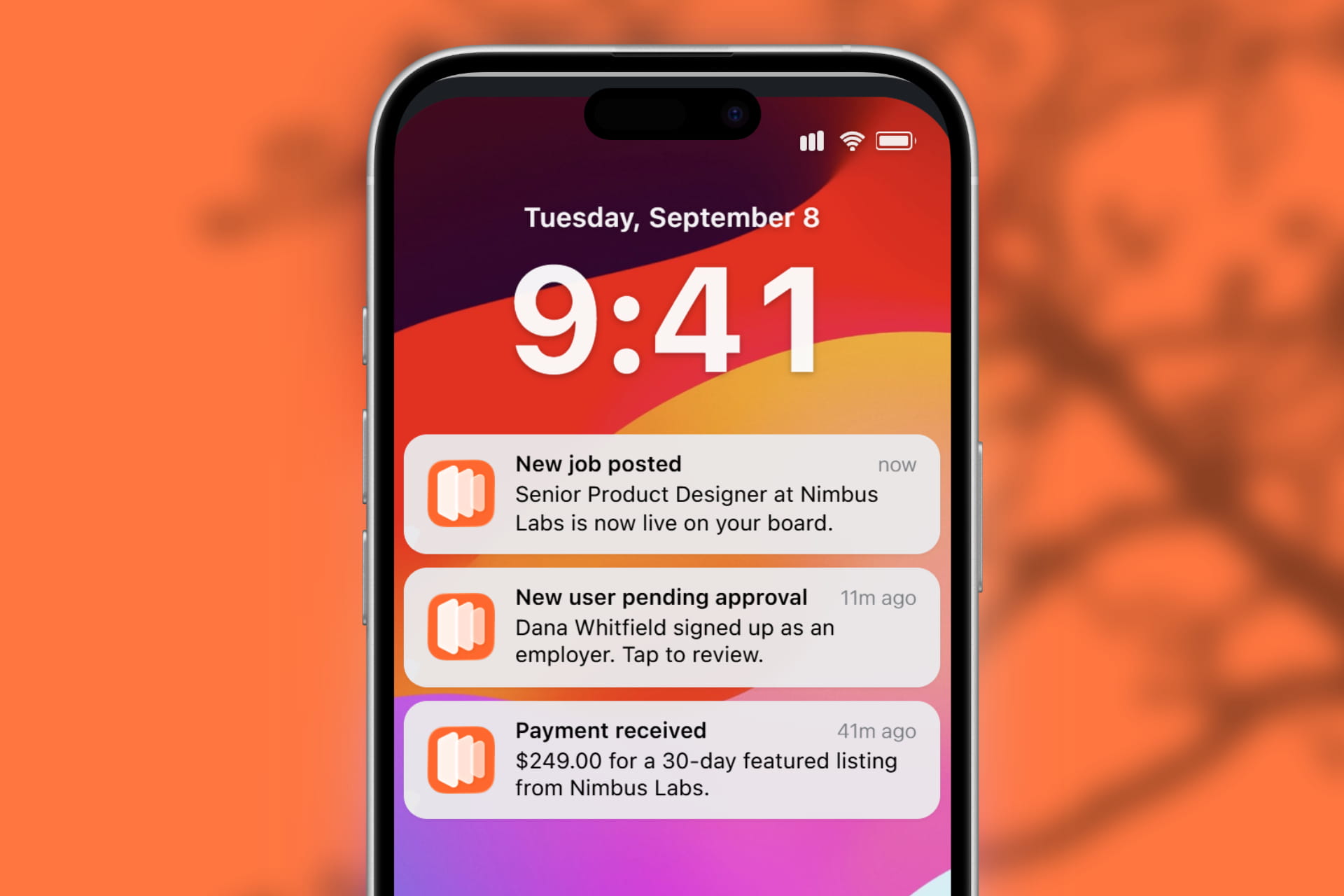
Kardow gives your newsletter a job board on your own domain, filled with relevant jobs from day one, with checkout into your own Stripe account. Kardow takes 0% of your job sales.
Step 5: Get the Jobs Into Every Issue
The jobs section of your issue is where most of the value is. It is what an employer is buying and what gives readers a reason to click. Keep it the same shape every time: three to six jobs, the featured ones first, and one link to the full board.
Every Kardow board publishes an RSS feed of its newest jobs at /rss.xml. How you use it depends on where you write:
| Where you write | How the jobs get into each issue |
|---|---|
| beehiiv | An RSS block pointed at the board's feed, with "refresh feed on send" turned on. External feeds need one of beehiiv's higher plans. |
| Substack | No RSS or HTML block inside a post. Paste the week's featured jobs as links, or add one button that points at the board. |
| Kit | Kit's RSS feature sends new items from a feed on its own, or you add them to a broadcast. |
| Mailchimp | An RSS campaign, or RSS merge tags inside a regular campaign. |
| Ghost | Paste a short list of job links into the post. There is no feed block inside a Ghost post. |
Paid mentions are the exception. When a sponsor buys a post plus an issue mention, write that mention yourself, the way you write a sponsorship. The job board does not send your newsletter, and it should not.
Step 6: Sell to Your Sponsors First
Your first job-post buyers are already on your invoice list. Go through your current and past sponsors, check which of them are hiring (their careers page will tell you), and offer them a post plus a mention before you approach anyone new. They know your audience works, and you are offering it to a budget they have not spent with you yet.
We wrote a full playbook for this, with an example rate card and a script for the first conversation: how to sell job ads to businesses that already sponsor you.
Step 7: Measure What Sells
Track three numbers from the first month: how many readers click through to the board from each issue, how many views and apply clicks each paid post gets, and which products sell. Send the views and apply clicks to the employer when their post ends. It is the easiest way to get them to post again.
After three months you will know whether your readers respond better to a big jobs block or a small one, and whether your sponsors want single posts or a monthly plan. Adjust your prices once, based on that, and leave them alone after that.
Frequently Asked Questions
How many subscribers do I need before adding a job board?
Fewer than you think, if the audience is specific. A newsletter read by three thousand people who all work in one field, or all live in one town, can sell job posts, because an employer cannot reach those readers anywhere else. A large general audience is harder to sell, because a sponsor can buy it elsewhere.
Will my newsletter tool and the job board stay in sync?
The jobs do, through the board's RSS feed. Subscribers do not sync on their own: the board collects job alert sign-ups, which you can export as a CSV and import into beehiiv, Kit, Ghost or any other tool.
Can I charge for a job post and a newsletter mention together?
Yes. Create a plan that describes both, set its price, and sell it on the board. The post goes live when it is paid; the mention you add to the next issue yourself, since the job board does not send your newsletter.
Should the board be free for job seekers?
Almost always. The money comes from employers. A paid tier for job seekers only works where the jobs are rare and valuable, and it makes the board less useful as a reason to open every issue.
What happens in weeks when nobody pays for a post?
The board still has jobs on it, because imported listings from employers in your niche or town fill it every day. That keeps the jobs section of each issue full, and it is what a sponsor sees when you pitch them.
For publishers and newsletters
- Job board software for newsletters. How Kardow fits a newsletter, and where it does not.
- Job board software for publishers. For news sites, local media and trade publications.
- How to sell job ads to businesses that already sponsor you. Rate card, bundles and a script.
- How news publishers make money from job listings. The revenue models that work today.
Keep reading
More articles
You may also like
September 25, 2026 • Publishers & Newsletters
How to Sell Job Ads to Businesses That Already Sponsor You
Your sponsors are your easiest job-ad buyers. An example rate card, the bundles that sell, and a script for the first conversation.
September 25, 2026 • Publishers & Newsletters
How Much to Charge for a Job Post in Your Newsletter
Real newsletter job post prices, from $25 to $250, a starting price by list size, and the bundle math that makes job posts pay.
September 25, 2026 • Publishers & Newsletters
21 Newsletters and Publishers That Run Job Boards
21 newsletters and publishers with live job boards: what each charges, who reads it, and the software it runs on. Checked September 2026.